Whoop / Fitbit / Bevel alternatives, switching behavior, and integrations without pain
By Mr.Apps · Jun 30, 2026
If you have ever searched "whoop alternative no subscription," you already know the shape of the problem. The hardware is rarely the issue. The recurring fee is.
My team and I build a health app, which means we spend an unreasonable amount of time reading reviews, forum threads and "why I switched" posts to understand how people actually choose a tracker. What follows comes out of that digging rather than a marketing deck: what really pushes people to switch, where the Bevel vs Whoop debate gets interesting, and how to dodge the integration headaches almost nobody warns you about.
Why people leave Whoop (it is rarely the data)
Whoop's pitch is clever. The band is cheap or free up front, and you pay a membership instead. The catch is that the membership is mandatory and it renews. TechRadar pegs the floor at roughly $199 a year and notes the Peak tier costs more. The math is easy to ignore month to month and surprising once you add up a couple of years.
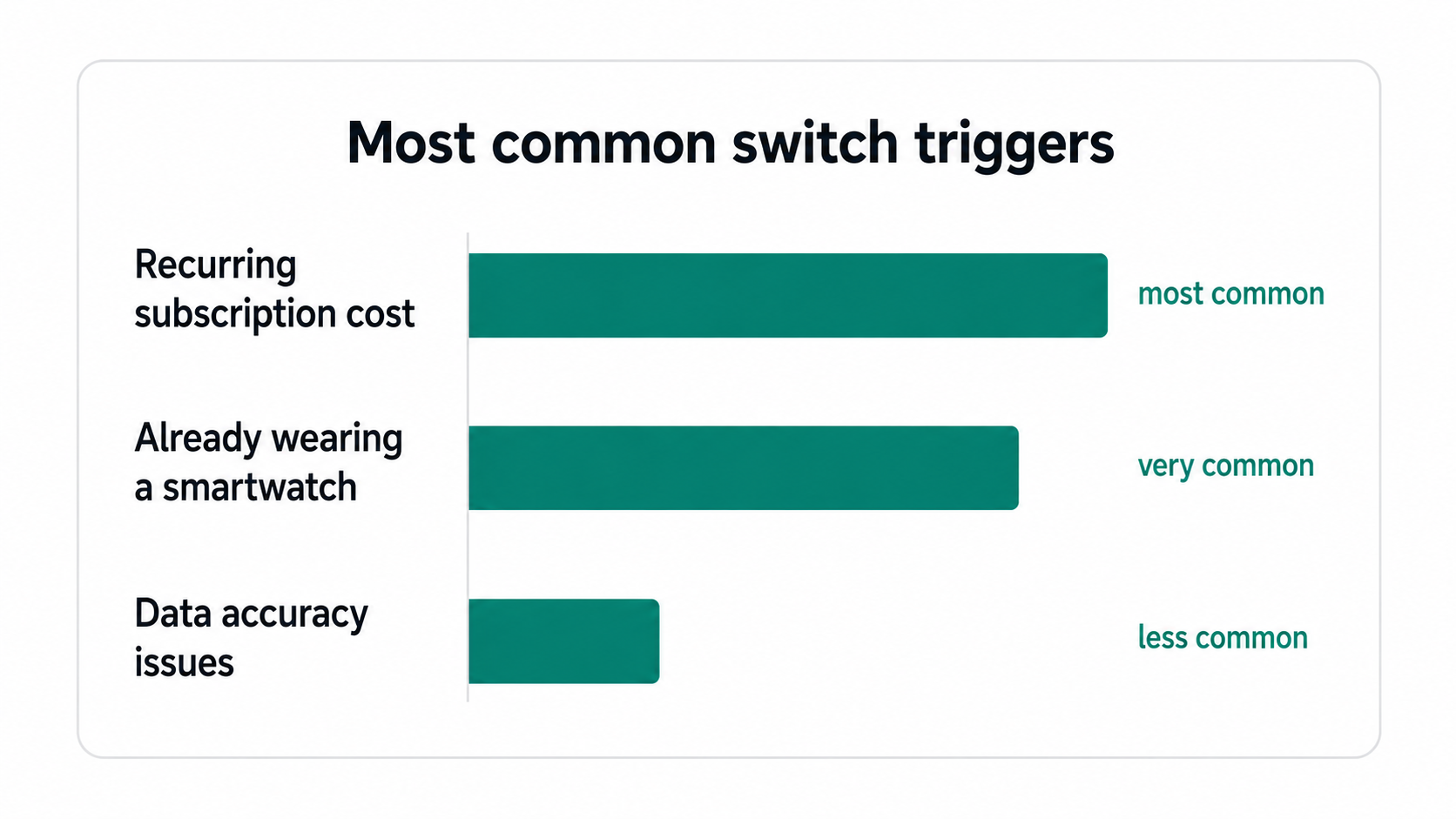
The trigger to switch is almost never "the numbers are wrong." Over and over, in forums and review threads, it is some version of "I am already wearing a watch." Plenty of people keep an Apple Watch on all day for messages and calls, and once you say it out loud, strapping a second screenless band onto the other arm to measure the same heart starts to feel redundant. That is the switching behavior you see everywhere. Not rage at Whoop, just the slow realization that a device you already own is sitting right there doing nothing.
Bevel vs Whoop, or "your watch is already a Whoop"
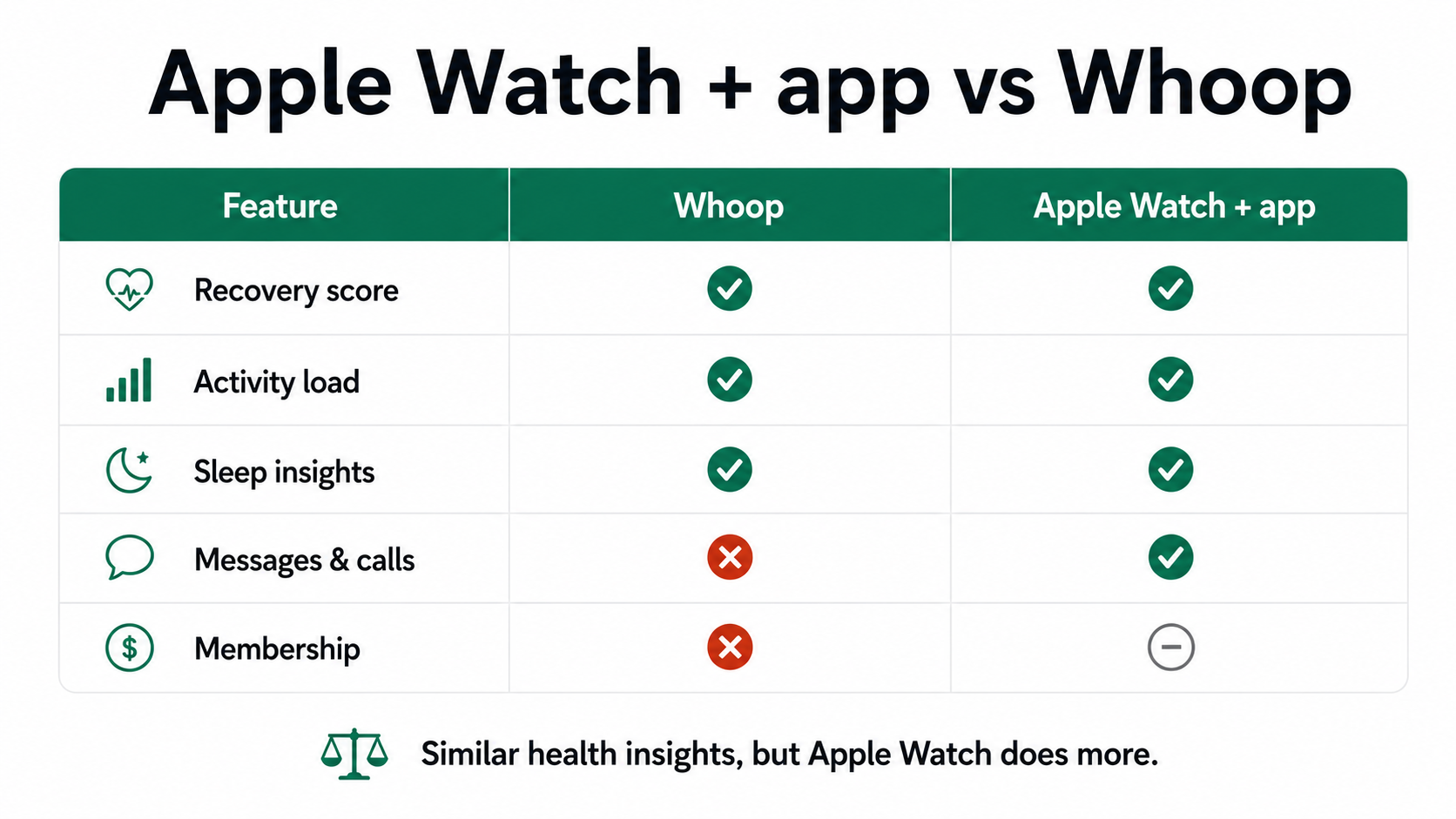
This is where it gets fun. A 9to5Mac writer wore both for 60 days and concluded that the Apple Watch can basically become a Whoop through third-party apps, with Bevel being the one that felt closest. Recovery scores, strain, sleep analysis, even a conversational AI layer that interprets your data. His takeaway has stuck with me: a watch can cover what a Whoop does, but a Whoop can never cover what a watch does.
One caveat is worth knowing before you treat any of this as gospel. Two systems reading the same body on the same night can hand you different recovery scores, because each one models sleep and HRV with its own assumptions. So treat a single recovery number as a useful nudge, not a verdict. Any honest app maker should say that, and it is as true for our app as for anyone's.
The App Store reviews for Bevel echo the same pattern we kept reading elsewhere. Some long-time Whoop users wrote that they felt their newer hardware wasn't reading as accurately for them, so they moved to Bevel and leaned on the Apple Watch sensor instead. Others said the subscription was their whole reason for leaving: what they used to pay per month for Whoop is roughly what they now pay per year. The recurring theme is money plus "I refuse to wear a second gadget." For a lot of people that quietly makes the Apple Watch the Whoop alternative they already owned.
Where the "free recovery app" promise gets fuzzy
Here is the honest part, because I don't want this to read like a hit piece on one product or a love letter to another. Bevel is good and its free tier is genuinely usable, but it is not magic. A Tech Waterfall reviewer made the fair point that Bevel "mostly collects data and waits" for you to notice it, with lighter daily guidance than Whoop's morning prompt. The same review flagged a technical detail worth knowing: Bevel is really a phone app pulling from Apple Health, so you don't strictly need an Apple Watch, though the watch produces the best sleep data.
That gap, between a screen full of numbers and something that actually changes your Tuesday, is the part we kept coming back to. It is also why we built ENSTA the way we did. Rather than handing you one more recovery score to stare at, it weaves your sleep stages, HRV, breathing, heart rate, strain and steps into a single Energy Timeline, so you can watch your energy climb after a walk or sink after a short night. There is a plain journal where you write how you actually felt, and you hold that next to the data. A free recovery app that only shows charts is fine. One that helps you connect the chart to how the day actually felt is the harder, more useful thing, and it is the line we keep chasing. ENSTA sells no band and makes no medical promises, which removes two of the things people resent most about this category.
Fitbit Air, Google Health without premium, and the great rebrand
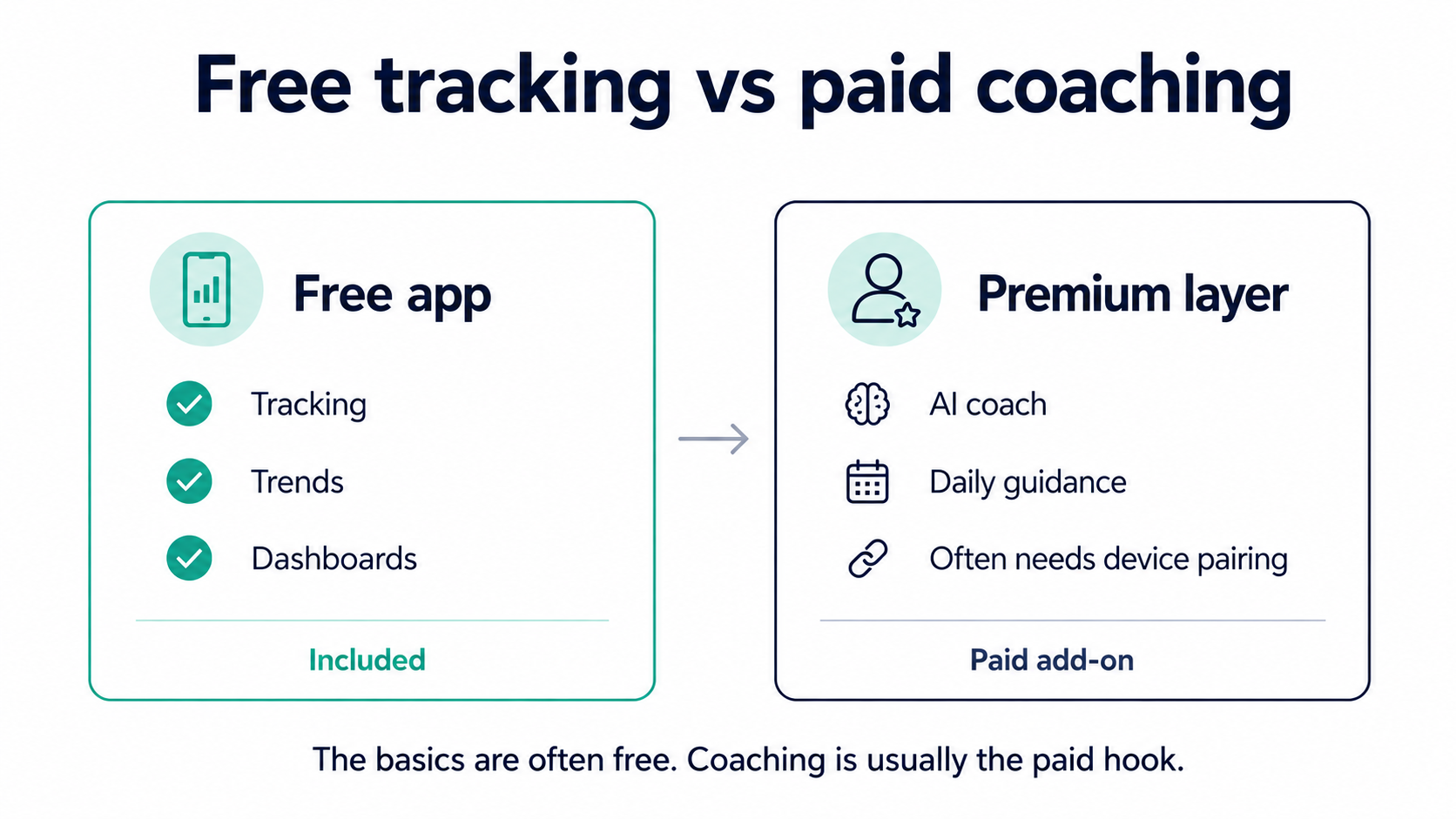
While we were researching this, Google reshuffled the entire board. The Fitbit app is turning into the Google Health app, with a redesigned four-tab layout, a Gemini-powered Health Coach, and a new thin tracker called Fitbit Air. If you have searched "google health without premium," here is the practical answer: the core tracking, trends and dashboards come with the free app, while the AI Health Coach lives behind a Google Health Premium subscription and needs a paired Fitbit or Pixel device. So you get a lot for nothing, but the coaching layer is the paid hook. Same playbook as everyone else, just with a friendlier face.
The Fitbit Air looks like a real Whoop challenger on paper. Thin, screenless, light on subscription pressure for the basics. But if you carry an iPhone, ask the obvious question before you tap buy. Can you actually use Fitbit Air with Apple Health?
Integrations without pain (the part nobody warns you about)
Short answer: not directly, and that is the trap. Fitbit and Apple have kept their ecosystems walled off for years. A 2026 breakdown of Apple Health versus Google's Health Connect explains that "platform-agnostic" wearables such as Garmin, Oura, Whoop and Coros happily write to both Apple Health and Health Connect, while Fitbit and Apple keep their gardens separate. In practice, getting Fitbit data into Apple Health still means a third-party bridge app, with the lag and duplicate-entry mess that comes with it.
This is the friction nobody prints on the box. People who buy a Fitbit and then want that data inside Apple Health often end up in forum threads about sync bridges and stale numbers, paying twice in a sense: once for the band, and once in the time it takes to make it talk to everything else. That friction quietly decides which ecosystem you stay locked into, long after you forget which feature sold you.
This turned into a real design rule for us. Whatever you wear, the data should land somewhere neutral without a fight. ENSTA reads from the health platform you already use instead of demanding one more account, so a Garmin sleeper, an Apple Watch runner and an Oura ring person on the same team can all feed the same energy view. I am not going to claim integration is a solved problem, because it isn't. We just decided not to build another wall.
So what would I actually tell a friend?
If you live in your messages and calls, keep the Apple Watch and bolt on an app. Bevel, Athlytic or our own ENSTA each turn it into a believable Whoop alternative with no annual bill attached. If you truly want a screenless, distraction-free device and you will use the coaching, Whoop or the new Fitbit Air still make sense, as long as you walk in with the subscription math done. And whatever you choose, check the integration story before you pay, because the worst wearable is the one whose data you cannot get back out.
Most people who leave a subscription tracker do not actually miss the band. They keep the watch they already had, add one app, and trust the same instinct they always did. The math just has to add up, and more and more it does without an annual fee attached.
FAQ
Is there a Whoop alternative with no subscription? Sort of. If you already own an Apple Watch, apps like Bevel, Athlytic or ENSTA give you recovery, strain and sleep insight using the watch you bought once. Some of those apps gate their AI coaching behind a paid tier, but the core data view is free, so you avoid Whoop's mandatory yearly membership.
Can I use Fitbit Air with Apple Health? Not directly. Fitbit and Apple have historically kept their ecosystems separate, so iPhone users typically need a third-party bridge app to push Fitbit data into Apple Health, which introduces sync delays. If seamless Apple Health support matters to you, a platform-agnostic wearable that writes to Apple Health on its own is the cleaner path.
Bevel vs Whoop: which should I pick? If you want a screenless device and guided morning recommendations, Whoop fits, though you keep paying the membership for as long as you use it. If you already wear an Apple Watch and want similar recovery and strain numbers at a fraction of the cost, Bevel is the closer match. Just know Bevel leans more on showing data than telling you what to do with it.
Do I need premium for Google Health? No, not for the basics. The free Google Health app covers tracking, trends and dashboards. The Gemini-based Health Coach is the part that requires a Google Health Premium subscription and a paired Fitbit or Pixel device.
*This article is for informational purposes only and is not a substitute for professional medical advice, diagnosis or treatment.*