How to Separate a Wellness Alert From a Medical Warning
By Mr.Apps · Sep 17, 2026
Category:Wearable

Start with the claim, not the color
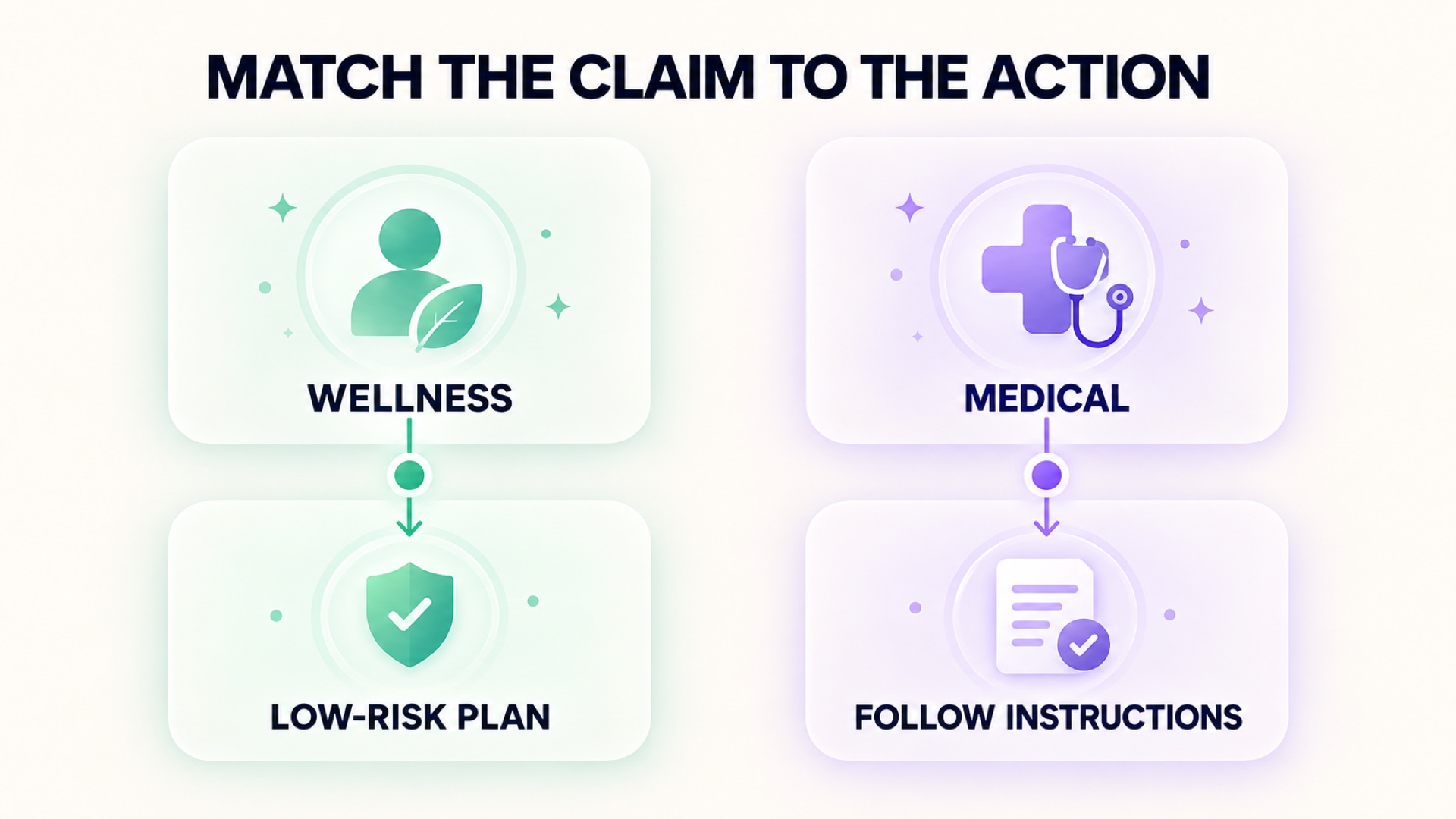
I do not classify an alert by whether it is red, orange, or accompanied by urgent language. I start with the claim the product makes. A wellness alert may say that a pattern is unusual, that a user could consider light activity, or that a routine deserves attention. A medical warning is tied to a medical intended use and should provide clearer information about what was measured, how it was validated, and what action is appropriate.
The distinction is important because many consumer interfaces put observations, scores, recommendations, and warnings on the same screen. Similar design does not mean similar authority. A notification can be useful without being diagnostic, and a medical-sounding word does not turn a consumer estimate into a clinica
l result.
The FDA explanation of how products are classified emphasizes intended use. That is the right first question for a reader too: what does this function say it is meant to do?
What a wellness alert usually means
General wellness functions support habits or describe broad health-related information without claiming to diagnose, treat, cure, or prevent a disease. They may summarize sleep, activity, pulse, stress-related signals, or recovery patterns. A wellness product can still be useful, but its output carries uncertainty from the sensors, calculations, baseline, and recommendation logic.
The FDA's digital health guidance explains that software intended to maintain or encourage a healthy lifestyle and unrelated to disease diagnosis or treatment may fall outside the device definition. That is a regulatory description, not a guarantee that every number is accurate. It is a reminder to read the product's stated purpose precisely.
A wellness alert should therefore be read as a prompt for a low-risk choice: review the record, protect sleep, reduce optional intensity, take a gentle movement break, or discuss a persistent pattern with an appropriate professional. It should not clear a symptom or replace an evaluation.
What makes a medical warning different
A medical warning is connected to a defined medical purpose. The product should identify what it claims to detect or measure, who it is intended for, what limitations apply, and what the user should do with the result. The level of evidence and oversight depends on the function and risk. A reader should not infer those details from marketing language or from the fact that the device has a sensor.
Ask whether the notification names a condition, supports diagnosis, guides treatment, or tells the user to seek care for a specific reason. If so, look for the product's instructions, authorization or clearance information when applicable, and the exact population and conditions described. A research paper about a sensor does not automatically validate the consumer product's full alert system.
For direct-to-consumer tests, the FDA discussion of validity separates analytical validity, clinical validity, and the claims made to consumers. The same habit helps with wearable alerts. What was measured is one question. Whether it predicts a clinical state is another.
Review the alert's explanation
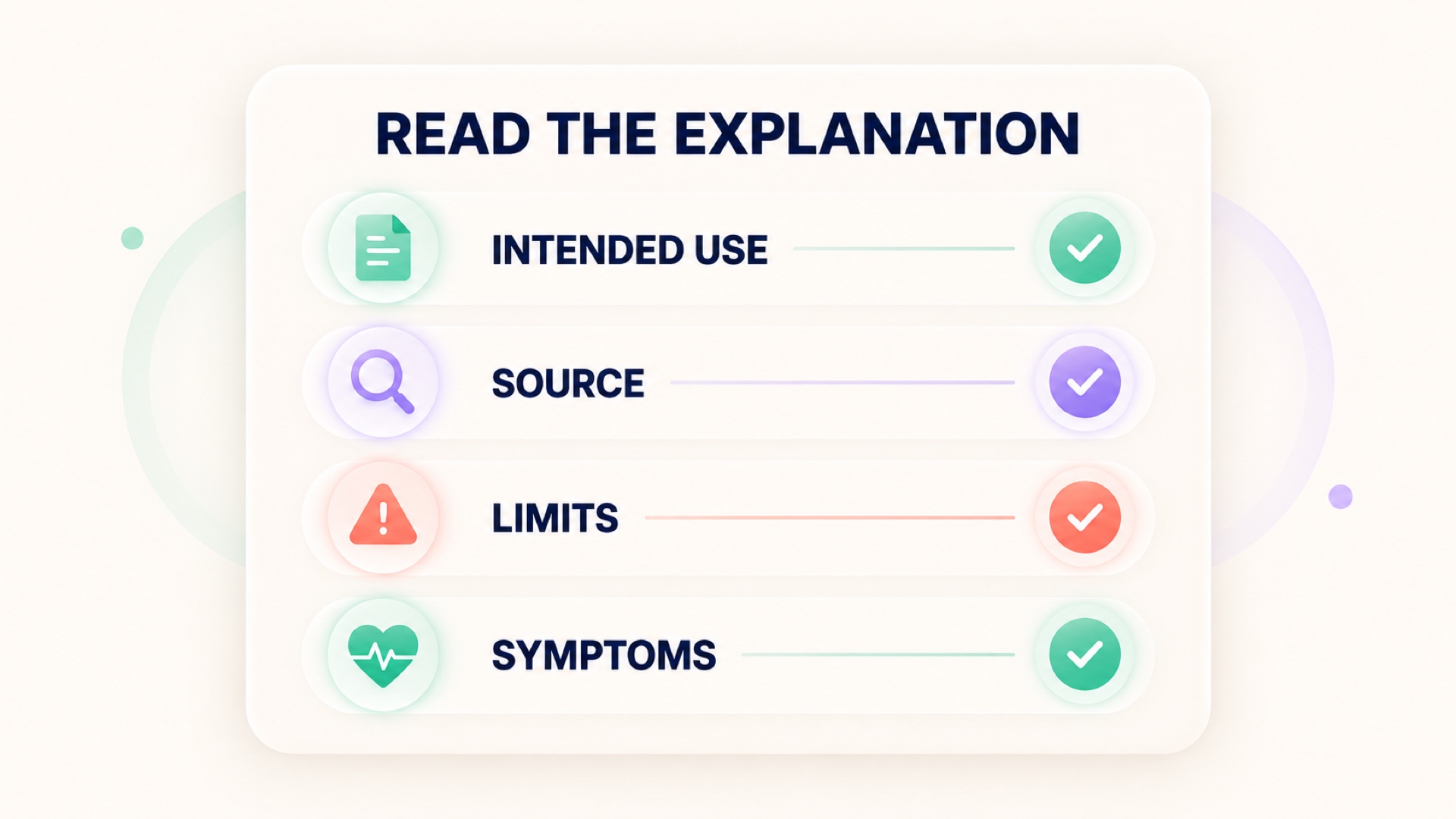
An alert deserves a transparent explanation. Look for the source metric, measurement time, comparison baseline, missing-data state, and the action the product recommends. If the app only supplies a color, a score, or a vague statement that something is wrong, the user cannot judge confidence from the interface.
Review whether the reading came from direct sensor data, an imported record, or a calculated estimate. Check whether the device was worn correctly and whether the relevant session is complete. A wellness alert based on an incomplete night should be labeled as such. A medical warning should explain the conditions under which the warning is valid.
Stress signals need particular caution. The systematic review of smart devices and stress reports that different devices and studies use different physiological markers and validation approaches. The PPG stress review also describes gaps in large, diverse studies and ground-truth methods. A stress-colored card is not proof that a person has a disorder or that a specific cause has been found.

Keep symptoms in charge of safety
The app category does not change the priority of symptoms. New chest discomfort, fainting, severe breathing difficulty, sudden weakness, confusion, or rapidly worsening illness should be assessed through appropriate medical care. Do not wait for an app to agree with the body.
Less urgent symptoms still matter. If normal function changes or a concerning pattern persists, write down the times, context, and original records and discuss them with a qualified professional. Do not use a wellness score as reassurance that overrides a symptom, and do not use an isolated alert as proof of a diagnosis.
The CDC's stress guidance describes stress as a physical and emotional response and recommends broad health-supporting habits. That language is deliberately different from diagnosing a disease. A good consumer workflow keeps that boundary visible.
Read the fine print without losing the main point
Look for disclaimers, but do not stop there. A sentence saying "not medical advice" does not explain what the score is. Find the technical help page or instructions and locate the actual intended use, required wear conditions, data gaps, and limitations. If those details are hard to find, treat the output as lower confidence.
Also check whether the alert is triggered by a threshold, a trend, or a model. A threshold can be easy to understand but may miss context. A trend can be more personal but depends on baseline quality. A model can combine inputs but may be difficult to audit. None of these is automatically better for every decision.
When the interface shows a recommendation, ask whether it is optional behavior support or an instruction tied to a medical result. The answer should be explicit. If it is not, choose a low-risk action and avoid interpreting the message beyond what the product states.
Build a two-lane response
I use two lanes. In the wellness lane, I review freshness, source, completeness, symptoms, and the day's demands. I might reduce optional strain, protect sleep, take an easy movement break, or watch the next comparable reading. In the medical lane, I follow the product instructions and seek care when symptoms or a qualified professional indicate it.
Do not let a wellness app pull a medical question into its own lane. Do not let a vague wellness notification create an unnecessary emergency. The correct lane depends on intended use, evidence, symptoms, and persistence.
A practical classification checklist
Before acting on an alert, I look for:
- The exact intended use.
- The metric or signal behind the message.
- The measurement and calculation time.
- The comparison baseline and required data quality.
- The stated limitations and user instructions.
- Symptoms or changes in normal function.
- A response proportional to the product's claim and the person's condition.
If the product does not provide enough information to answer these questions, that is not a minor design issue. It is a limit on how confidently the user can act. Keep the original record, avoid diagnosis by dashboard, and move persistent or concerning questions to an appropriate professional.
Keep the boundary visible in daily use
I recommend a plain-language note beside any alert that feels important: "estimated wellness pattern," "medical instruction," or "unclear." This small label prevents a confident interface from doing the classification silently. It also makes it easier to explain the event later without overstating what the device found.
If the function is clearly wellness-related, use it for low-risk planning and trend review. If it is a medical device function, follow its instructions and understand the conditions for valid use. If the category is unclear, do not fill the gap with a guess. Preserve the record, check the documentation, and ask an appropriate professional when the question affects care.
The practical lesson is not to distrust every consumer estimate. It is to match the action to the claim. A useful app can support better questions and safer habits while still having a firm boundary around diagnosis and treatment. That boundary is part of accurate interpretation, not an afterthought.
When the interface remains unclear, keep the response conservative. Review the record, avoid changing several behaviors at once, and do not use the notification as reassurance or as a diagnosis. A plain-language review of conflicting wearable stress readings can help explain why a mismatch belongs in the notes rather than in a rushed conclusion. The more serious the symptom or the claim, the more important it is to move the question to the right source.
FAQ
Is every wearable health alert only a wellness alert?
No. Functions differ by intended use and product status. Read the product's instructions and claims rather than assuming that every sensor or alert has the same level of medical authority.
Can a wellness alert diagnose a health condi
tion?
No. A general wellness estimate should not be used as a diagnosis or as clearance to ignore symptoms. It can support low-risk habit decisions and help organize questions for a professional.
What should I do when the alert's intended use is unclear?
Review the technical documentation, measurement source, baseline, and limitations. Until the claim is clear, treat the message as uncertain wellness information and seek professional guidance for symptoms or persistent changes.
*This article is for informational purposes only and is not a substitute for professional medical advice, diagnosis or treatment.*
Sources:
Food and Drug Administration·Food and Drug Administration·Food and Drug Administration·National Library of Medicine·National Library of Medicine·Centers for Disease Control and Prevention
Related articles

Why Power and Heart Rate Tell Different Stories in Cycling
Power and heart rate measure different parts of a cycling session, so they can rise, fall, or stay stable in different ways. Learn how to read both signals with cadence, terrain, fatigue, and time in mind.

How to Track Isometric Holds When Movement Is Minimal
Isometric holds create force without obvious movement, so a wearable may record less than the muscles are doing. Learn how to combine duration, position, perceived effort, and symptoms when tracking static work.

Why Workout Frequency and Workout Intensity Need Separate Charts
Workout frequency and workout intensity describe different parts of a training pattern, so combining them in one chart can hide important changes. Learn how to track both without confusing more sessions with harder sessions.

How to Read Peak Heart Rate Without Treating It as the Whole Workout
Peak heart rate can show the highest recorded response in a workout, but it cannot describe the whole session by itself. This guide explains how to check the peak, interpret the surrounding trace, and pair it with effort and symptoms.

How to Log a Workout When No Activity Category Fits
A wrong activity label can distort calories, zones, and training summaries, while an overly broad label can hide what you actually did. Learn how to use a neutral record and preserve enough context for later review.

Why Average Heart Rate Can Undersell Stop-and-Start Exercise
Average heart rate can hide the repeated peaks and pauses that define stop-and-start exercise. Learn how to read the full trace, pair it with effort and movement, and avoid treating one summary number as the whole session.

Why Manual Corrections Need an Audit Trail in Health Data
Manual corrections can improve a health record while weakening it if the original value and reason disappear. This guide explains the minimum history to preserve when editing sleep, workouts, or wearable metrics.

How to Choose a Primary Data Source When Apps Record the Same Metric
Duplicate health metrics become difficult to interpret when several apps record the same field. This guide compares sensor ownership, timestamps, sampling, completeness, and safe source testing.

Why Step Counts Can Distort a Long-Term Health Metric
Steps can be useful activity context while still being an unstable input to a long-term health metric. This guide explains false counts, unrepresentative days, source duplication, and safer trend interpretation.

What to Check When Workout Heart Rate Will Not Sync
A workout can save correctly while its heart-rate stream fails to arrive in the summary app. This guide checks permissions, connections, source priority, workout mode, and timestamps without damaging the original session.