Best Apple Watch Apps for Recovery Tracking in 2026
You have an Apple Watch. So why does recovery still feel confusing?
By Anjali Singh · Jul 8, 2026
Category:Recovery
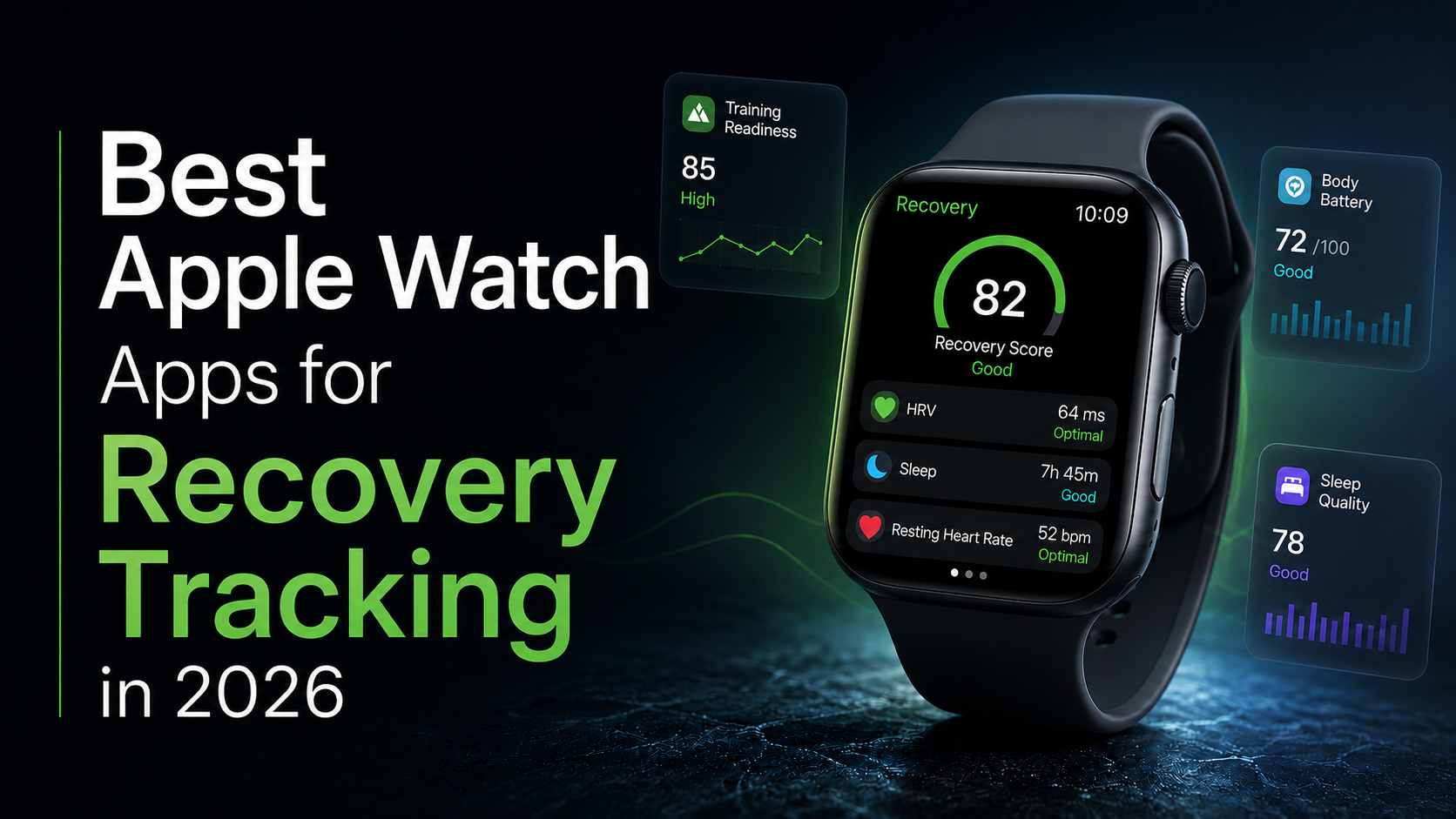
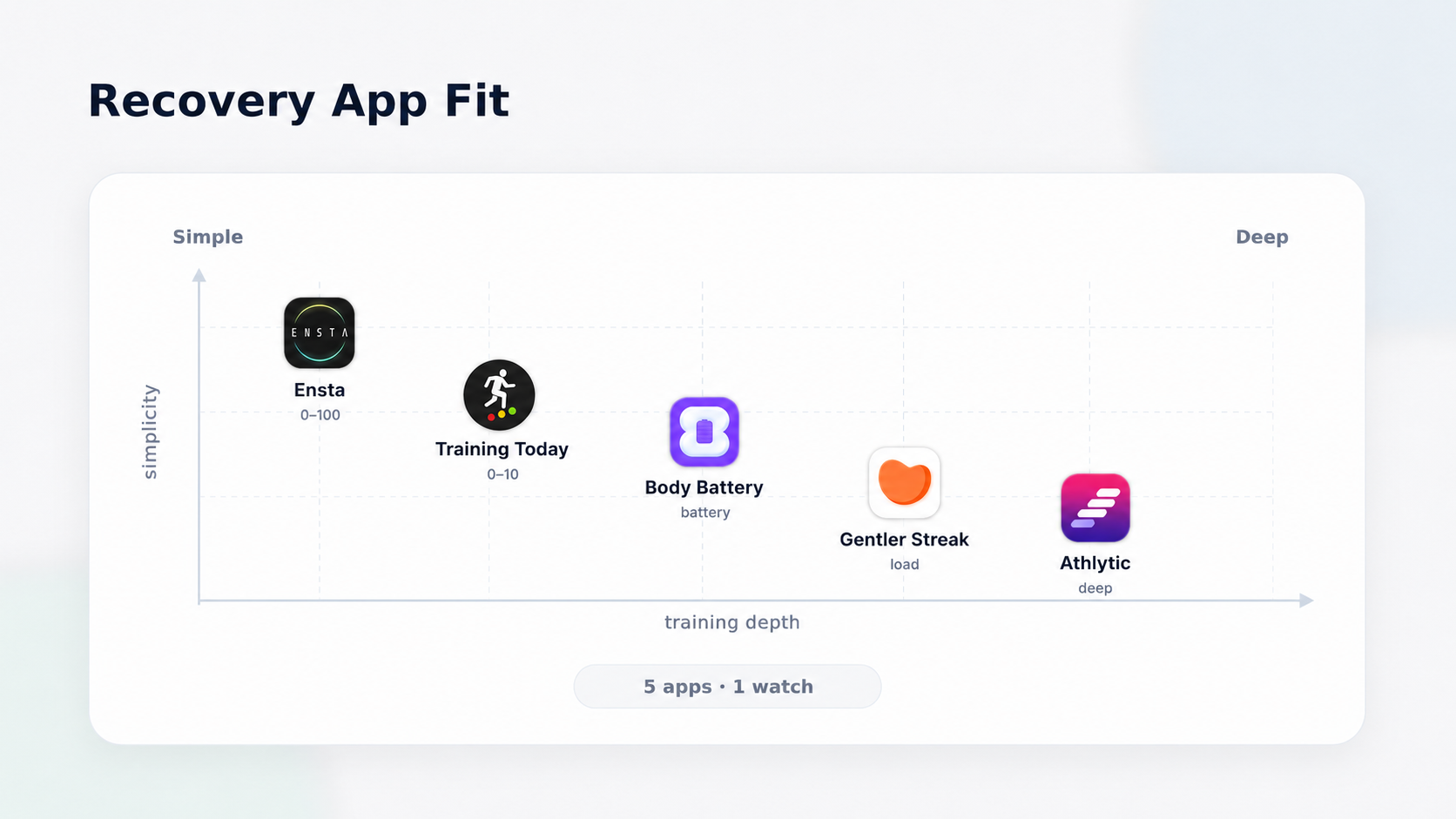
The best Apple Watch apps for recovery tracking in 2026 are Ensta (best for regular users and free), Athlytic (for serious training and HRV based recovery), Training Today (gives you simple readiness scores), Body Battery (gives you a Body Battery style number), and Gentler Streak (best for balancing training load and rest).
You have been wearing the Apple Watch for a while now. It knows your heart rate, your HRV (Heart Rate Variation), your sleep. It knows more about your nights than your roommate does.
And yet most mornings you still open the Health app and feel... drained. A vague sense that maybe you slept okay but none of the apps really tell you what needs to be done to feel better.
That is the gap. Not because of the hardware. It's the interpretation.
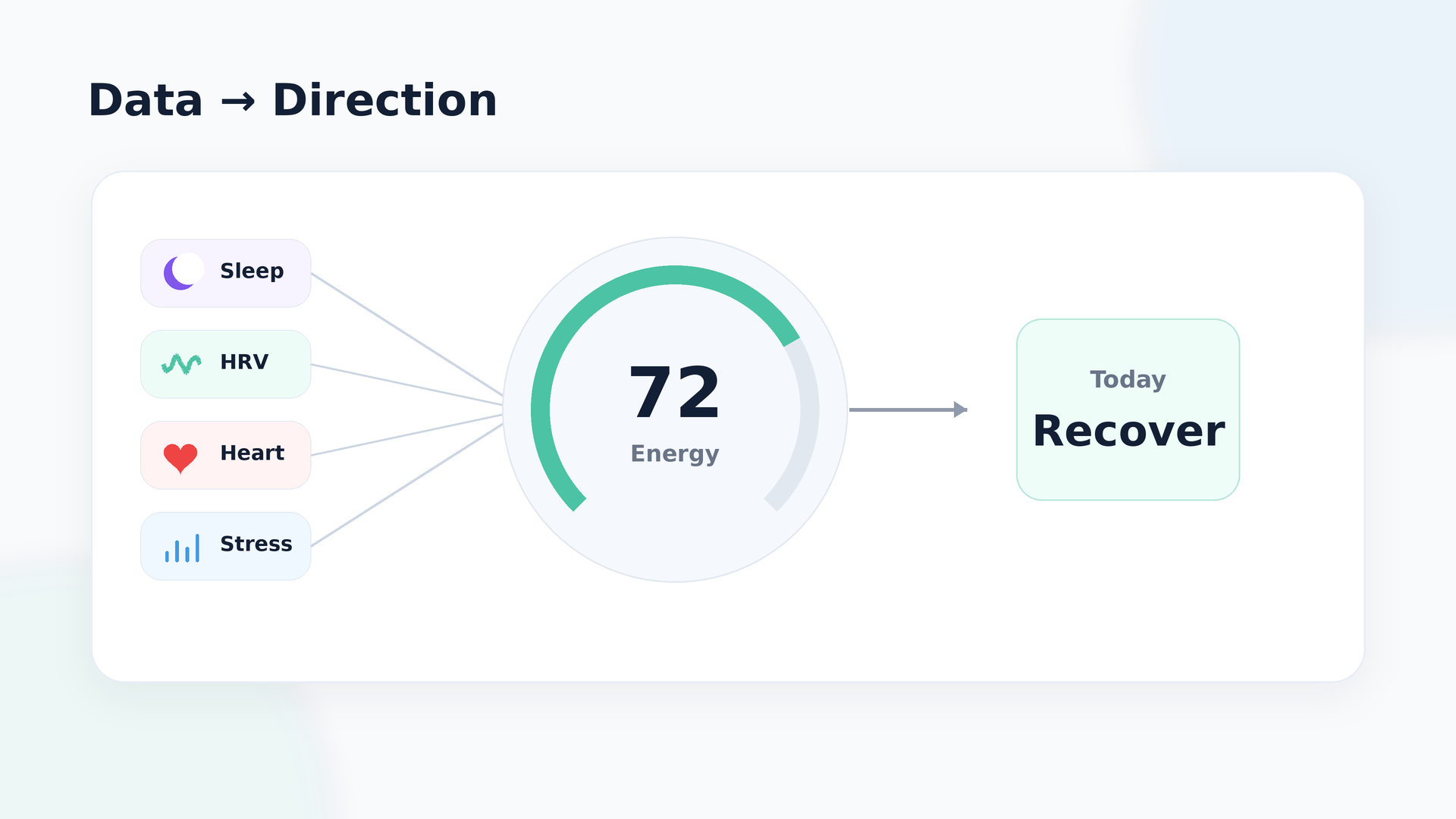
Apple Watch is a great sensor. What it is not, by itself, is a great coach. It collects the data but leaves you to make sense of it, which is honestly the harder part. That is where recovery apps come in. The good ones take what your watch already knows and turn it into something you can actually act on. One score. A short explanation. A nudge in the right direction.
This list is about finding the app that does that best for you. Some are better for athletes. Some are better if you just want a calm daily energy check. Some are free. Some go deep on training load and HRV.
Quick picks: best Apple Watch recovery apps in 2026
- If you want simplicity and a free starting point: Start with Ensta, works with your Apple Watch and is free to try.
- If you train hard and want deep recovery analysis: Athlytic is built for that.
- If you just want a quick "go hard or take it easy" signal: Training Today is clean and fast.
- If you like the Battery score idea but own an Apple Watch: Body Battery is built exactly for that.
- If you tend to overtrain or feel guilty resting: Gentler Streak helps you stay balanced without the guilt.
Some people end up running two: a simple readiness check plus Ensta sitting on top as the calmer, whole-day energy view. That combination tends to work well.
Comparison at a glance
| App | Price | Needs new hardware? | Main score | Actionable guidance | Free to start? |
|---|---|---|---|---|---|
| Ensta | Free | No, uses what you already own | 0 to 100 Energy Score | Yes, explains the score in plain language and tells you what to do | Yes |
| Athlytic | Annual subscription | No, Apple Watch plus iPhone | Recovery 0 to 100, Exertion, Sleep | Good, built for training decisions | No |
| Training Today | One-time or low recurring | No, uses Apple Watch HRV | Readiness To Train 0 to 10 | Simple go hard or take it easy nudge | No |
| Body Battery | Paid, in-app purchases | No, Apple Watch only | Body Battery-style view | Good, workout and sleep based recovery context | No |
| Gentler Streak | Subscription after trial | No, uses Apple Watch workouts | Training load and recovery status | Good, flags when you are pushing too hard | Trial only |
How we chose these Apple Watch recovery apps
We did not just look for the most popular names in the App Store. We looked for apps that answer a simple question in a helpful way: How recovered am I and what should I do with that information today?
Five things shaped this list. Clarity of insight, support for Apple Watch and other devices, how actionable the guidance feels, value for the price, and whether a normal busy person could actually stick with the app for more than two weeks.
Those are also the exact areas where Ensta quietly stands out. It is free to try, works across devices, has one energy score, and talks to you in simple language instead of pure graphs.
Ensta - A straightforward peek at your recovery
One-line verdict: A cleaner way to read the data that your watch already has.
Best for: People who want to understand their energy, not manage a dashboard.
Your Apple Watch already knows a lot about you. The problem is it does not always tell you what to do with that information. Ensta fills that gap. It takes your sleep, heart rate, HRV, stress, and activity and turns it into one number from 0 to 100. That is your Energy Score. You check it, you see why it looks the way it does, and you get a small suggestion for the day.
Simple. No new hardware. No subscription to start.
Pros
- Free to download and use with your Apple Watch.
- One Energy Score, not five confusing ones.
- Works across multiple devices, not just Apple Watch.
- Explains the score in plain language, not just a number.
Cons
- Not the right pick if you want deep sport or training metrics.
- Works best when your sleep and HRV data are consistent.
Price / devices: Free. Uses Apple Watch data through Apple Health.
Athlytic - Recovery data for people who train hard
One-line verdict: Best for athletes who want to get the most out of their Apple Watch recovery data.
Best for: People who train regularly and want to understand how ready their body actually is.
Athlytic goes deep. It gives you a Recovery score, an Exertion score, and a Sleep score, all pulled from your Apple Watch HRV, heart rate, sleep, and workouts. If you are training for something and you want the data to actually mean something, this is the one.
It is detailed. It is thorough. And yes, it can feel like a lot if you are not really training for anything specific. But if you are, it is one of the better tools available on Apple Watch.
Pros
- Recovery, Exertion, and Sleep scores built from your actual workout and health data.
- Solid for anyone training seriously and wanting to stay on top of recovery.
- Shows how things like a bad night, travel, or a big session affected your readiness.
Cons
- Requires a subscription for the full experience.
- Probably more than you need if you are not actively training.
Price / devices: Annual subscription. Works with Apple Watch and iPhone via Apple Health.
Training Today - Your readiness at a glance
One-line verdict: Best if you want a simple daily readiness score and nothing else.
Best for: Apple Watch users who want a quick yes or no on training intensity.
Training Today watches your Apple Watch HRV data and produces a 'Readiness To Train' score from 0 to 10. You open it, you see the number and then decide whether today is a push day or an easy day. There is no extra dashboard, no complicated setup. Just one clean signal.
That appeals to people who already understand HRV and want a quick morning read without a lot of extras around it.
Pros
- Very simple readiness score that updates through the day
- Works with Apple Watch you already own, no extra hardware
- Good for people following a structured training programme
Cons
- Needs a few weeks of HRV history to calibrate well
- Less context around sleep or lifestyle than broader apps
Price / devices: Paid app, one-time or low recurring price. Apple Watch and iPhone via Apple Health.
Body Battery - One recovery score, every day
One-line verdict: Best if you want a simple recovery score from your Apple Watch.
Best for: Apple Watch users who like the Body Battery concept but are not switching to a Garmin.
Body Battery takes your Apple Watch data, like HRV, resting heart rate, sleep, and workouts, and turns it into one battery-style score for the day. The idea is pretty simple: you wake up, check how charged up your body is, and keep an eye on how that changes as you move, work, and rest.
It sits nicely for people who have always liked the Body Battery (kind of like a fuel gauge for the body) idea but already wear an Apple Watch and do not want to switch devices.
Pros
- Body Battery-style view in one place
- Designed specifically around Apple Watch sensors
- Tracks both daily energy and workout readiness together
Cons
- Not free to start, paid app
- More training-focused than stress or lifestyle apps
Price / devices: Paid app with in-app purchases. Apple Watch only.
Gentler Streak - Training balance without the guesswork
One-line verdict: Best for Apple Watch users who want help staying consistent without burning out.
Best for: Regular movers who want a heads-up when they are overdoing it.
Gentler Streak looks at your recent workout history and training load from Apple Watch to figure out if you are in a good groove, pushing a bit too hard, or need an easier day today. It is not purely HRV driven. It is more about effort accumulation over recent days, which can feel more intuitive if HRV does not mean much to you yet.
For people who tend to go too hard for too long, or feel guilty taking rest days, Gentler Streak makes the "back off a bit" argument with actual data behind it.
Pros
- Focuses on training load over time, not just today's single measurement
- Friendly, low-pressure interface for people who are not hardcore athletes
- Good at catching overreach before it becomes a problem
Cons
- Less HRV-focused than pure recovery apps
- Subscription model after the trial ends
Price / devices: Paid subscription after free trial. Uses Apple Watch workout and activity data.
Apple Watch app vs a separate recovery device: which do you actually need?
This is the question nobody really answers directly, so here it is.
You can either get more out of the Apple Watch you already own, or you can buy a separate recovery device. Both are valid. They just suit different people.
| You probably want an app on your existing Apple Watch if... | You might want a separate device if... |
|---|---|
| You already wear your Apple Watch every day. | You want one dedicated recovery device. |
| You want to start free or cheap. | You do not mind paying for hardware. |
| You want one clear score and simple guidance. | You want more specialized sensors. |
| You want something easy to use. | You like a more committed setup. |
| You want less clutter and fewer subscriptions. | You are fine switching ecosystems. |
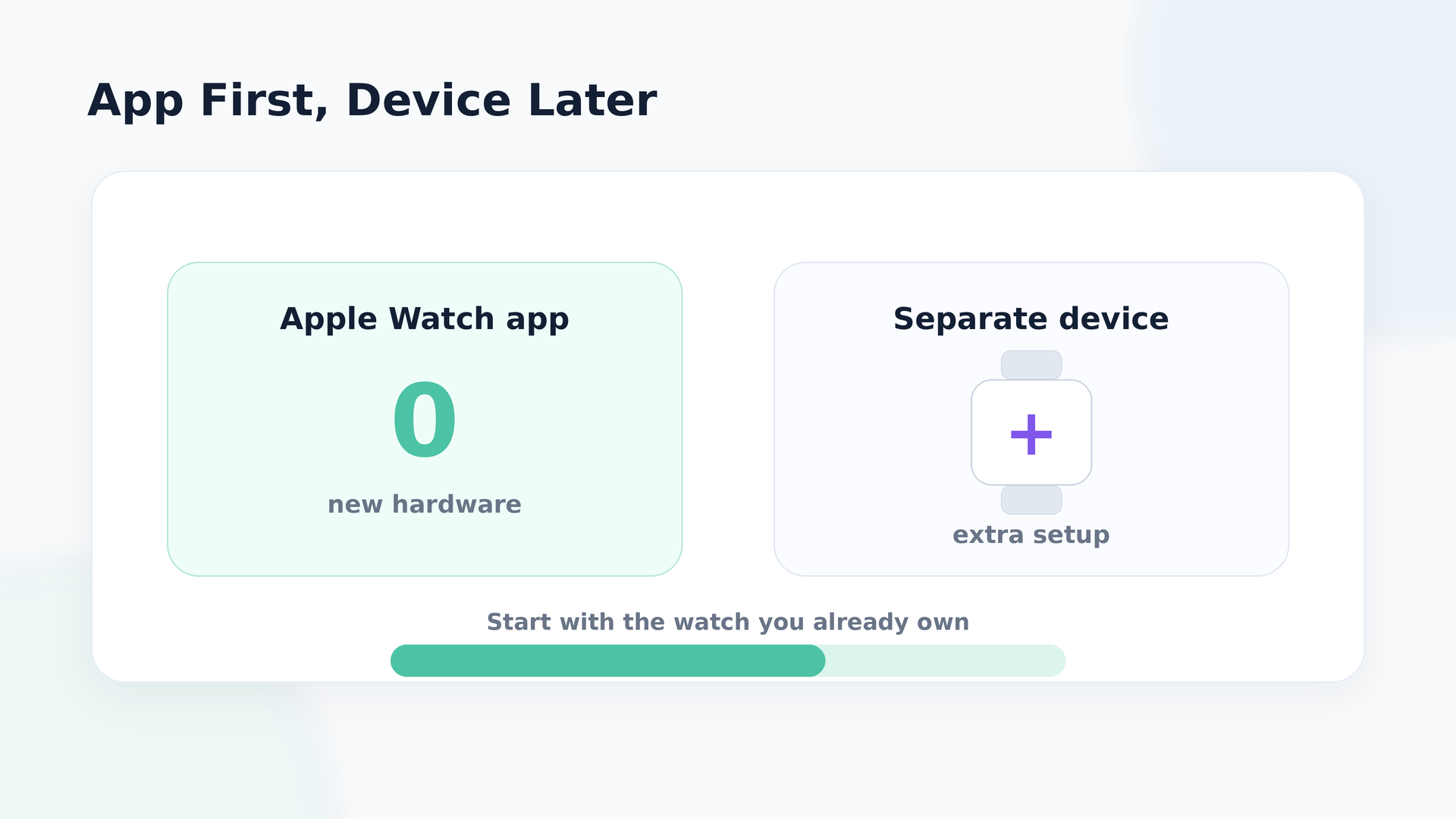
For most people reading this, the app route makes more sense as a first step. Your Apple Watch already collects the right data anyways. So a good app can turn it into something genuinely useful without making you spend more or wear more.
Ensta is the starting point that asks the least of you and gives you enough clarity to decide if you actually need more.
FAQ
Do I really need an extra recovery app if I already have an Apple Watch?
Not always, it ultimately depends on your wellness goal. The built in Health and Vitals views are quite good, but recovery apps can give you clearer scores and guidance instead of leaving you to interpret graphs on your own.
Can I get WHOOP style recovery on Apple Watch without buying a band?
Yes. Apps like Athlytic, Training Today, Body Battery, and Ensta all use Apple Watch HRV, heart rate, sleep, and workout data to create recovery or energy style scores without a separate strap.
Is Ensta really free to use with Apple Watch?
Ensta is free to download and works with Apple Watch via Apple Health integrations, which means you can start using the Energy Score without buying new hardware or committing to a separate membership.
Which Apple Watch recovery app should I start with if I am not very technical?
Ensta is usually the easiest place to start because it keeps you on one Energy Score and a few simple explanations instead of throwing a wall of metrics at you on day one.
In conclusion
All of these apps can help you notice patterns that are hard to see in the middle of a busy week. They can flag creeping sleep debt, rising stress, or training that is starting to outpace your recovery, especially when they are fed with good Apple Watch data.
They are still just tools though. Sensor accuracy can shift with movement, skin tone, and watch fit, and none of them are medical devices or a replacement for talking to a doctor if something feels seriously wrong.
If you love training detail, Athlytic, Training Today, Body Battery, and Gentler Streak all have strong cases. If you mainly want one clean energy score, cross device support, and a simple "what should I do today" explanation without adding another subscription or device, Ensta is the easiest recommendation for most Apple Watch users to start with.
*This article is for informational purposes only and is not a substitute for professional medical advice, diagnosis or treatment.*
Related articles
Recovery Score, Energy Score, Readiness, Body Battery — What Actually Matters
What recovery score means, how energy and readiness score differ, and body battery vs recovery — plus which numbers actually deserve your attention.

Why jet lag hits harder after some flights and how to recover faster
Some time zone changes barely touch you, and others wreck you completely, even when the shift on paper looks about the same. The difference usually comes down to direction: eastward travel fights your body's natural clock in a way westward travel doesn't, which is also why "I slept a full night" doesn't always mean you're actually recovered. Here's what the research says about why that happens, and a simple first-48-hours plan built around light, timing, and realistic expectations rather than gimmicks.