Apple Watch Body Battery: How Ensta Brings Garmin's Best Feature to Your Wrist
Why Apple Watch users finally have a real Body Battery alternative
If you've ever looked at a Garmin watch and wished your Apple Watch had a Body Battery score, you're not alone. Searches for "apple watch body battery" have climbed as Apple Watch owners want the same at-a-glance recovery metric Garmin users rave about.
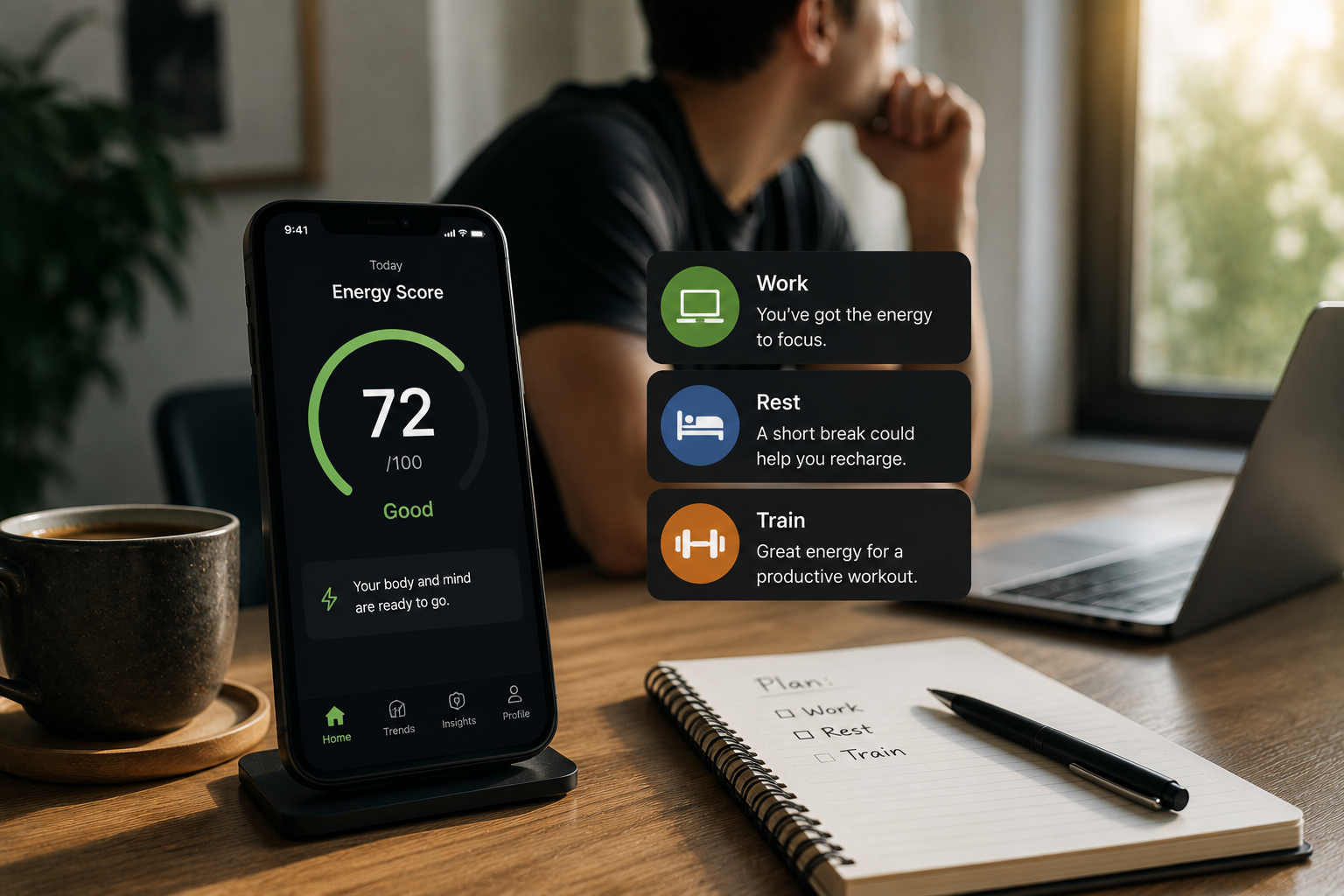
The good news: you don't need to switch ecosystems. Ensta's Energy Score is built to give Apple Watch users exactly that—a simple 0-100 number that tells you how much energy you have to spend right now.
What Is Garmin Body Battery?
Garmin's Body Battery is a proprietary metric that combines heart rate variability (HRV), stress, activity, and sleep data into a single score. It ranges from 0 to 100:
- 0-25: Low reserve. You're drained and need rest.
- 26-50: Moderate. Light activity is fine, but don't push hard.
- 51-75: Good reserve. You're ready for most daily demands.
- 76-100: High reserve. Ideal time for intense workouts or demanding tasks.
The idea is simple: instead of interpreting half a dozen charts, you get one number that reflects your body's current capacity.
Why Doesn't Apple Watch Have Body Battery?
Apple Watch collects many of the same raw signals—HRV, resting heart rate, sleep stages, blood oxygen (on supported models), and activity. However, Apple does not currently combine these into a single first-party recovery or energy score.
Apple's approach tends to surface individual metrics in the Health app rather than synthesizing them. That's useful for raw data, but it leaves a gap for anyone who wants a quick, actionable answer to "How ready am I today?"
Ensta Energy Score: The Apple Watch Body Battery Alternative
Ensta fills that gap. Our Energy Score reads data from your Apple Watch (via Apple HealthKit) and turns it into a 0-100 score—just like Body Battery, but designed for the Apple ecosystem.
How it compares
| Feature | Garmin Body Battery | Ensta Energy Score |
|---|---|---|
| Score range | 0-100 | 0-100 |
| Uses HRV | Yes | Yes |
| Uses sleep data | Yes | Yes |
| Uses stress signals | Yes | Yes |
| Works with Apple Watch | No | Yes |
| Simple daily number | Yes | Yes |
What makes Ensta different
- Designed for Apple Watch. Ensta works with the sensors and data your Apple Watch already captures, so you don't need a second device.
- No data overload. We translate complex biometric trends into one easy score, plus plain-English context when something changes.
- Sleep, stress, and recovery in one place. Your Energy Score is supported by breakdowns for sleep quality, stress load, and recovery trends.
- Privacy-focused. Your health data stays on your device and in your Apple Health account; we don't sell or share it.
How to Use Ensta With Your Apple Watch
- Install Ensta from the App Store and open it.
- Connect Apple Health when prompted. This lets Ensta read HRV, sleep, and activity data your Apple Watch already records.
- Check your Energy Score each morning. A higher number means more readiness; a lower number is a signal to prioritize recovery.
- Watch trends, not just numbers. One low day is normal. A multi-day downward trend is the real signal to adjust sleep, workload, or stress.
When to Trust the Score
Use your Energy Score as a daily guide, not a medical diagnosis. It's great for deciding whether to push hard in a workout, schedule an important meeting, or take an extra rest day. If you feel unwell or have a medical concern, consult a healthcare professional.
Get Started
You can download Ensta for iOS and connect your Apple Watch in under a minute. If you've been searching for an "apple watch body battery" solution, your search ends here.
*This article is for informational purposes only and is not a substitute for professional medical advice, diagnosis or treatment.*
Related articles

Respiratory Rate on a Wearable: What a Change Overnight Can Mean
Most people can guess their resting heart rate but have no idea how many breaths they take while asleep. That makes overnight respiratory rate one of the least understood numbers on a wearable, and one of the most useful once you have a personal baseline to compare against. Here is what actually moves it, how to tell a real change from a bad reading, and when a rise is worth acting on.
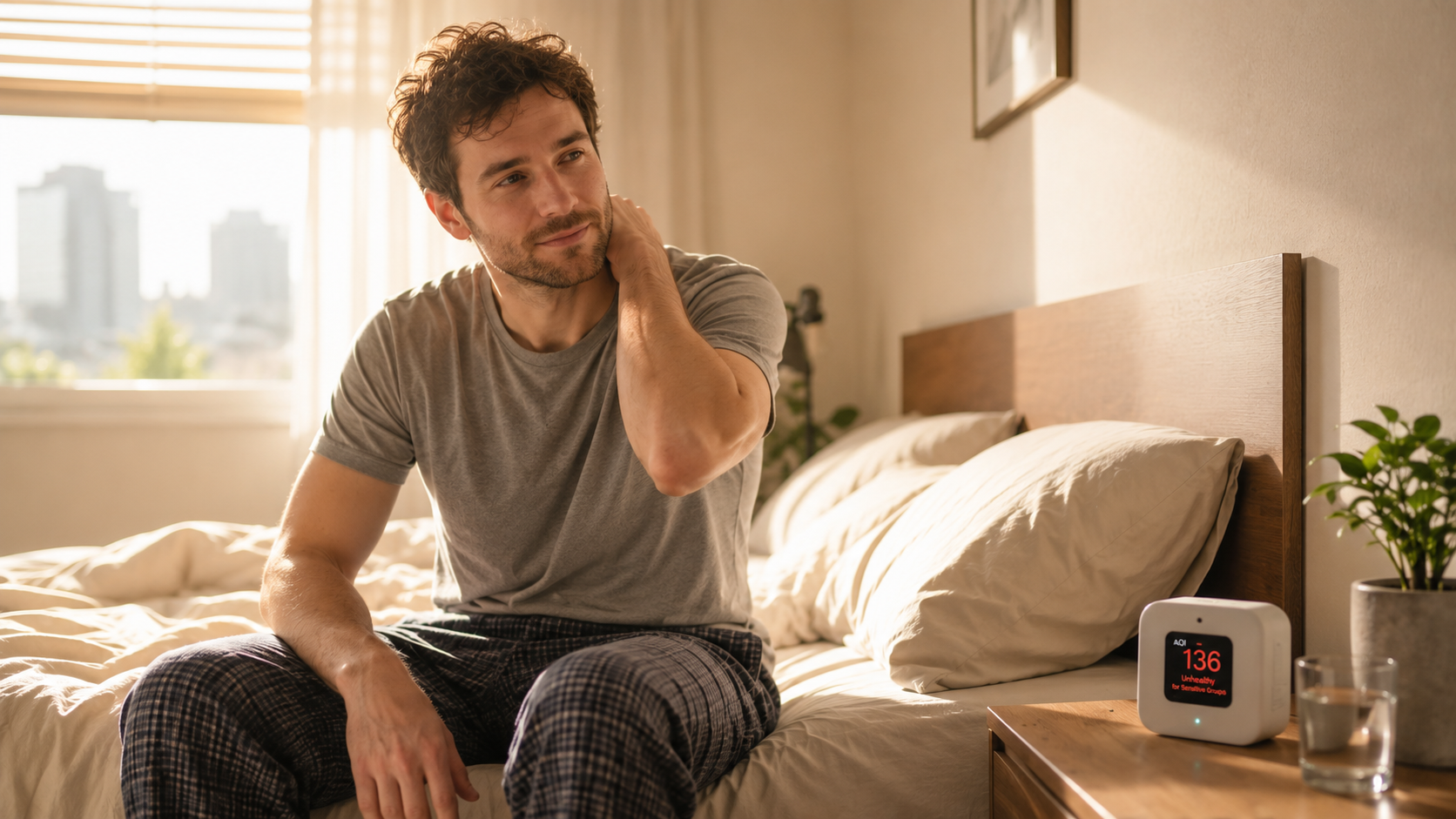
Can Air Quality Make Your Sleep and Energy Worse?
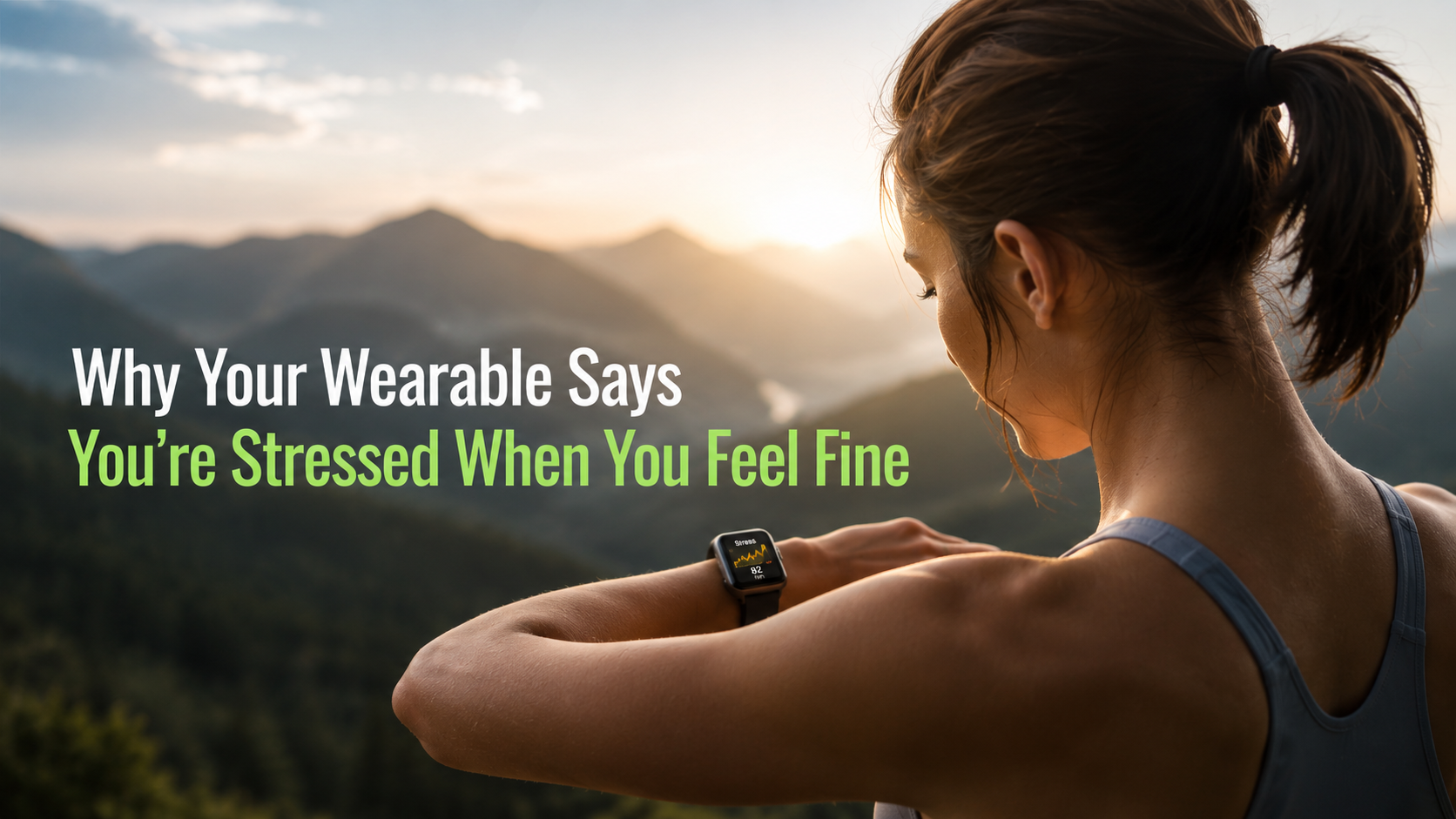
Why your wearable says you're stressed when you feel fine
Your watch measures physiological arousal, not worry. Caffeine, digestion, heat, short sleep, and a loose band can all push the score up while you feel fine.
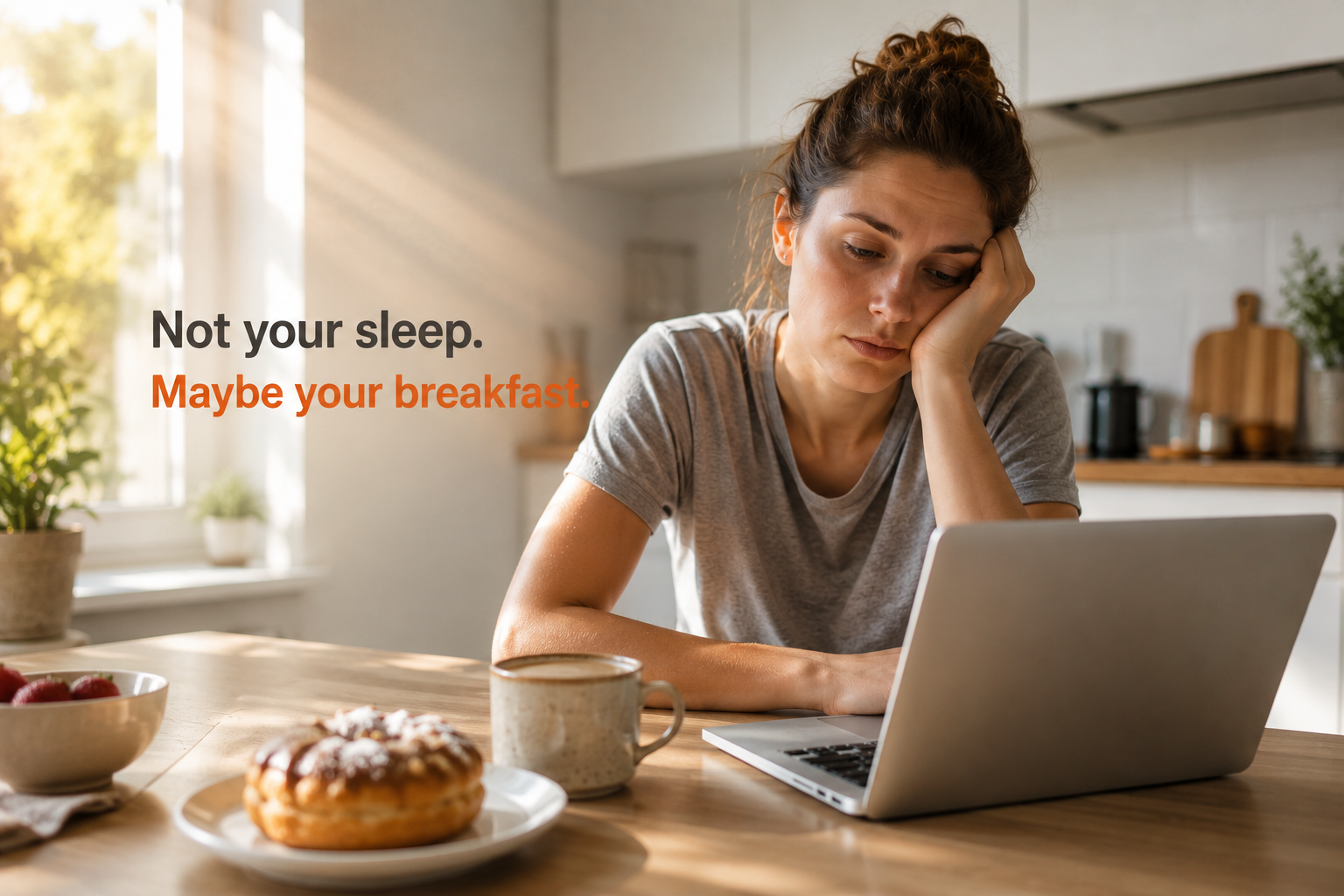
Why a High-Sugar Breakfast Can Leave You Tired Before Lunch
A sweet breakfast can feel like quick energy, then turn into a mid-morning crash. Here’s why breakfast composition matters, what steadier meals usually include, and how to test your own energy pattern without a complicated diet plan.
What a change in skin temperature on your wearable might actually mean
Your wearable's skin temperature isn't a fever reading. Learn what moves it at night, why deviation beats the number, and when to act.

Why Travel Drains Your Body Battery Even When You Barely Move
Can your wearable tell you're getting sick before you feel it?
Resting heart rate, HRV, and temperature can shift before you feel sick. What early illness signals from wearables really mean, and how to respond.