Battery percentage is different from estimated time remaining
By Mr.Apps · Oct 23, 2026
Category:Wearable
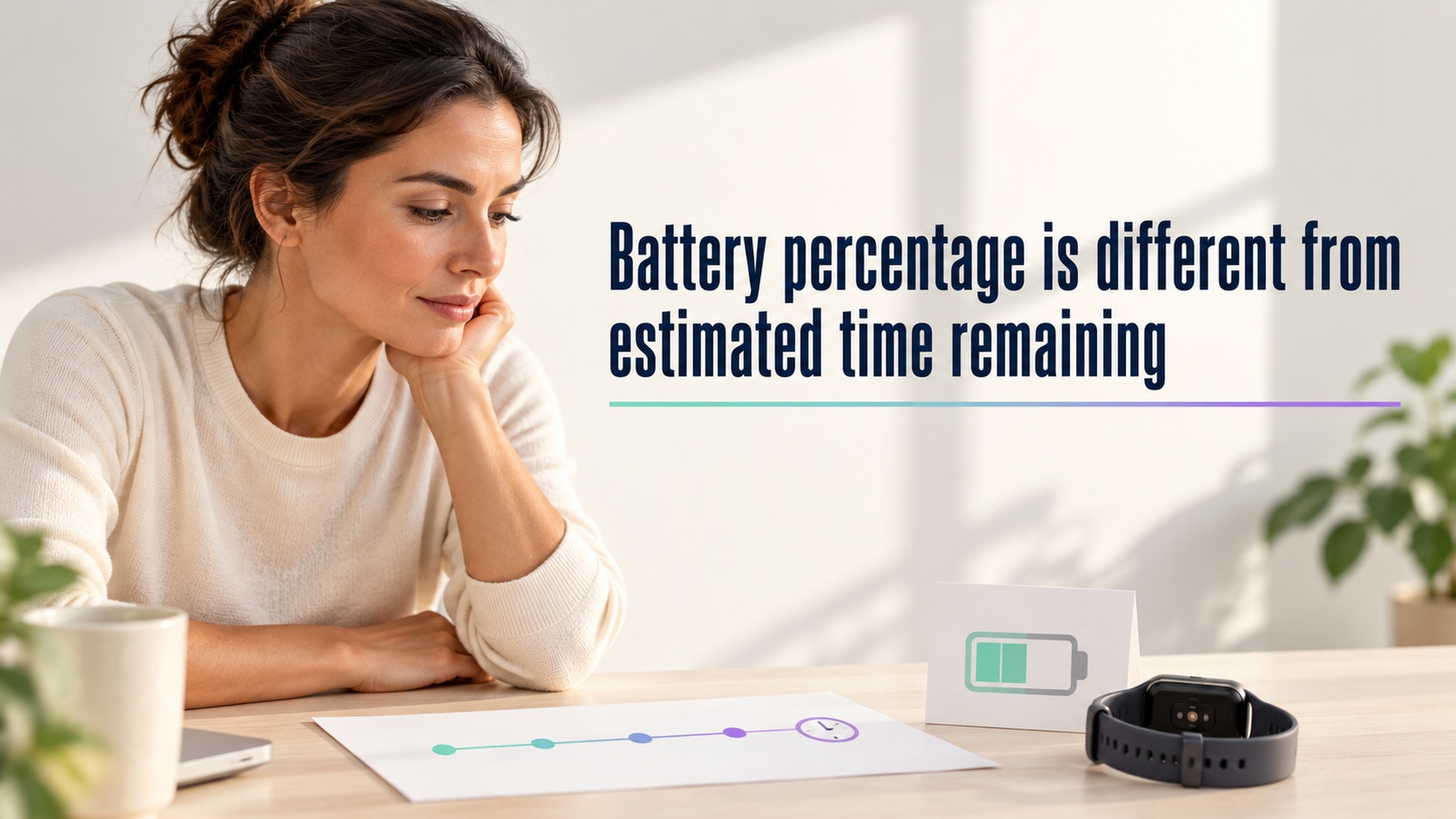
A battery percentage and an estimate of time remaining describe different things. The percentage is a device’s current estimate of its stored charge relative to a full charge. A runtime forecast predicts how long that charge may last if future use resembles the assumptions behind the forecast. The two can move in different directions without contradicting each other.
This matters when a wearable or phone shows a charge level that seems high but predicts only a short time before shutdown. The estimate may account for recent use, background activity, display settings, battery condition, or other device behavior. A percentage does not promise a fixed number of hours, and a time forecast is not a direct measurement of how much energy remains.
Read the percentage as a state estimate
The percentage is a convenient summary, not a laboratory reading of usable energy. A device’s battery gauge estimates state of charge using internal measurements and software. The displayed value can be rounded. It may also shift after charging, restarting, updating, or changes in battery behavior. A small change in the display does not necessarily mean the same amount of usable runtime was gained or lost in every situation.
The battery-level guide explains that a device can show both charge remaining and an estimate of how long it will last. The percentage and the estimated duration are adjacent fields, but they represent different calculations. A wearable’s own display may provide only a percentage, while a companion app or operating system offers a forecast. Check the field label and its definition rather than treating the two values as interchangeable.
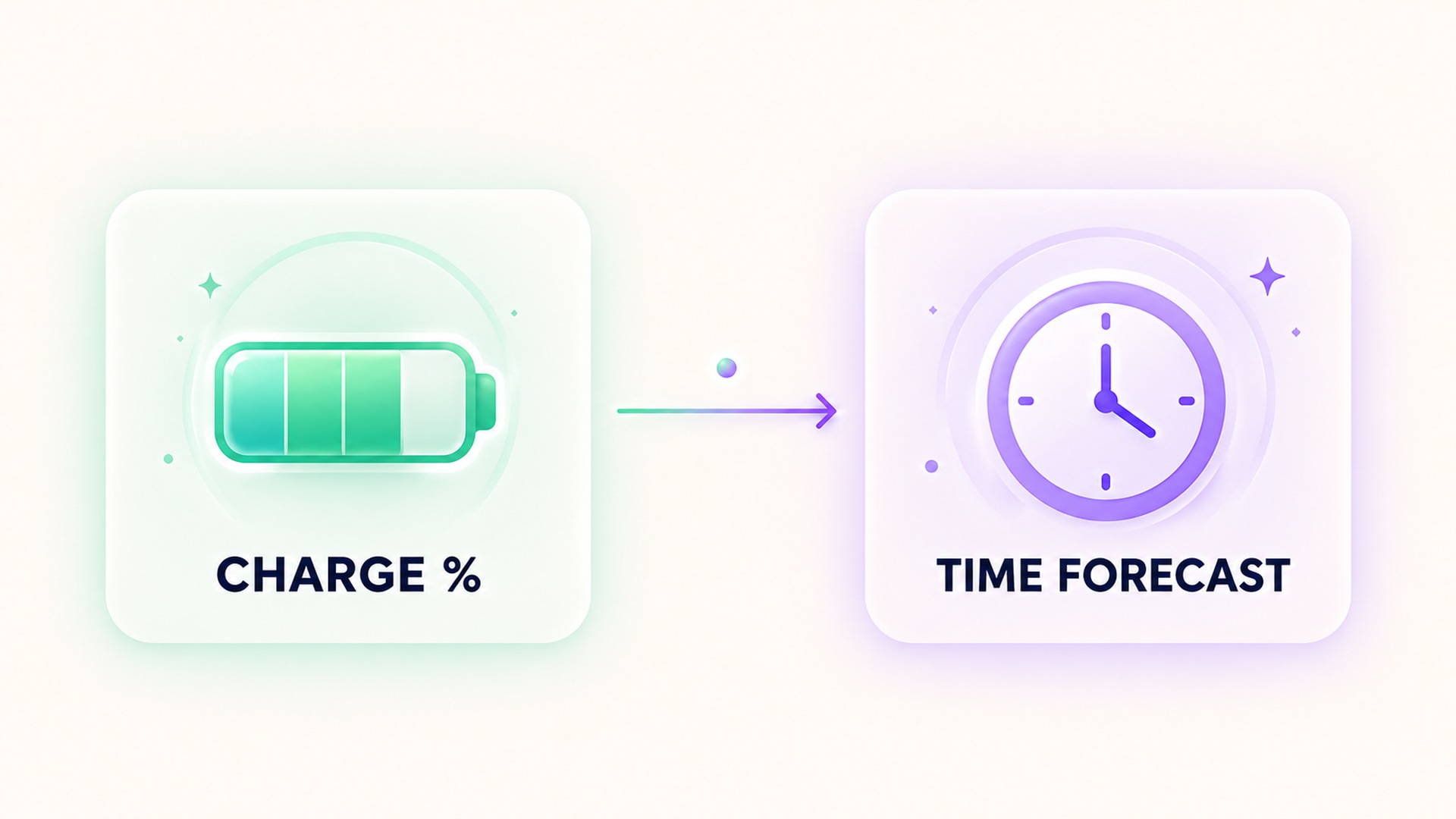
A time estimate depends on expected use
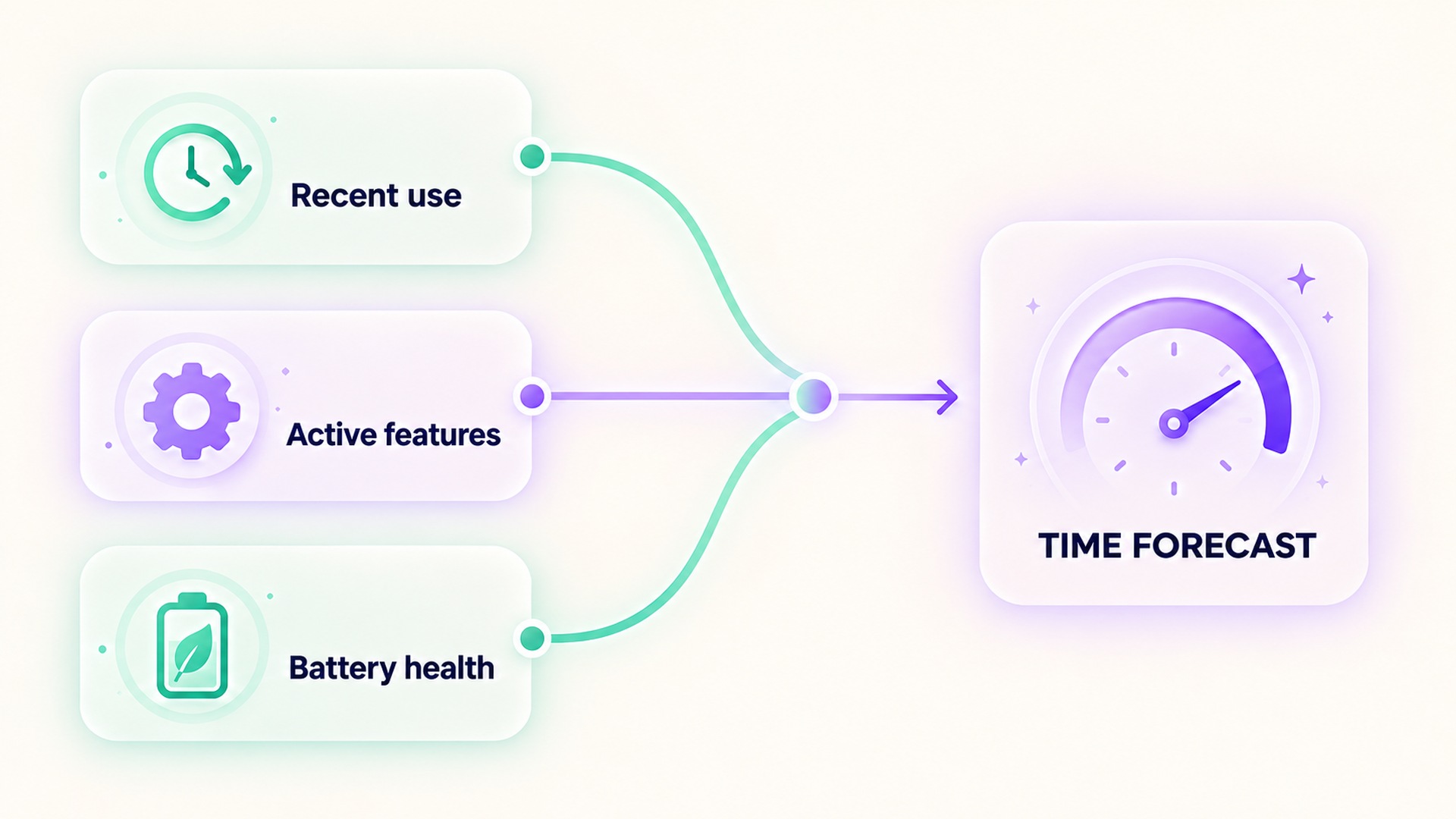
A runtime forecast needs assumptions about how the device will be used. Screen activity, sensor sampling, GPS, wireless connections, notifications, workouts, background refresh, and power-saving modes can all affect battery drain. If recent use differs from what happens next, the projected time can change even though the battery percentage has barely moved.
Some systems learn from recent use or charging habits. A battery optimization guide notes that a device’s battery behavior can be optimized based on recent app use. A forecast can therefore shift after a software update, a new app pattern, or a change in routine. This does not mean that the device has suddenly gained or lost physical capacity. It may mean the model now expects a different rate of use.
Temperature and battery age can also affect performance. A battery that has degraded may hold less charge than when it was new, and cold or hot conditions can change how a device behaves. A battery-health and usage guide distinguishes charge level, recent usage, and battery health. Those signals help explain why one percentage can produce different practical runtimes over the life of a device.
Do not compare a forecast with a different usage pattern
The time remaining can fall quickly during an activity that uses more sensors or screen time than usual. It may recover or lengthen after the device returns to a lower-power routine. A forecast often updates as new information comes in. Treat it as a planning aid rather than a guarantee that a device will remain on for the exact displayed interval.
If you compare forecasts, use similar conditions. Note the charge level, device age or battery health, power mode, connectivity, sensor activity, and whether a workout was running. The battery performance guide explains that capacity and runtime can depend on usage and other factors. Comparing a standby estimate with a high-use workout forecast does not answer whether the battery itself changed.
Separate charge percentage from battery health
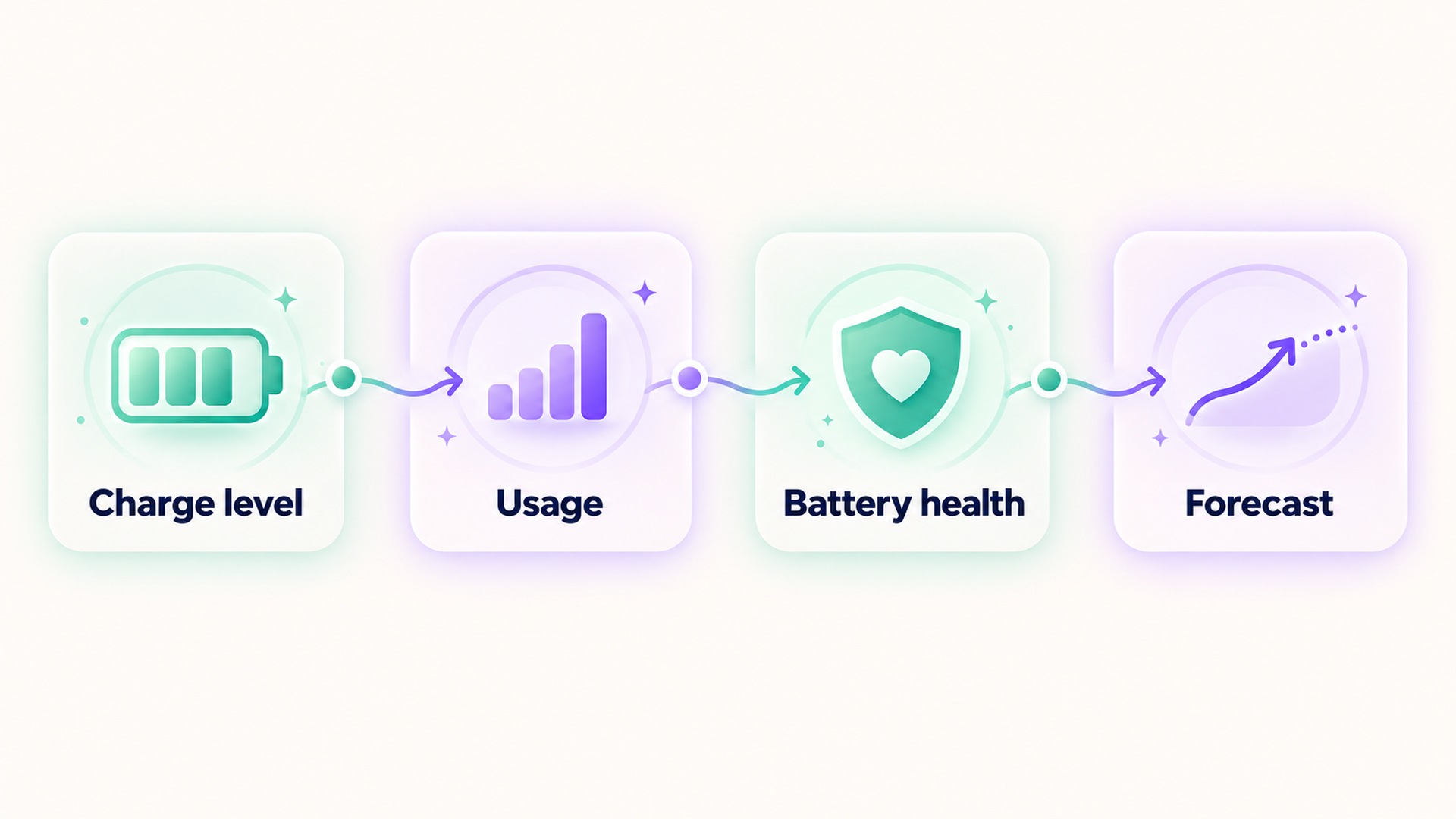
Battery health is a third measure. It concerns the battery’s capacity or condition relative to its earlier state, while the current percentage describes charge at a particular moment and the runtime estimate forecasts likely use. A device can have a high current percentage and reduced maximum capacity. It can also have a low percentage while the battery health remains normal.
These measures answer different practical questions: How charged is the device now? How long might that charge last under expected use? How much capacity can the battery hold compared with when it was new? Product support pages may provide one or more of these measures. A battery usage and health page describes checking charge history and capacity on a wearable. The menu and labels will differ across devices.
If the device repeatedly shuts down at a percentage that seems inconsistent, check for system warnings, battery health information, and abnormal drain reports before concluding that the estimate is defective. A battery-drain troubleshooting guide suggests checking usage by app or system when battery drain is unexpected. Troubleshooting instructions are product-specific; avoid applying a calibration procedure unless the device maker recommends it for that model.
Use the forecast to plan, then verify
Before a long workout or a day away from charging, check both the charge level and any time forecast. Consider whether the planned use will be heavier than recent use. If a low-power mode is available, review which features or measurements it changes before enabling it. The power-saving guide describes examples of settings that can affect background measurements and notifications. A longer forecast may come with different device behavior.
After the activity, compare the actual drain with the prediction only in context. Record whether GPS, display time, cellular or wireless connectivity, and continuous sensors were active. One session does not prove a stable runtime because use and conditions vary. A short log across comparable days can help identify whether the change tracks a setting, a software change, or a different pattern of use.
Check which time estimate is being shown
Some displays show an estimate of time remaining before the device needs charging. Others show how long it may take to reach a target charge while plugged in. These forecasts point in opposite directions and depend on different conditions. Charging estimates can depend on the charger, cable, temperature, and current charge level. Runtime estimates depend on the device’s energy use and battery condition. Read the wording near the estimate before using it to make a plan.
An estimate may also describe typical use rather than the exact activity planned next. A day that includes prolonged GPS, streaming, or frequent screen checks can drain more quickly than a low-activity day. A watch that records sensor data continuously can use more power than one sitting idle. If the product does not say what assumptions it uses, treat its time forecast as a rough guide and leave room for variation.
Compare like with like
When checking whether a forecast changed, compare readings taken at similar charge levels and with similar settings. Note whether the device just restarted, installed an update, changed power modes, or spent time searching for a connection. A software update can temporarily raise background activity while the device downloads and organizes data. A new accessory or app may also introduce a different pattern of power use.
If the estimate changes sharply, look at the device’s usage history before drawing a conclusion. A battery graph or app-by-app breakdown can help identify whether a display, sensor, connection, or background process used more power. Such a chart shows what the operating system attributes to recent use; it does not always explain why the activity occurred. Check the app’s settings and the device’s help page for product-specific interpretation.
It is usually more informative to observe a repeated pattern than to react to one surprising forecast. Keep a short note of the percentage, estimated duration, active mode, and recent use for comparable sessions. If a device powers down unexpectedly or shows a battery-health warning, follow the manufacturer’s troubleshooting instructions or seek service. Avoid treating a changing forecast alone as proof that the battery is damaged.
If the percentage appears frozen or jumps repeatedly, first confirm that the device software is current and that the displayed field is not rounded. Then compare the reading with the device’s usage and health screens rather than an unrelated estimate from another app.
Different devices may use different gauges and forecast intervals, so compare their definitions before drawing conclusions.
For more on keeping a device’s health measurements distinct from its software estimates, see this guide to separating an app inference from a confirmed record. A battery forecast is an estimate of device operation, not a health metric or a promise about remaining hours.
Frequently asked questions
Why can the time estimate drop while the percentage stays similar?
The forecast may update when recent use suggests a higher drain rate. The percentage is a current charge estimate, while runtime is a prediction about future use.
Does a high battery percentage mean the device will last a long time?
Not necessarily. Runtime depends on battery condition, active features, settings, and how the device is used. Check both the charge level and the expected activity.
Is battery health the same as time remaining?
No. Battery health describes capacity or condition relative to the battery’s earlier state. Time remaining estimates how long the current charge may last under expected use.
*This article is for informational purposes only and is not a substitute for professional medical advice, diagnosis or treatment.*
Related articles

A detected fall cannot explain why someone fell
A fall-detection alert can identify a movement pattern that a device is designed to recognize. It cannot, by itself, explain why someone fell.

Health charts need labels and shapes as well as color
A health chart should remain understandable when a reader cannot distinguish its colors. Color can make a graph easier to scan, but it should not be the only cue that tells someone which line is a metric, whether a result changed, or what action a symbol represents.

An inferred injury should not become a confirmed health record
A health app may infer an injury from a pattern, but that is different from a user report or clinical diagnosis. Check the source, date, and supporting record before treating the statement as confirmed.

Adding a workout photo requires a separate privacy review
A workout photo can reveal details beyond the activity numbers, including background clues and file metadata. Review the image, its audience, and the final share preview before posting.

Review who can see each health metric before enabling social sharing
A social-sharing control can reveal a specific health metric to a chosen audience or a wider group. Check the metric, audience, preview, and ongoing data permissions before enabling it.

Health notification previews can expose information on a locked screen
A health alert can be useful while its full text stays hidden from bystanders. Check notification previews on the phone and paired devices before relying on lock-screen privacy.

Confirm a workout has stopped before trusting its final totals
A workout can keep recording after the exercise itself has ended. Check the stop action, saved summary, and time boundaries before interpreting the totals.

Automatic workout merging can hide the break between sessions
Workout history can combine nearby sessions into one entry, even when you intended to record a meaningful break. Review the timestamps, segments, and source before interpreting the total as one continuous effort.

A supplement quality seal does not prove a recovery benefit
A quality seal may indicate that a product passed specific checks, but it does not show that the supplement improves recovery. Keep manufacturing evidence, ingredient evidence, and human outcome evidence separate.

Lower energy after cutting caffeine may need withdrawal context
Fatigue after reducing caffeine can be part of withdrawal, but it is not the only possible explanation. Keep the timing of the change, symptoms, sleep, and other context together before interpreting an energy score.