Health charts need labels and shapes as well as color
By Mr.Apps · Oct 23, 2026
Category:Wearable

A health chart should remain understandable when a reader cannot distinguish its colors. Color can make a graph easier to scan, but it should not be the only cue that tells someone which line is a metric, whether a result changed, or what action a symbol represents. I look for direct labels, clear values, and differences in shape or pattern before relying on a color legend.
This matters across sleep, activity, heart rate, recovery, and other health displays. A red line may signal a high reading in one chart and a low score in another. A green badge may indicate a favorable status in one part of an app and simply identify a data source elsewhere. Without labels and context, a color can be misread even by a person who sees the hue clearly.
Put the meaning next to the mark
A chart is easiest to read when a person can identify its lines or bars without repeatedly searching a distant legend. Direct labels near a line, a clear axis title, or a descriptive chart heading can show what is being measured. If the chart displays sleep duration, the unit and time period should be visible. If a score is normalized or estimated, the display should say so rather than relying on a color to imply status.
The use-of-color guidance says that color should not be the only visual means of conveying information. This principle applies to a graph’s lines and bars as well as to buttons or warnings. A person should have another cue, such as a label, symbol, border, or pattern, that communicates the same distinction.
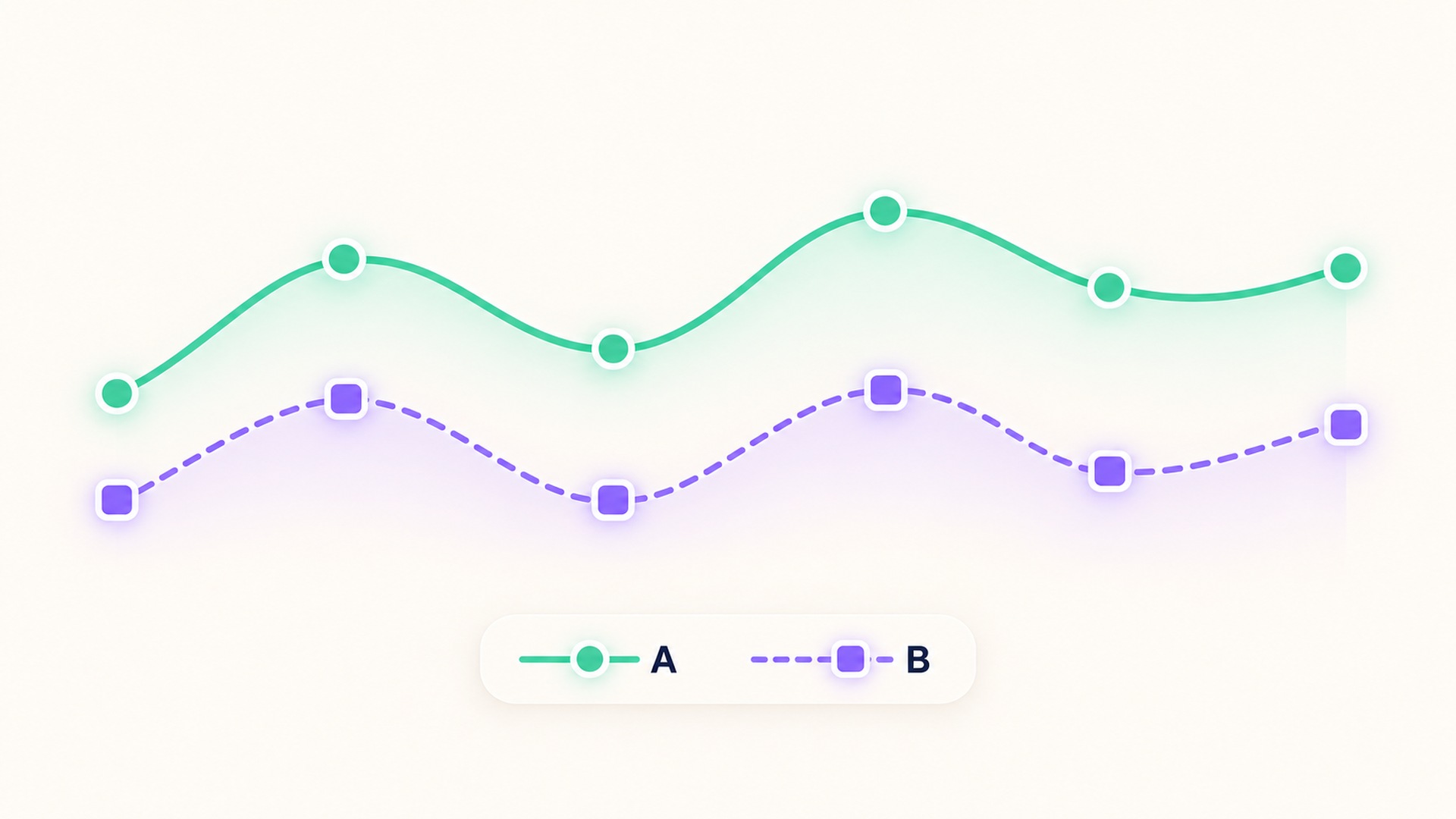
Use shapes and patterns to separate series
When several lines share a graph, vary their markers or line styles as well as their colors. A solid line with circles can be distinguished from a dashed line with squares. Bars can use different patterns or outlines, provided the pattern remains clear at the size where the chart is displayed. These cues should be consistent in the chart and its legend.
The accessibility technique for combining color and pattern gives examples of pairing patterns with color in charts and maps. The point is not to remove color. It is to ensure that the information survives when a screen is viewed in grayscale, when colors are hard to distinguish, or when a person uses a different display.
Symbols need a clear and consistent mapping. If a triangle represents a sleep interruption in one chart, do not use the same triangle for a different concept in a nearby chart without explanation. A marker that appears only once may need a short legend entry. Too many decorative shapes can create visual noise, so use only the cues needed to identify the data and its state.
Make values and axes readable
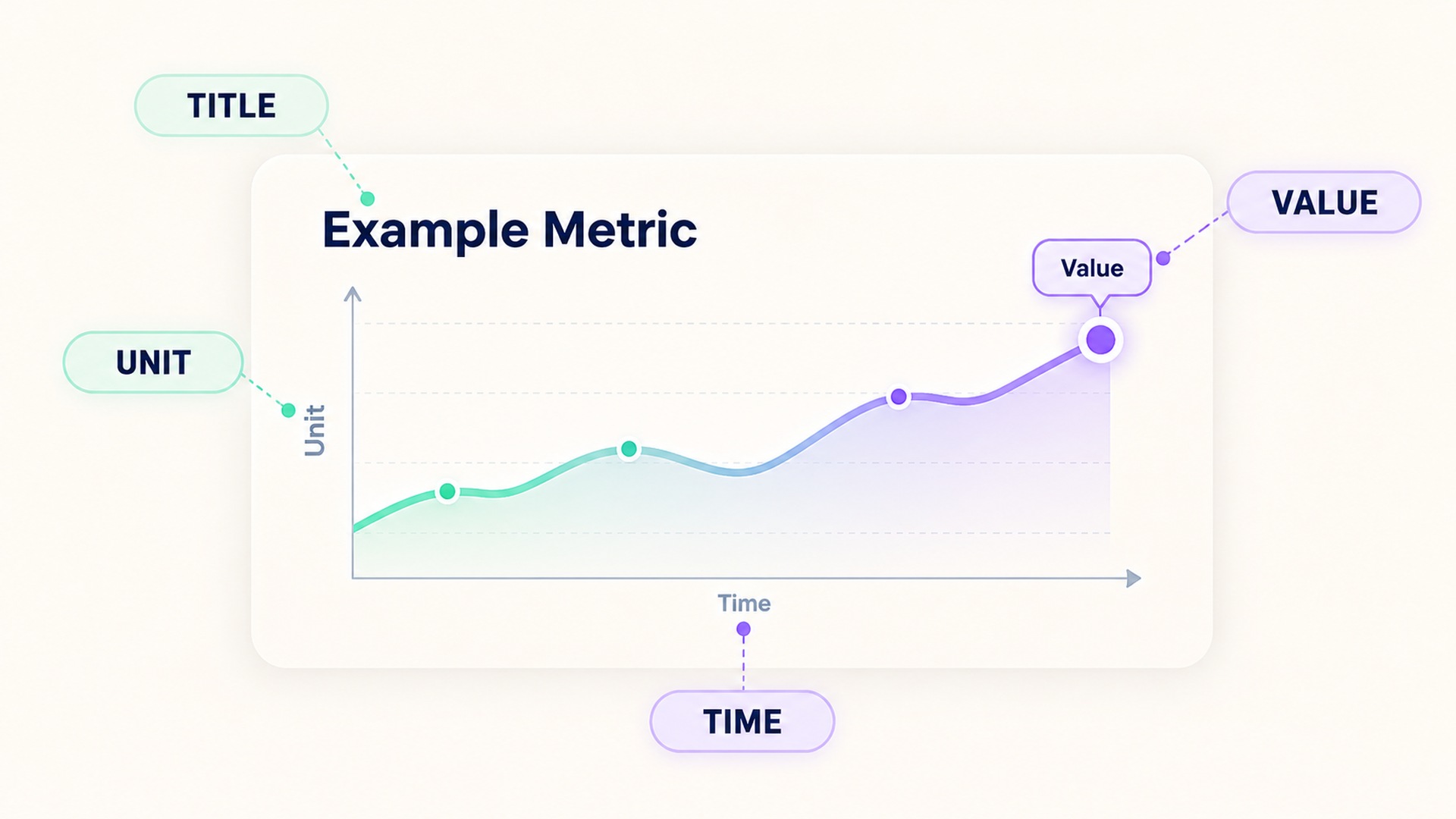
Color-independent design is only one part of chart readability. A chart can use distinct line patterns and still be difficult to interpret if the axis is unlabeled, the scale changes without notice, or the values are too small to read. The title should state the metric and period. The axis should identify the unit, and the legend should use the same names shown in any surrounding text.
If the chart compares a current value with a personal baseline, label both. If the scale is truncated, explain the range. If an estimate has uncertainty or missing data, display that status with text or a symbol instead of leaving a blank gap that might look like zero. A WAI overview of accessibility principles describes the broader need for distinguishable content, including adequate contrast and not relying on color alone.
Keep meaning stable across a dashboard
People often compare charts across different days or metric categories. A dashboard should use colors consistently within a defined system, but consistency does not make a hue self-explanatory. The chart still needs a label and a visible explanation of what the color means. If the meaning changes between contexts, make that change explicit rather than relying on users to remember a hidden convention.
Avoid presenting a “good” or “bad” interpretation only through red and green. A status can be named in text, paired with a symbol, and shown with a distinct shape or border. This also helps when a person prints the chart, uses a monochrome display, or views the graph in bright sunlight. The web accessibility success criterion on color formalizes this requirement for information and controls in web content.
Contrast matters for the graph itself as well. A pale line on an ivory background can disappear even if it is technically a different color from its surroundings. The non-text contrast guidance explains when graphical objects that are needed to understand content need sufficient contrast. Use line widths and marker sizes that remain visible at ordinary zoom, and do not make a crucial series thinner than surrounding grid lines.
Provide an equivalent view of the data
Some charts are dense or interactive. A reader may need a table, a short text summary, or an accessible data view to understand the underlying values. The alternate view should preserve the same time range and labels. If a selected point reveals a value only on hover, provide another way to access it by keyboard or touch. A graph’s color description alone cannot substitute for the actual value and unit.
If the chart is part of a health summary, explain whether it shows a measurement, a device estimate, or a derived score. Include enough detail to interpret changes without implying a diagnosis. A line that rises can indicate many things depending on the metric; its direction and color are not a clinical explanation. For background on interpreting wearable measurements separately from conclusions, see this guide to distinguishing a health inference from a record.
A quick chart review
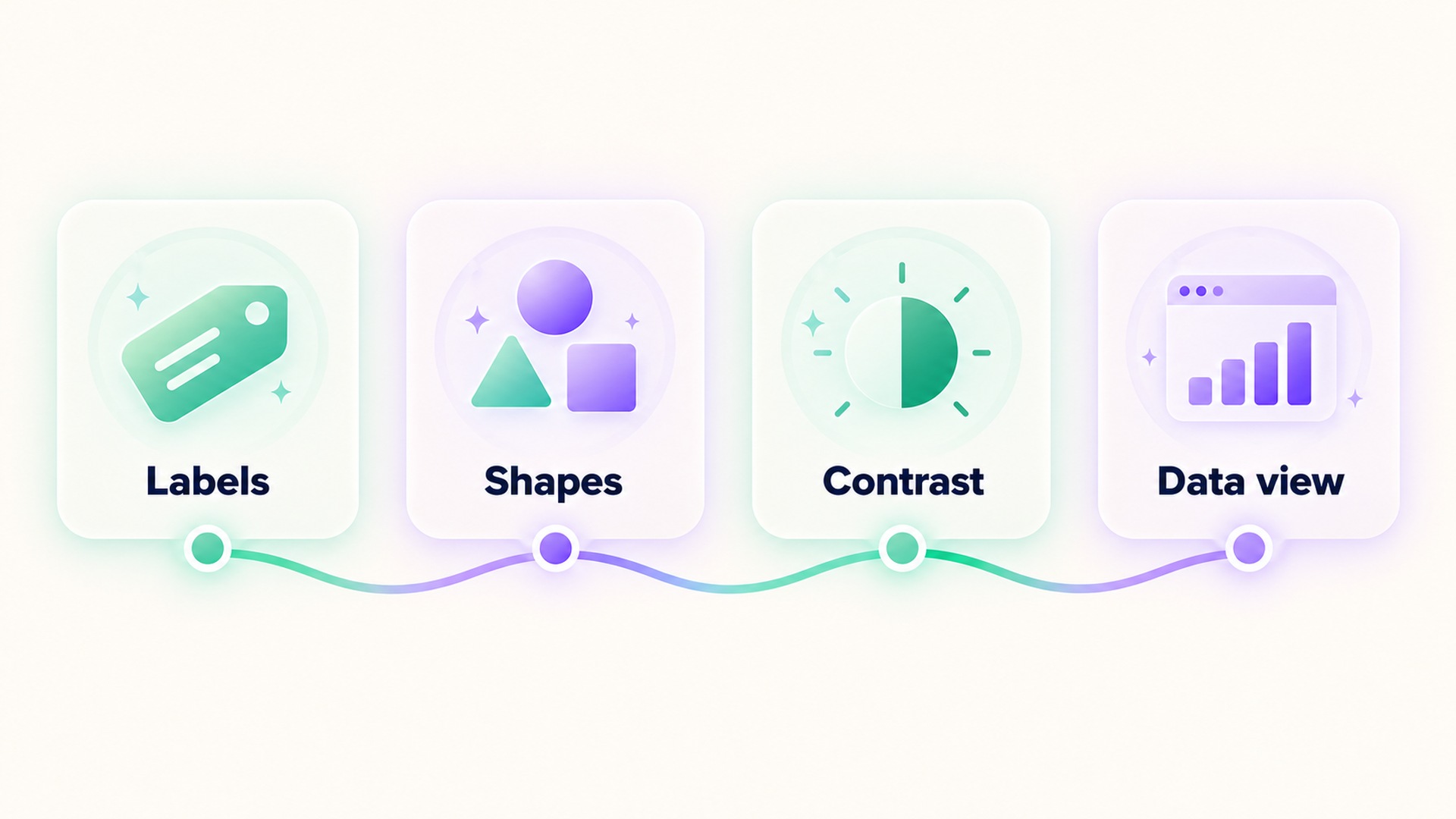
When reviewing a health graph, check whether the title names the metric and period, whether axes and units are present, and whether each line or bar can be identified without color. Look for labels, markers, patterns, and sufficient contrast. Then check for missing-data indicators, baseline definitions, and a text or table view when the graph is dense.
The design should help a person answer a specific question. If the chart compares nights, show the dates or sequence. If it shows a daily trend, label the time interval. If it groups several data sources, identify them clearly. Avoid a decorative legend that uses color swatches without words, and avoid an alert whose meaning is communicated only by a color change.
Use color to support structure, not to carry the full explanation. Labels, shapes, patterns, and readable values make charts easier to interpret for more people and in more viewing conditions. The chart should remain clear when the color is removed. Text labels also need enough contrast against their background. The minimum text-contrast criterion offers guidance for making labels readable, while graphical marks are assessed under a separate criterion.
Review the chart on the screen where it will be used
Health charts may appear on a watch, phone, tablet, printout, or clinician-facing report. A legend that fits on a large screen can wrap or disappear on a small one. A pattern that is easy to see at full size may become a thin gray line after a chart is reduced. Check the labels and marks at the actual size a person will view, and make sure the chart does not require hovering over a point to discover which metric it represents.
Color perception and display conditions vary. A person may use a grayscale printout, a low-brightness screen, a high-contrast setting, or a color filter. Someone may also compare a chart quickly while moving between several screens. Direct labels and distinct markers reduce the memory needed to interpret the display. If a color signals a change, include the value or a brief word such as “higher” or “below baseline” where appropriate.
For a trend chart, distinguish the data series from reference lines and alert thresholds. A horizontal line marking a goal should have a label, not just a different hue. If the chart shows a range, use a border or pattern to mark its limits. If missing data are displayed as a gap, say so in text; otherwise a person may read the gap as zero. A clear legend explains each symbol, and a short description can summarize what the graph shows without making a clinical claim.
The aim is not to add every possible label. Too much text can make a graph harder to scan. Keep the names concise, put units near the axis, and move longer definitions into a nearby description or table. If the chart uses multiple colors, make sure each distinction serves a purpose and has a second visual cue. Test the result in grayscale or with a color-vision simulation as a design check, then ask whether the actual values and relationships remain understandable.
Frequently asked questions
Is it necessary to remove color from health charts?
No. Color can help organize a chart, but pair it with another cue such as a direct label, shape, line style, pattern, or value so the meaning does not depend on color alone.
What should a chart label include?
Name the metric, time period, and units where applicable. Define colors or symbols if they carry meaning, and identify estimates, baselines, or missing data in text.
Why are patterns useful if chart colors are distinct?
Patterns provide a second way to tell series apart when color differences are hard to see, when the graph is printed in grayscale, or when a display changes how colors appear.
*This article is for informational purposes only and is not a substitute for professional medical advice, diagnosis or treatment.*
Sources:
W3C Web Accessibility Initiative·W3C Web Accessibility Initiative·W3C Web Accessibility Initiative·W3C Web Accessibility Initiative·W3C Web Accessibility Initiative·W3C Web Accessibility Initiative
Related articles

An inferred injury should not become a confirmed health record
A health app may infer an injury from a pattern, but that is different from a user report or clinical diagnosis. Check the source, date, and supporting record before treating the statement as confirmed.

Adding a workout photo requires a separate privacy review
A workout photo can reveal details beyond the activity numbers, including background clues and file metadata. Review the image, its audience, and the final share preview before posting.

Review who can see each health metric before enabling social sharing
A social-sharing control can reveal a specific health metric to a chosen audience or a wider group. Check the metric, audience, preview, and ongoing data permissions before enabling it.

Health notification previews can expose information on a locked screen
A health alert can be useful while its full text stays hidden from bystanders. Check notification previews on the phone and paired devices before relying on lock-screen privacy.

Confirm a workout has stopped before trusting its final totals
A workout can keep recording after the exercise itself has ended. Check the stop action, saved summary, and time boundaries before interpreting the totals.

Automatic workout merging can hide the break between sessions
Workout history can combine nearby sessions into one entry, even when you intended to record a meaningful break. Review the timestamps, segments, and source before interpreting the total as one continuous effort.

A supplement quality seal does not prove a recovery benefit
A quality seal may indicate that a product passed specific checks, but it does not show that the supplement improves recovery. Keep manufacturing evidence, ingredient evidence, and human outcome evidence separate.

Lower energy after cutting caffeine may need withdrawal context
Fatigue after reducing caffeine can be part of withdrawal, but it is not the only possible explanation. Keep the timing of the change, symptoms, sleep, and other context together before interpreting an energy score.
Total fat does not describe the saturated fat in a food log
Total fat and saturated fat are related label fields, but they are not interchangeable. Keep the total and its saturated-fat component visible when recording food or comparing packages.
Net carbohydrate claims need the total carbohydrate record beside them
A “net carb” number can hide how it was calculated. Keep total carbohydrate, fiber, sugar alcohols, serving size, and the subtraction method together so a food record remains interpretable.