Automatic workout merging can hide the break between sessions
By Mr.Apps · Oct 23, 2026
Category:Wearable

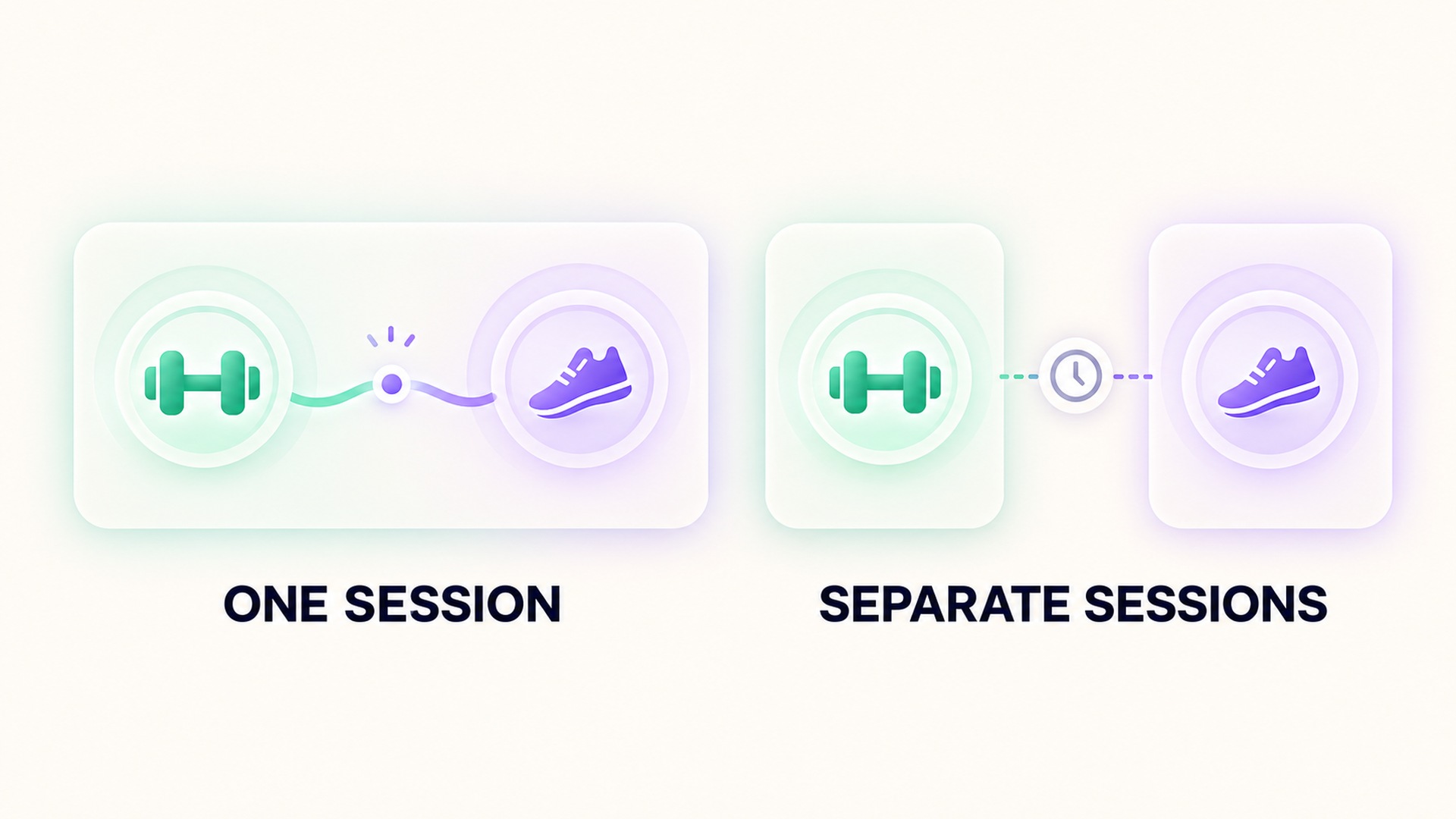
Two workouts performed close together can appear as one entry in a history, even when the person intended to record separate sessions. That merged view can blur the break between them, make the total duration look longer, and complicate comparisons of distance, heart rate, or effort. Before treating a combined entry as one continuous workout, I check how it was created and whether the record preserves the boundary between the activities.
Combining activities can be deliberate. A multisport session may contain several planned legs, while a short interruption may belong inside one continuous workout. Automatic merging is different: a service or application may group nearby records because they overlap, share a time window, or appear related. Those cases can look similar in a list, but they answer different questions about what happened.
Decide whether one session was intended
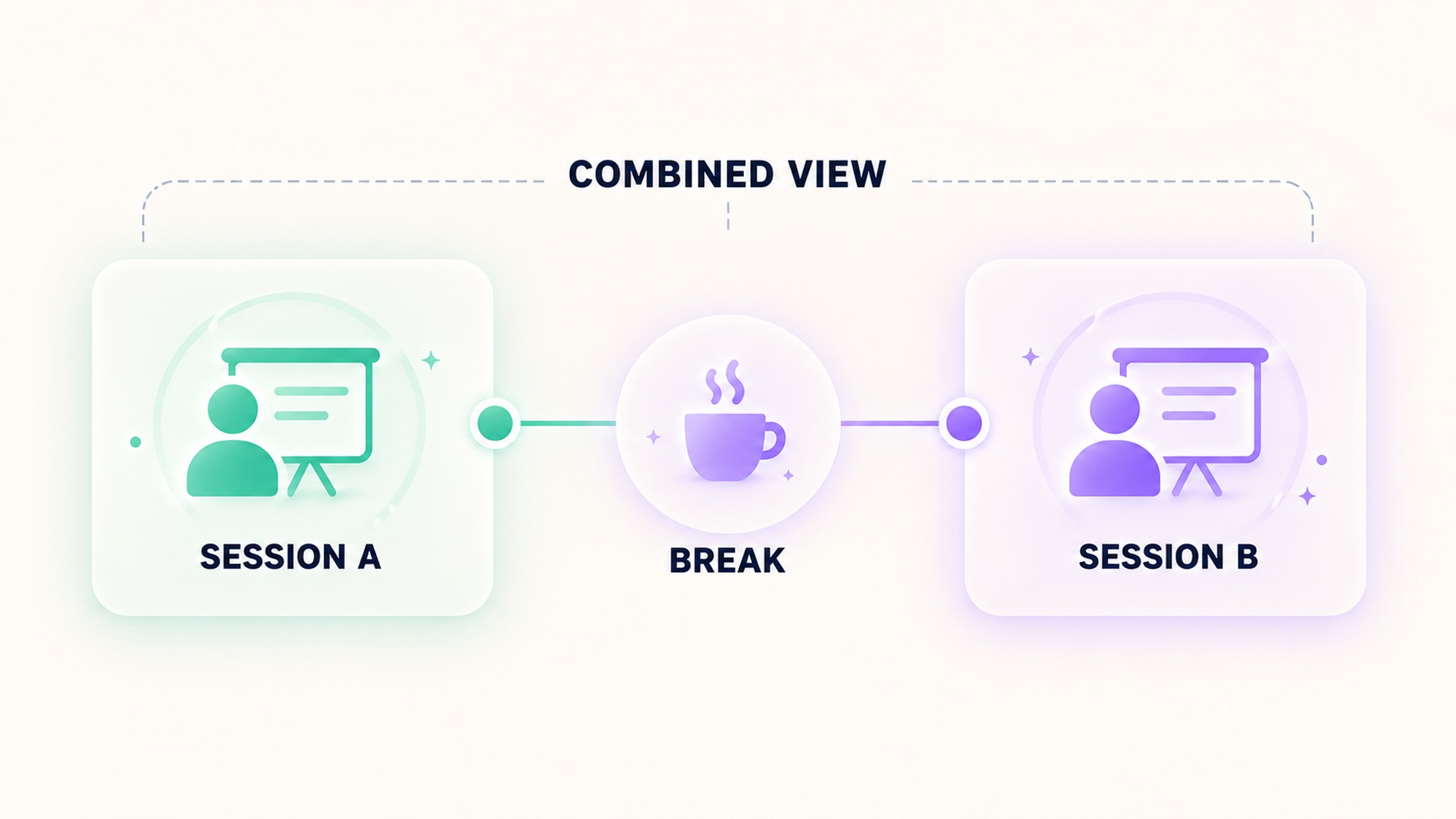
Start with the purpose of the recording. If the workout was planned as a sequence of activities with transitions, one parent session can be the clearest record. The segments still matter, because the total should preserve what happened in each leg. If the person finished one activity, left the workout screen, and later began another unrelated session, joining the entries can hide a real break.
Some devices offer controls that intentionally combine activities. The documented multi-activity workout flow has the wearer add a new activity from within the active workout and save the result at the end. That is an explicit design for a multi-part session. It does not imply that every pair of nearby workouts should be merged automatically. A separate workout controls guide also distinguishes pausing, resuming, and ending a recording.
I ask whether the break represented recovery between intervals, a transition between sports, or the end of one recording before another began. A brief pause to change equipment may belong to one workout. A completed session followed by a separate training block later in the day may deserve two records. Context matters more than the gap length by itself. A system cannot reliably infer intention from proximity alone unless it has information about the session structure.
What a merged entry can hide
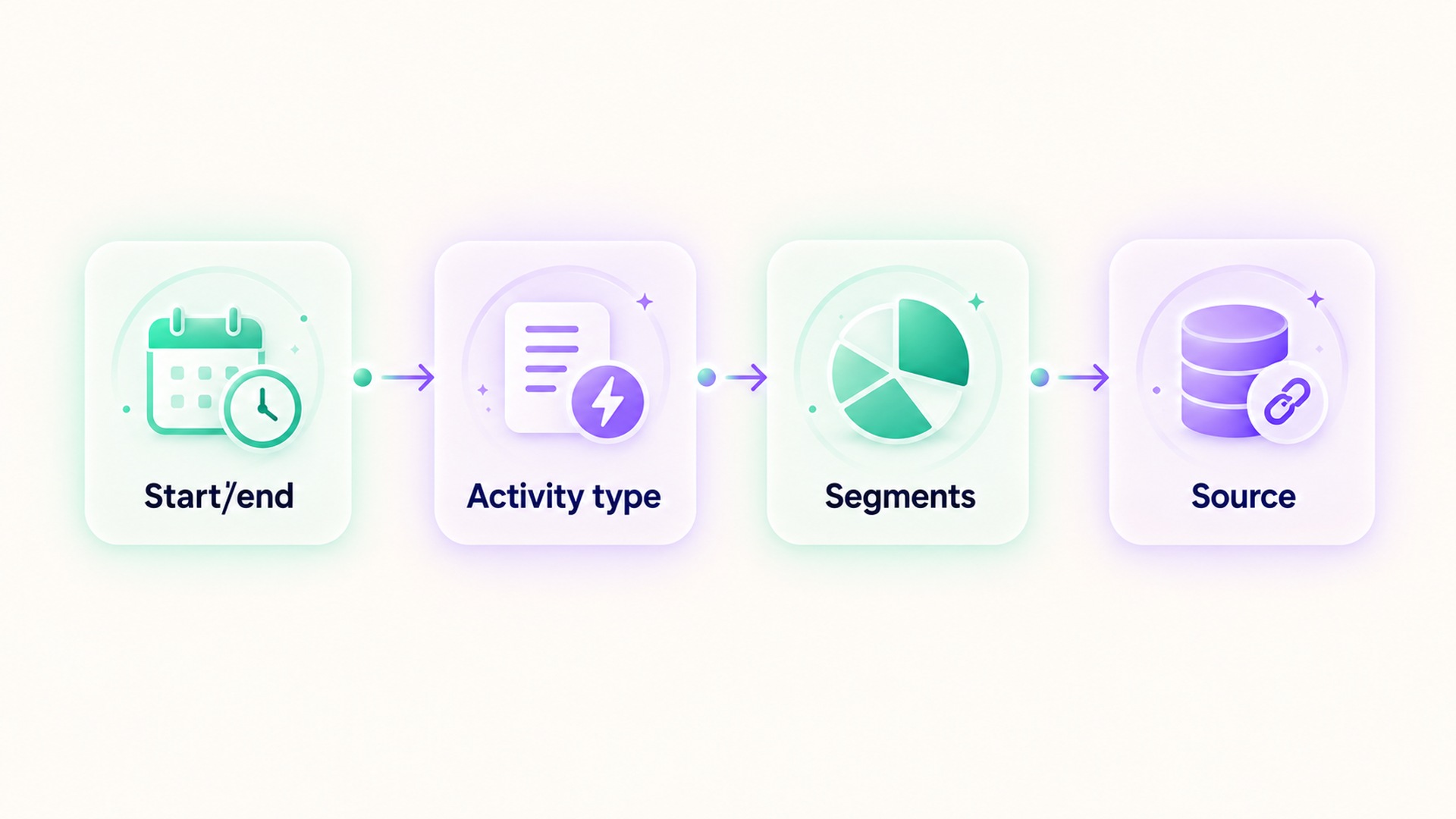
The visible title is only one part of the record. Inspect start and end times, activity types, segment labels, pause periods, routes, and any source or device information that the app exposes. A combined entry may keep component details inside a summary or may flatten them into one view. If the interface hides those details, avoid making a precise claim about the boundary from the headline total alone.
Duration can be especially confusing. A total elapsed interval may include the break between sessions, while moving time or active time may exclude some low-movement periods. Other fields can be calculated per segment or across the full record. When comparing two workouts, identify the definition of each field before interpreting a difference. Do not assume that a combined total equals the arithmetic sum of every visible component.
Shared health platforms also define exercise records by start and end times, and allow separate data such as heart rate or distance to be associated with a session. The exercise-session record reference makes that boundary explicit. A workout data guide describes session records and associated measurements as related elements. A receiving app might display a single combined card while the underlying source records remain separate, or it might receive one session that already contains multiple segments. The display alone does not tell you which process occurred.
Source attribution helps resolve this. Look for the app or device that created each component, and whether the entry was imported or recorded directly. If two devices wrote overlapping sessions, the issue may be duplicate data rather than a deliberate merge. If one device created a multisport session, the segment structure may show an intended sequence. Keep these explanations separate until the record provides evidence for one of them.
Check boundaries before editing
Before changing a workout, capture the details currently visible: dates, start and end times, type labels, segment information, and source. Then consult the product’s instructions for editing, splitting, or deleting sessions. Editing one visible card can have different effects from changing the original records. A split control might preserve both pieces, while a deletion could remove the full combined session or only one segment. If an inactivity prompt is involved, remember that it may be a cue to review the session rather than evidence that an app has already ended or reorganized it; the reminder behavior description explains how inactivity can trigger a prompt on supported devices.
If the application offers a supported split action, review the confirmation screen carefully. Make sure the proposed boundary matches the actual change between activities. Check whether the two resulting records retain the right start and end times and whether their measurements remain attached to the intended segment. If no split action is available, do not create replacement records until you know whether the original data can be preserved and whether the new records could duplicate imported history.
An existing guide to workout records and later imports explains why an entry can move between services without being created by the receiving app. That distinction matters when a merged card appears after a sync: the receiving service may be arranging existing records rather than changing the original recording.
Compare the right level of detail
When the question concerns the whole training block, a combined entry can be useful if it retains clear segments and the overall start and end points make sense. When the question concerns one activity, compare its own segment or original record. A single total can conceal different durations and conditions, so it should not replace the detail needed for the comparison. Product summaries can display splits and other workout details, as shown in this saved-workout review guide.
For a recurring routine, keep the same recording convention over time. If a session usually contains one activity followed by a transition, use a consistent approach to marking the transition. If the intended record is two independent sessions, end the first and start the second as separate workouts when the product supports that workflow. Consistency makes historical charts easier to read, but it should not be used to rewrite what a past session represented.
This is also why the phrase “automatic merge” needs care. The label may describe an application feature, a sync process, an import rule, or an interpretation of multiple source entries. Read the feature description for the specific product and version. Check whether it changes the saved records or only groups them visually. A display grouping can be reversible without altering the original session data; a record-level merge may not be.
Keep the break visible in your interpretation
If a merged entry cannot be separated, note the uncertainty rather than treating the entire interval as a continuous effort. Use segment details, route or sensor timelines, and the original source history to establish what can be established. Do not infer a medical or performance conclusion from a total that includes an unclear pause. When a field is unavailable, say so and use another measure whose boundaries are known. Compare like with like: an elapsed interval is not interchangeable with moving time, and a grouped activity is not automatically comparable with a session recorded as one uninterrupted effort.
I would preserve both the displayed combined view and the source details in any review. Record which activity types appear, what time range the merged entry covers, whether the component sessions remain accessible, and what the product says about the merge behavior. This gives a later reader enough context to understand why the total differs from a separately recorded session.
Automatic grouping is convenient when it reflects the intended workout. It becomes misleading when it erases a meaningful break or makes two records look like a single continuous effort. The practical check is to inspect the session structure before interpreting totals. A clear boundary is more useful than a tidy history card.
For a careful review, preserve the original entries until you understand whether the combined view is only a presentation choice or a change to the saved data. Note the product version and the date you checked its instructions. Features can differ across releases, and a later update may change how sessions are displayed without changing the measurements already stored.
Frequently asked questions
Does a combined workout mean the device recorded one continuous session?
No. A combined display can contain several segments or grouped source records. Review the start and end times, activity labels, and source information to determine how the entry was created.
Should I split a workout that includes a short pause?
Only if the pause separates activities you intended to record independently and the product supports a safe split. A rest between intervals or a transition inside a planned session may belong within one workout.
Can a merged workout change its total duration?
It can change what the displayed interval represents. Check whether the total covers the full elapsed span, excludes pauses, or sums segment times; products can define these fields differently.
*This article is for informational purposes only and is not a substitute for professional medical advice, diagnosis or treatment.*
Sources:
Apple Support·Apple Support·Android Developers·Android Developers·Google Fit Help·Apple Support
Related articles

A supplement quality seal does not prove a recovery benefit
A quality seal may indicate that a product passed specific checks, but it does not show that the supplement improves recovery. Keep manufacturing evidence, ingredient evidence, and human outcome evidence separate.

Lower energy after cutting caffeine may need withdrawal context
Fatigue after reducing caffeine can be part of withdrawal, but it is not the only possible explanation. Keep the timing of the change, symptoms, sleep, and other context together before interpreting an energy score.

Total fat does not describe the saturated fat in a food log
Total fat and saturated fat are related label fields, but they are not interchangeable. Keep the total and its saturated-fat component visible when recording food or comparing packages.

Net carbohydrate claims need the total carbohydrate record beside them
A “net carb” number can hide how it was calculated. Keep total carbohydrate, fiber, sugar alcohols, serving size, and the subtraction method together so a food record remains interpretable.

Check servings per container before logging a whole package
Nutrition values are often listed per serving even when a package contains several servings. Check the serving count and the amount eaten before entering the whole package into a food log.

Sodium and salt amounts should not be entered as the same number
Salt and sodium are related but they are not the same quantity. Keep the label’s nutrient value and the food’s salt description separate so a nutrition log does not silently change units.

Add caffeine milligrams across drinks, foods and supplements
A caffeine journal is more accurate when it counts milligrams from drinks, foods, and supplements together. Keep product serving sizes and unknown amounts visible instead of treating each item as one equal dose.

Sleep changes after reducing alcohol need more than a score comparison
Sleep may change after someone reduces alcohol, but a score comparison cannot explain the cause or the course. A useful review includes symptoms, timing, routine, device limits, and medical support when needed.

Alcohol tolerance does not establish that recovery is unaffected
Feeling less affected by alcohol does not show that the body or sleep is unaffected. Keep subjective tolerance, drinking records, wearable estimates, and clinical recovery as separate questions.

Count alcohol content rather than glasses in a recovery journal
A glass count can hide differences in serving size and alcohol strength. Record the beverage amount and its alcohol content so a journal preserves the inputs behind each estimate.