Total fat does not describe the saturated fat in a food log
By Mr.Apps · Oct 22, 2026
Category:Wearable

A food log that records only total fat cannot show how much of that amount is saturated fat. Total fat combines several types of fat present in the serving. Saturated fat is listed separately as one component. If the purpose of a record is to compare saturated-fat amounts, entering total fat alone loses the distinction the label provides.
This is a recordkeeping point, not an individual diet prescription. A nutrition label describes a food serving; it does not diagnose cholesterol levels or predict a person’s health outcome. Use the label values to document what was eaten and seek professional advice for personal medical decisions.
Read both lines on the label
On a Nutrition Facts label, total fat appears as the broader value, and saturated fat is indented beneath it. The saturated-fat amount is part of the total; it should not be added to total fat as if it were a separate additional quantity. A label explainer for total fat shows how saturated and other fats contribute to the total-fat field.
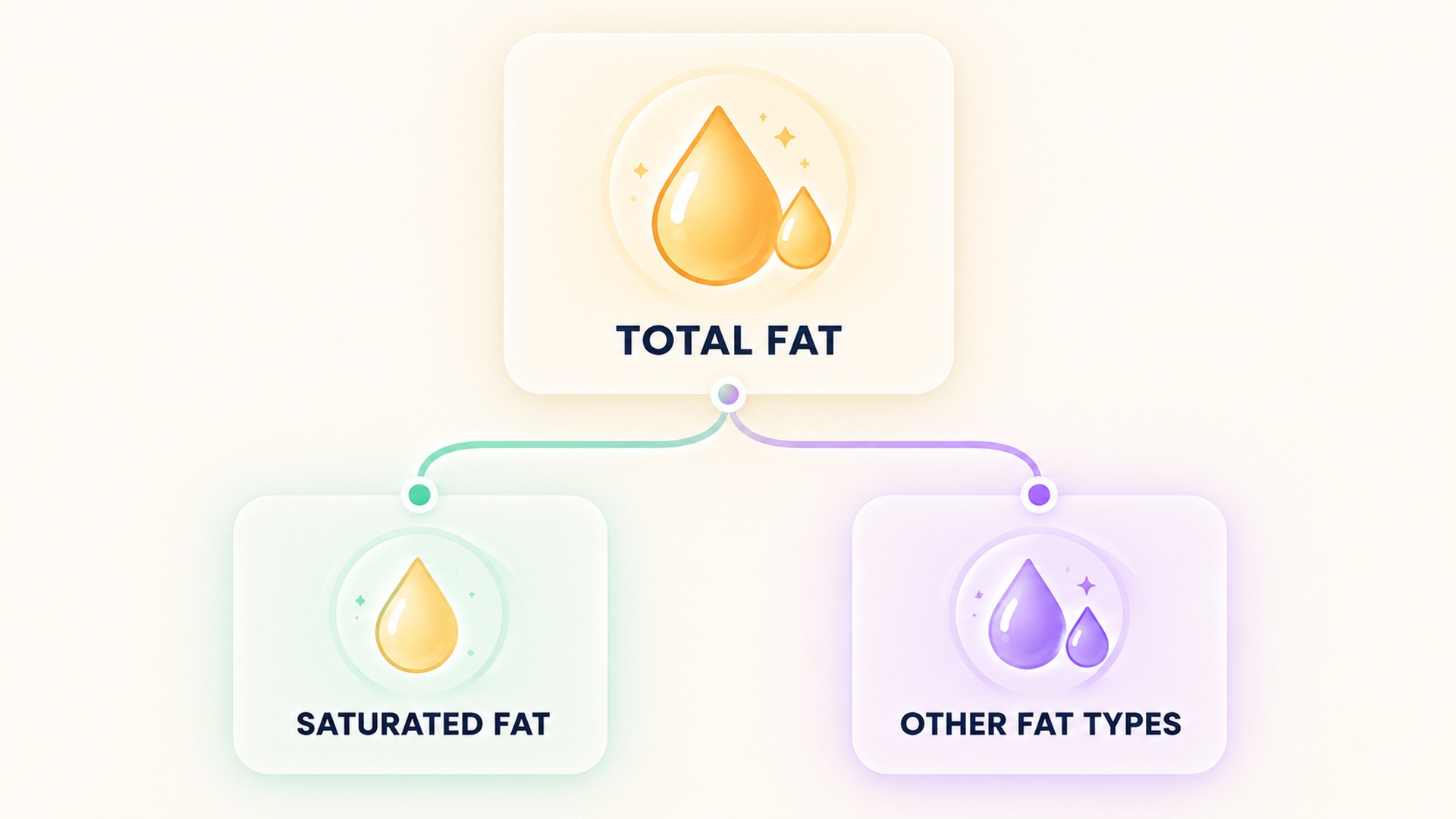
Other fat types may include monounsaturated, polyunsaturated, and trans fats. The label may show some of these separately, but the subcategories do not necessarily add neatly to the displayed total because of rounding and label rules. The total remains the broad value for the serving. A food log that records each number should preserve the source rather than calculate a missing subtype by subtraction.
The terms can also be confused when reading an ingredient list. An ingredient name may describe a fat source, while the Nutrition Facts panel reports amounts of nutrient categories. The name of an oil or food does not provide the exact saturated-fat amount in the portion eaten. Use the label or a matching nutrient database entry for the quantity, and keep an ingredient description as separate context. This avoids turning a food name into a nutrient estimate.
A label may not provide every subtype in the same way, so the fields available to the reader can vary. If the app asks for saturated fat, use the saturated-fat line when it is reported. Do not infer it from total fat or assume that the difference between total and saturated fat has a specific composition unless the other components are listed.
A food-label overview describes why the type of fat and the total amount are separate information. They answer different questions: total fat indicates the combined amount, while saturated fat identifies one category within that total.
Keep the serving basis consistent
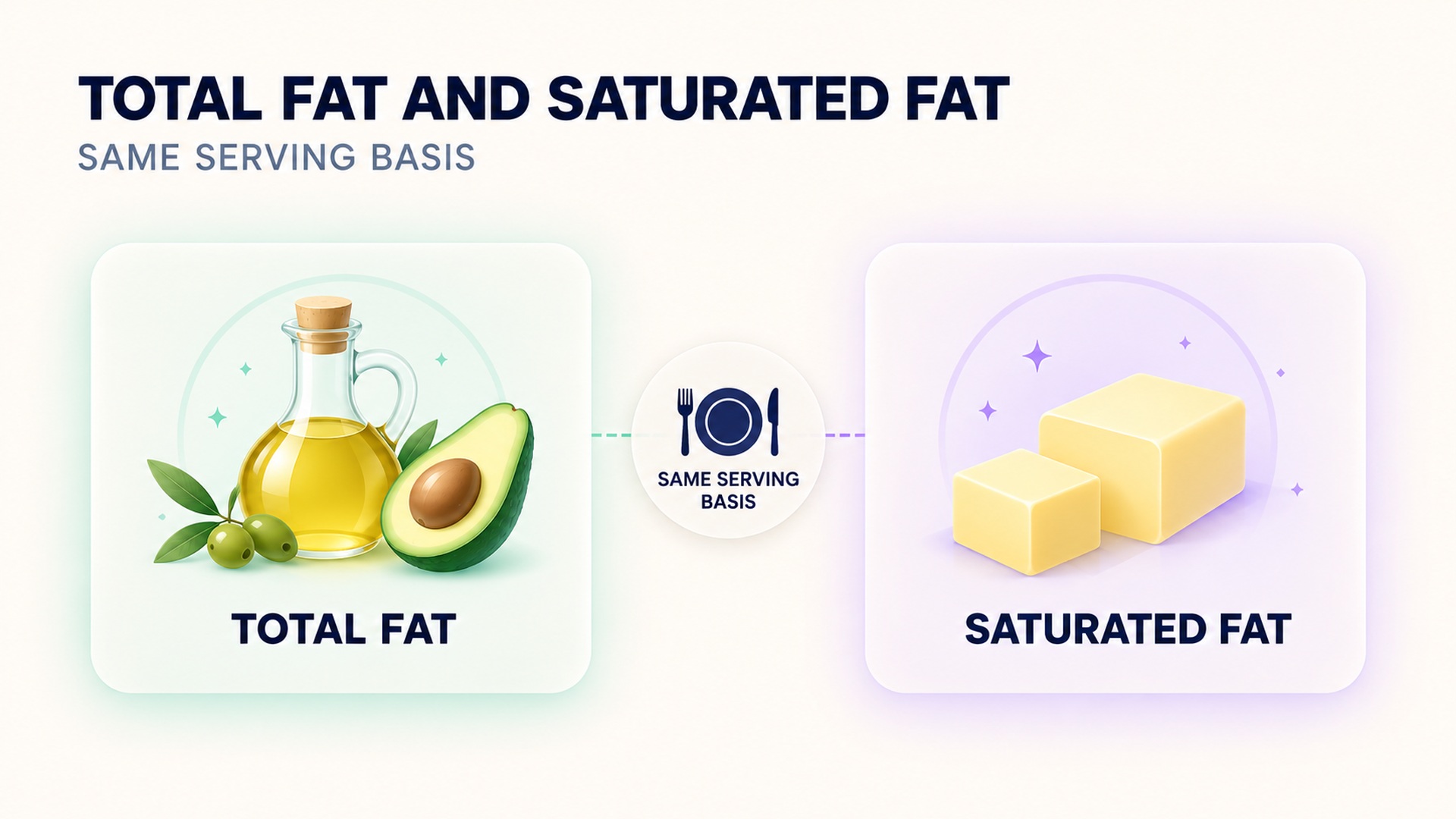
Nutrition facts are tied to a serving size. If a person eats two servings, the total-fat and saturated-fat amounts should both be scaled to two servings. If a package provides separate columns for one serving and the entire package, check which column the food log expects. Applying a serving multiplier to a whole-package number would overstate the amount; entering the per-serving number for the entire package could understate it.
For a mixed dish, the total depends on ingredients and the recipe yield. A restaurant estimate or generic database entry may not match the exact recipe. Keep the source of the estimate visible, especially if the person is comparing meals over time. A package label for the specific product is more directly tied to that item than a broad food-category estimate, although serving size still needs checking.
The serving-size instructions for food labels explain that values are generally listed per serving. Record the serving amount and how much was eaten before comparing total and saturated fat. If the portion is estimated, mark it as an estimate rather than presenting the result as exact.
Avoid treating a ratio as a nutrient measurement
Someone might subtract saturated fat from total fat to calculate the remaining amount of other fat. That arithmetic can be useful only if the values refer to the same serving and units and are sufficiently precise. It does not reveal the full breakdown of monounsaturated, polyunsaturated, and trans fat. Rounding on labels can also affect a subtraction. Preserve the original label values instead of replacing them with a derived number.
A general explanation of saturated fat describes saturated fat as one type of dietary fat. A separate overview of dietary fats discusses food sources and broader nutrition context, but it does not turn a log entry into an individual health assessment. The field is useful for nutrition review, but a food entry does not measure blood lipids. Do not use a single meal’s fat values to infer a lab result or to diagnose a health condition.
Use the record for a clear comparison
When I compare products, I first compare like servings. Check that each package uses the same serving basis or convert both to an equivalent amount using clearly stated arithmetic. Then compare total fat and saturated fat separately. One product may have a similar total-fat amount but a different saturated-fat amount. Another may differ in both. Keeping both values lets the reader see that distinction without implying that either number alone describes the whole food.
If a label does not show the exact subcategory someone wants, mark that field unavailable. Do not enter zero to fill a blank; zero means the value is reported as zero, while unavailable means it was not provided. Avoid using the same app field for total and saturated fat unless the field name and definition make its purpose explicit.
The record should also distinguish observed label data from a calculation. Save the product, serving size, total fat, saturated fat, and amount eaten. If a value is scaled or converted, keep the original and the method. A related guide to keeping wearable and nutrition observations in context explains why logged values should not be mistaken for a diagnosis or cause.
A summary of the label’s fat fields explains why total fat and its subtypes remain distinct entries. Keep the label wording when transcribing, especially when a food app uses a shorter or different field name.
A food log can support a conversation about eating patterns, but it is incomplete when entries are missing or estimated. Preserve that uncertainty in the record for a later clinical review if needed. If someone has a clinician-directed plan, follow the clinician’s instructions for which nutrients to track and how to interpret them. General label explanations cannot replace an individualized plan.
Distinguish label values from app summaries
Some food-tracking apps show a combined fat number on the meal screen and place saturated fat in a detail view. Others may use a database entry that lacks one subtype. Before using a chart, inspect the field definition and make sure it is not a daily target, percentage, or calculated value. A label gives amounts for a stated serving; an app may scale or aggregate them. These are not interchangeable display conventions.
If someone copies a value manually, keep the nutrient name, number, unit, and serving basis together. “Fat, 12 grams” is ambiguous if the data later loses the label that distinguishes total fat from saturated fat. A note that says “per package” is also different from one that says “per serving.” A clean entry makes both the original value and any scaling easy to reconstruct.
Rounding can complicate comparisons between label values and database values. Packaged labels may round the displayed amounts, while a database may retain more digits or derive values from a specific sample. Do not infer an exact subtype by subtracting two rounded figures. If the label does not provide the saturated amount, use another reliable source only when it matches the exact food and preparation; otherwise mark the field unavailable. Do not fill a blank with a guessed zero.
Keep health interpretation in perspective
The fat breakdown of a food is only one part of a diet. The same quantity can appear in meals with different ingredients, serving sizes, and overall patterns. A label comparison can describe products, but it cannot determine what a person should eat or predict an individual test result. Recommendations may depend on clinical history and a clinician’s advice.
If someone is reviewing repeated entries, compare similar products and portions and keep the source consistent. A switch between a package label and a generic database can create an apparent change even when the food did not change. Mark substitutions, recipe changes, and uncertain portions. This helps separate an actual change in intake from a change in measurement.
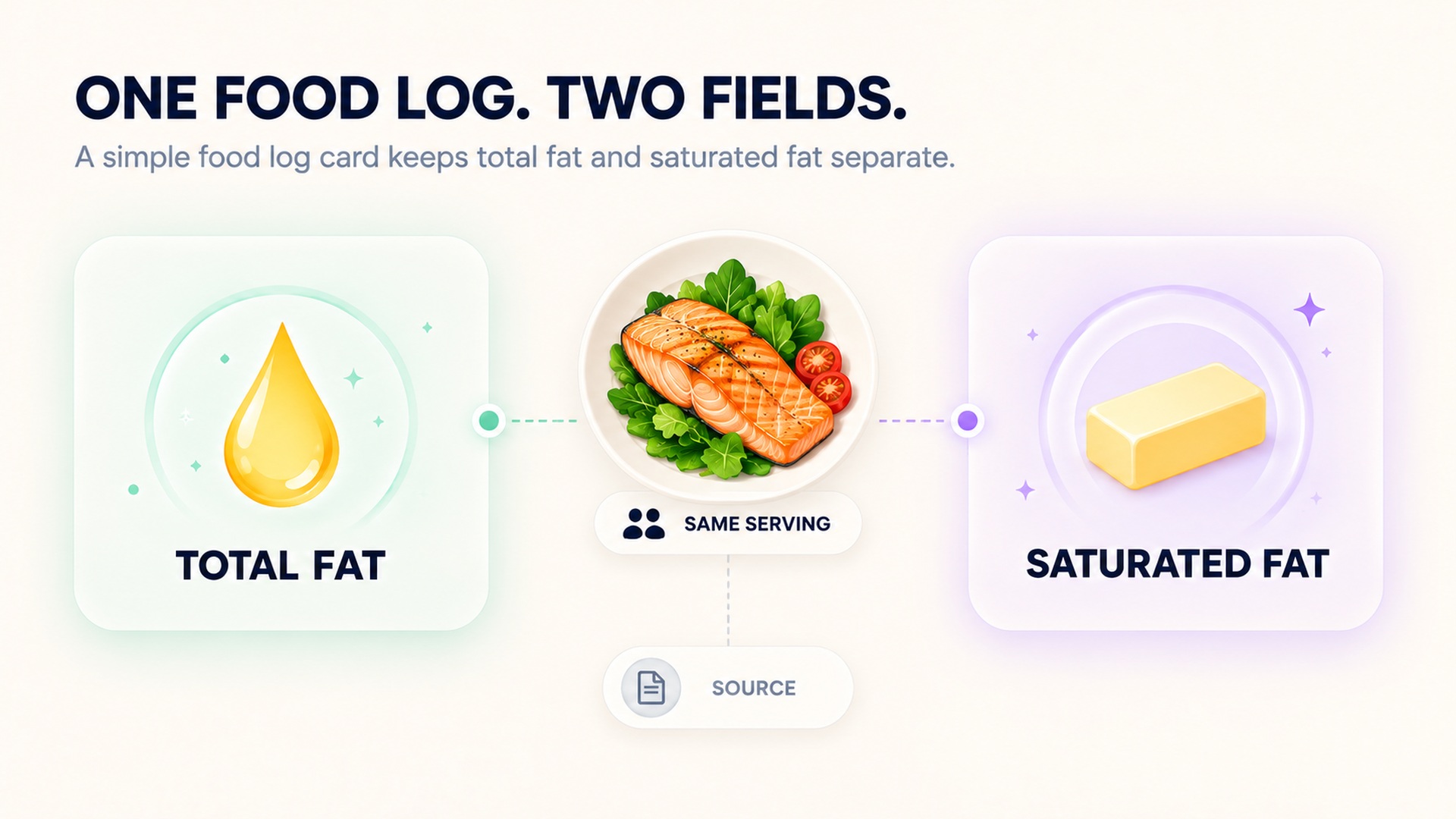
A label value is an intake record, not a blood test; keep clinical interpretation with the appropriate assessment and lab results.
FAQ
Is saturated fat included in total fat?
Yes. Saturated fat is one component of the total-fat amount. It is listed separately so the reader can see that part of the total.
If I know total fat, can I calculate saturated fat?
No. Total fat does not specify how much is saturated. Use the saturated-fat line when available, and keep the label basis and serving size with the entry.
Does a food log show my cholesterol level?
No. A food log records estimated intake. It does not measure blood cholesterol or diagnose a condition. Use clinical testing and professional guidance for those questions.
*This article is for informational purposes only and is not a substitute for professional medical advice, diagnosis or treatment.*
Sources:
Related articles
Net carbohydrate claims need the total carbohydrate record beside them
A “net carb” number can hide how it was calculated. Keep total carbohydrate, fiber, sugar alcohols, serving size, and the subtraction method together so a food record remains interpretable.

Check servings per container before logging a whole package
Nutrition values are often listed per serving even when a package contains several servings. Check the serving count and the amount eaten before entering the whole package into a food log.

Sodium and salt amounts should not be entered as the same number
Salt and sodium are related but they are not the same quantity. Keep the label’s nutrient value and the food’s salt description separate so a nutrition log does not silently change units.

Add caffeine milligrams across drinks, foods and supplements
A caffeine journal is more accurate when it counts milligrams from drinks, foods, and supplements together. Keep product serving sizes and unknown amounts visible instead of treating each item as one equal dose.

Sleep changes after reducing alcohol need more than a score comparison
Sleep may change after someone reduces alcohol, but a score comparison cannot explain the cause or the course. A useful review includes symptoms, timing, routine, device limits, and medical support when needed.

Alcohol tolerance does not establish that recovery is unaffected
Feeling less affected by alcohol does not show that the body or sleep is unaffected. Keep subjective tolerance, drinking records, wearable estimates, and clinical recovery as separate questions.

Count alcohol content rather than glasses in a recovery journal
A glass count can hide differences in serving size and alcohol strength. Record the beverage amount and its alcohol content so a journal preserves the inputs behind each estimate.

Recording beyond phone range requires sensor memory support
Live sensor broadcasting and local workout storage are different capabilities. Learn what to verify before leaving a phone behind and how to confirm that the saved session transferred afterward.

Repeated vibration can add steps without walking
Wrist step counters infer walking from motion patterns, so repeated vibration can sometimes add step-like movement to a total. Learn how to identify a suspicious time block without inventing a walk or discarding the rest of the day's data.

Instant pace can fluctuate while lap pace stays stable
Current pace and lap pace summarize different time windows, so one can jump while the other stays steady. Learn which field fits a live pacing decision and which is better for reviewing a sustained segment.