Recording beyond phone range requires sensor memory support
By Mr.Apps · Oct 21, 2026
Category:Wearable
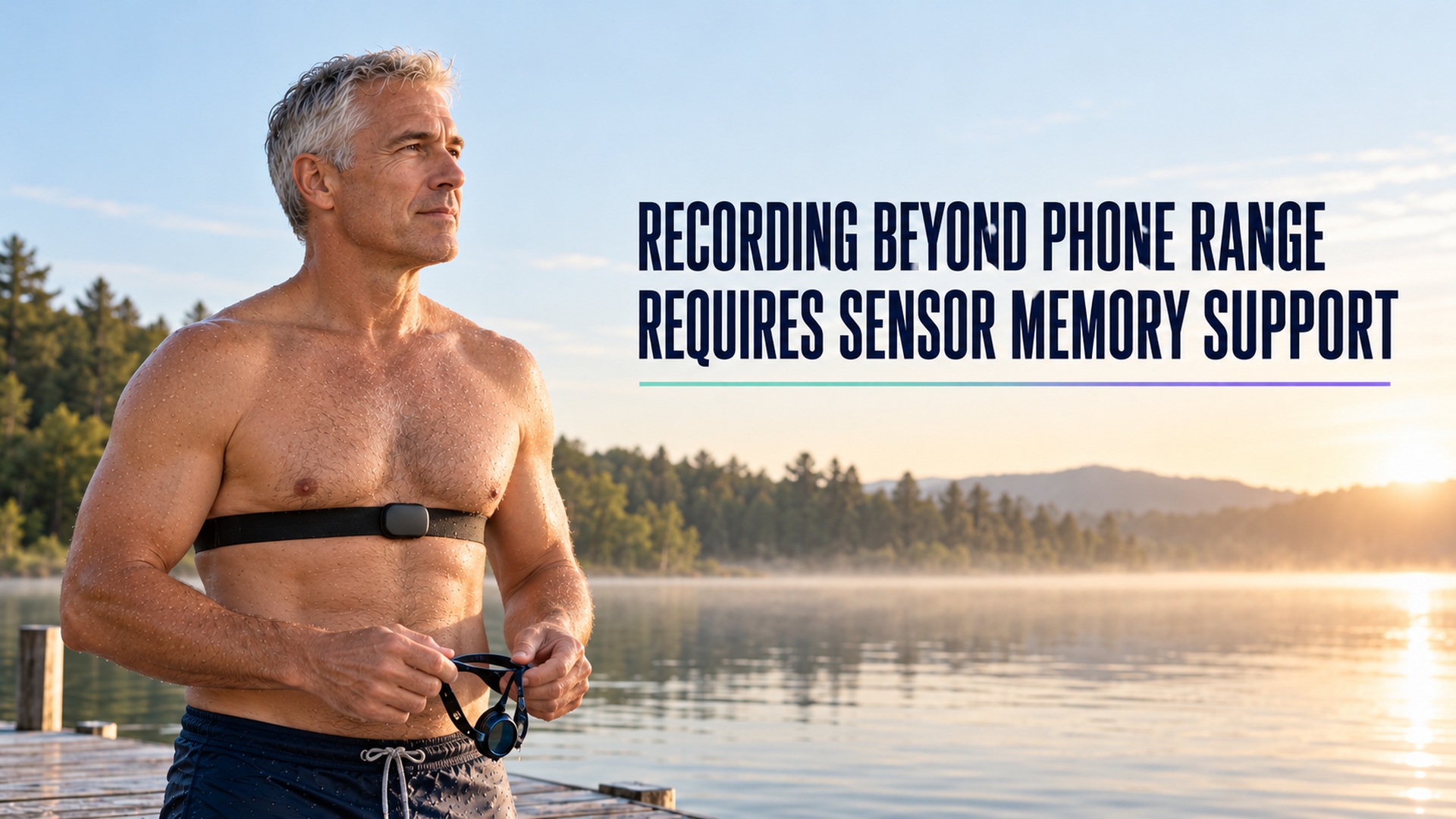
Leaving a phone behind does not automatically mean a heart-rate sensor can keep recording. A sensor that broadcasts live data needs a nearby receiver, such as a watch or phone, unless the sensor has its own memory and a supported recording workflow. Before going out of range, check whether your exact sensor can store a session, how that session is started, and how it transfers afterward.
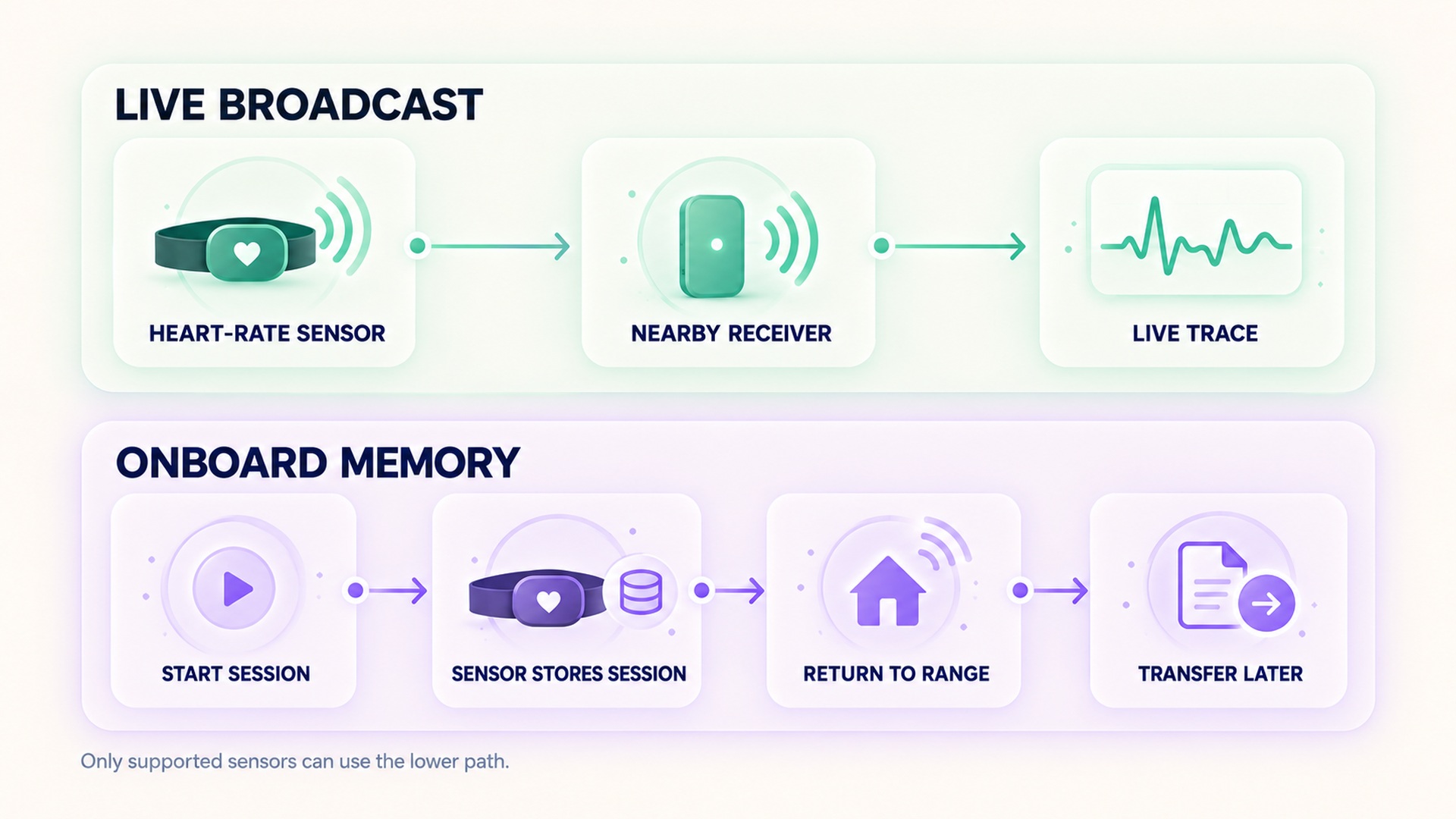
Live broadcast, local recording, and later synchronization are three separate steps. A Bluetooth signal can reach a receiver only within the usable wireless range. A sensor with memory may save measurements while the phone is elsewhere, but only after an application or compatible device has started the recording. Later, the data must be transferred and matched to the right workout.
Live signal and local storage are different
In a live connection, a sensor sends measurements to a receiving device while the activity is underway. The receiver displays, records, or forwards the stream. If that receiver moves out of range, loses the connection, or stops the activity, the stream may stop unless another receiver or a local recording feature takes over.
The Bluetooth Heart Rate Service standard describes a measurement that is sent to a connected client. Its service specification explains that a heart-rate value is delivered through notifications while a connection is active. The standard describes the data service; it does not require every sensor to include onboard storage or to resume a workout after the connection is lost.
Local memory changes that path. A sensor with memory can store a workout record while a phone or watch is not close, then transfer the saved data after the devices reconnect. This is not the same as leaving an app open in the background, and it is not a guarantee that an unstarted broadcast will be saved. The memory workflow for one heart-rate sensor requires the user to start the session in a paired training app before going out of range.
Check what starts the recording
A common mistake is to pair the sensor once, assume it is recording continuously, and then leave the phone behind. Pairing establishes a relationship between devices. It does not always start a workout or turn on onboard memory. For a sensor that supports memory, the intended flow may require opening the companion app, selecting a sport, and choosing a specific sensor-recording option before starting.
The maker's instructions are model-specific. A different sensor may use onboard memory, store activity metrics but not a timed heart-rate workout, or rely on a watch's own recording. The guide to recording a session without a nearby training device shows one model-specific workflow. It distinguishes a saved training session from a live broadcast to a receiver.
Some systems use “store and forward.” A strap records during a timed activity after being paired to a compatible watch, then sends missing samples to the watch when the two reconnect. The store-and-forward instructions for compatible straps state that the timed activity needs to be started on the watch and that the strap has to come back within range before the activity is saved. That model differs from a sensor storing a session started entirely by phone.
The recording may arrive later
If a sensor stores data locally, the workout can appear in an app only after the transfer finishes. The time the record arrives is not the time the session occurred. Check the activity's start and end times and confirm that the heart-rate samples belong to that session rather than to a later sync window.
A health-data service can also receive a completed workout and its associated heart-rate samples after recording. The workout data guide for a shared health platform describes reading exercise sessions and their heart-rate records. Such an import can make past data visible, but it does not prove that the importing app received the sensor's signal live during the activity.
The distinction between “recorded without the phone” and “imported without the phone” matters. In the first case, the sensor or watch captured data during the session and transferred it later. In the second, another app may have recorded or stored the workout, then shared it after connectivity returned. A related guide to importing workout records across services discusses that separate handoff path.
Verify the complete route before relying on it
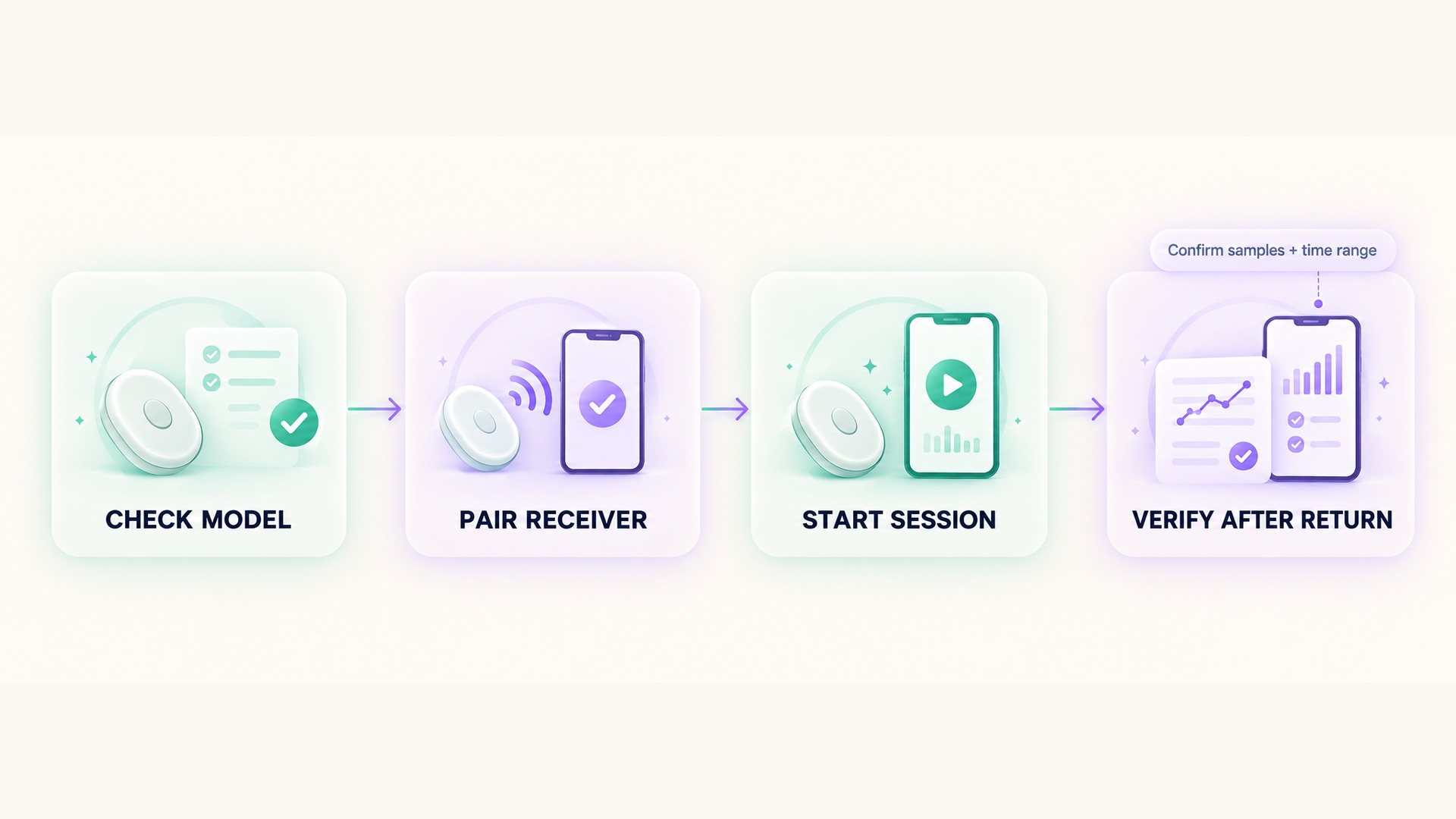
Test the intended setup while you still have the phone and watch available. Confirm the sensor model, verify that it is paired to the receiver you plan to use, and start a short test using the documented memory or store-and-forward option. Move out of phone range only after the app or watch shows that recording has begun. When you return, wait for the transfer and check that the saved session contains heart-rate samples over the expected interval.
Check what happens if the receiving watch is also out of range. A sensor may store data independently, or it may depend on a compatible watch to start the session and save the returned samples. The support details for an activity-tracking chest strap distinguish all-day activity storage from the ability to create a timed activity and later supply heart-rate data. That distinction is important when deciding whether a strap alone is enough.
Also check how many sessions the sensor can hold and whether a saved workout must be synced before starting another one. Memory can be limited, overwritten, or cleared when a transfer completes. Confirm whether the app needs to be open, whether the sensor must be worn again for transfer, and whether the workout can be associated with the route or activity type you intended.
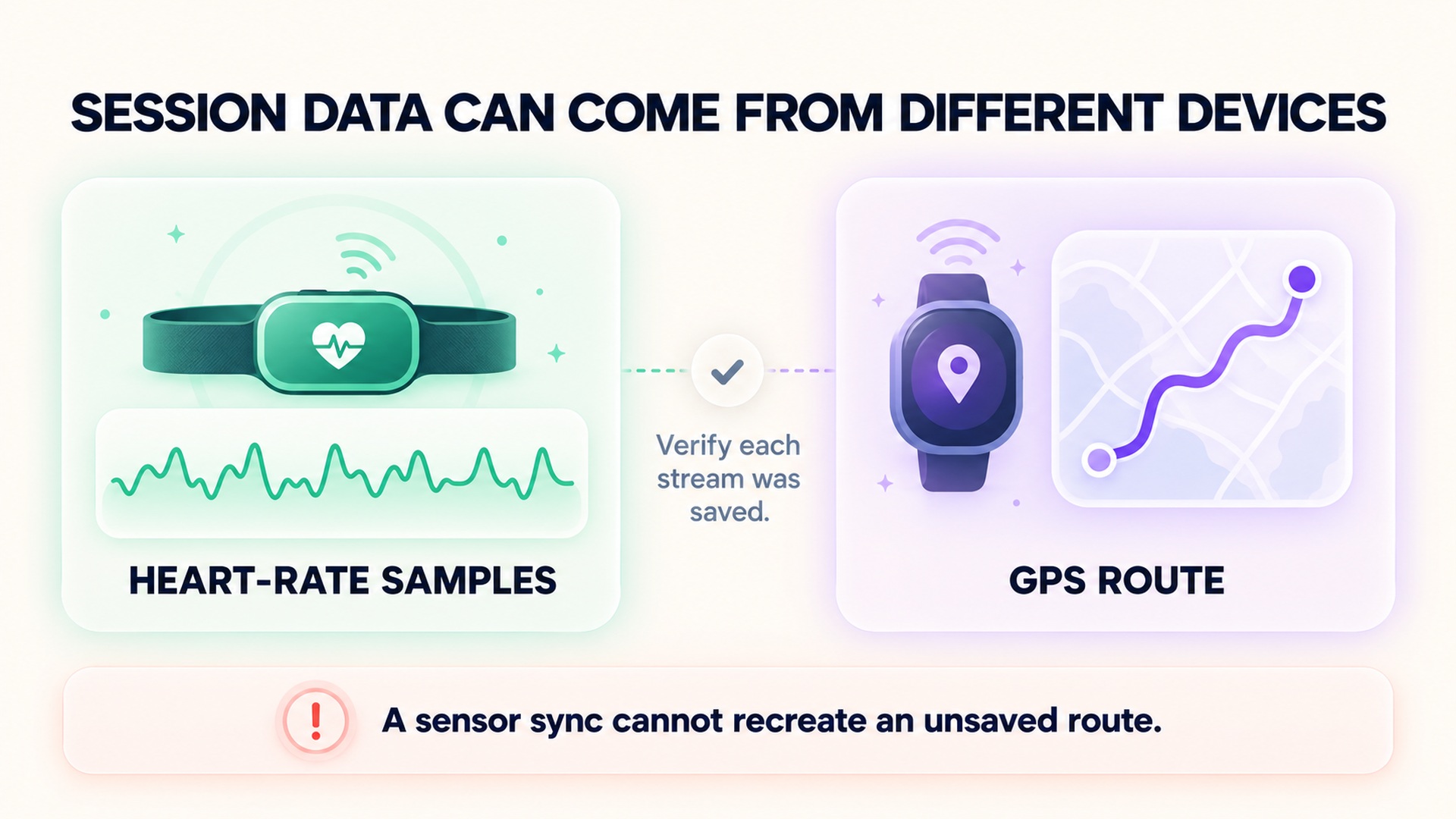
Do not assume the GPS route follows the heart-rate recording. A watch may record location while a sensor stores heart-rate data, or an app may add a route later. These are separate data streams with separate connection and storage rules. If the phone is out of range and no other receiver is recording, later sensor sync cannot reconstruct a route that was never saved.
Phone range is different from internet access
Bluetooth range concerns the local connection between the sensor and a receiver. Internet access concerns whether the phone or watch can send data to a remote service. A phone may be close enough to receive the live sensor stream even when it has no cellular or Wi-Fi connection, but whether its app can keep the session safely depends on that app's design and settings. Conversely, a phone with internet access cannot receive live measurements from a sensor that is physically out of range.
A watch can also act as the nearby receiver while the phone stays behind, if that watch and sensor support the live connection. The workout may synchronize to a cloud service later, but only if the watch recorded it and the account or app supports that transfer. Keep the questions separate: which device received the sensor, which device stored the workout, and when the record reached an online service.
If you expect to use an app without a network connection, check whether it saves sessions locally and how it resumes an interrupted recording. Do not rely on a cloud sync to preserve data before a session has been recorded. A downloaded app screen, an open dashboard, or a previous pairing is not evidence that the sensor's current session is being captured.
Confirm what arrived after reconnecting
After returning within range, wait for the transfer to finish before closing the app or starting another sensor-memory session. Open the saved workout and check its start and end times, source label, and whether heart-rate samples span the expected part of the activity. A session title or summary without a data trace does not prove that the sensor samples were transferred.
If the imported record has a gap, note where the gap occurred and whether the sensor was out of range, stopped, or still recording locally. Some workflows store only the sensor's measurements, while the watch or phone keeps route, laps, and elapsed time. The saved workout may combine records from several sources; inspect the source labels instead of assuming every field came from the same device.
Storage limits, battery state, recording instructions, and compatibility can all affect whether a session survives the trip without the phone. Check the model's manual before depending on it for a long activity. A quick test at home lets you confirm the start action, transfer process, and saved fields while recovery is simple. Preserve an original session if the first transfer is incomplete so you can troubleshoot that record rather than replace it with a guess.
FAQ
Will any Bluetooth heart-rate strap store a workout without my phone?
No. Bluetooth transmission and onboard storage are different capabilities. Check the exact sensor and app instructions for memory, session start, storage limits, and transfer requirements.
Does pairing my sensor mean its memory recording is on?
Not necessarily. Many workflows require a separate start action in a compatible app or watch. Verify that the recording has actually started before leaving the receiver behind.
Can a workout sync later even if the sensor did not record locally?
It may still appear if another device or app recorded it and later imported or synchronized the data. Check the session's source and time range to identify which device captured the heart-rate samples.
*This article is for informational purposes only and is not a substitute for professional medical advice, diagnosis or treatment.*
Related articles
Repeated vibration can add steps without walking
Wrist step counters infer walking from motion patterns, so repeated vibration can sometimes add step-like movement to a total. Learn how to identify a suspicious time block without inventing a walk or discarding the rest of the day's data.
Instant pace can fluctuate while lap pace stays stable
Current pace and lap pace summarize different time windows, so one can jump while the other stays steady. Learn which field fits a live pacing decision and which is better for reviewing a sustained segment.
When a recorded route cuts corners, distance can be understated
A GPS route can connect recorded positions with a line that clips tight bends, leaving out part of the path. Learn why sampling, signal conditions, and route rendering can affect distance without implying a change in fitness or pace.
Why a floor counter can change when air pressure changes
Some wearable floor counters estimate elevation from air pressure and movement signals. Learn why weather, doorways, and calibration can affect the estimate, and how to review a surprising count.
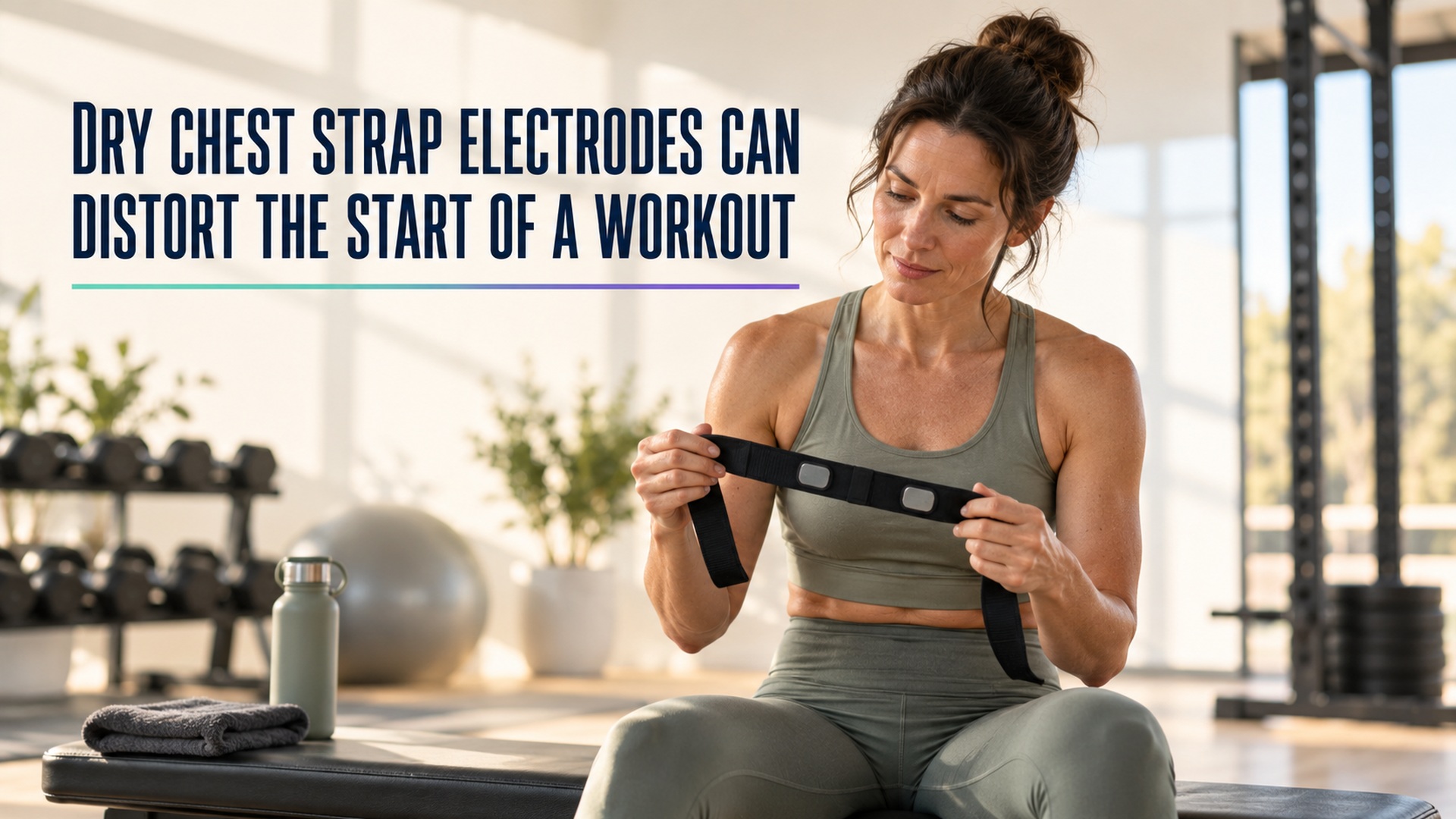
Dry chest strap electrodes can distort the start of a workout
Some chest straps need specific electrode preparation to make reliable skin contact. Learn how dry or moving contact can affect an early trace and what to check before treating a startup spike as a heart-rate change.
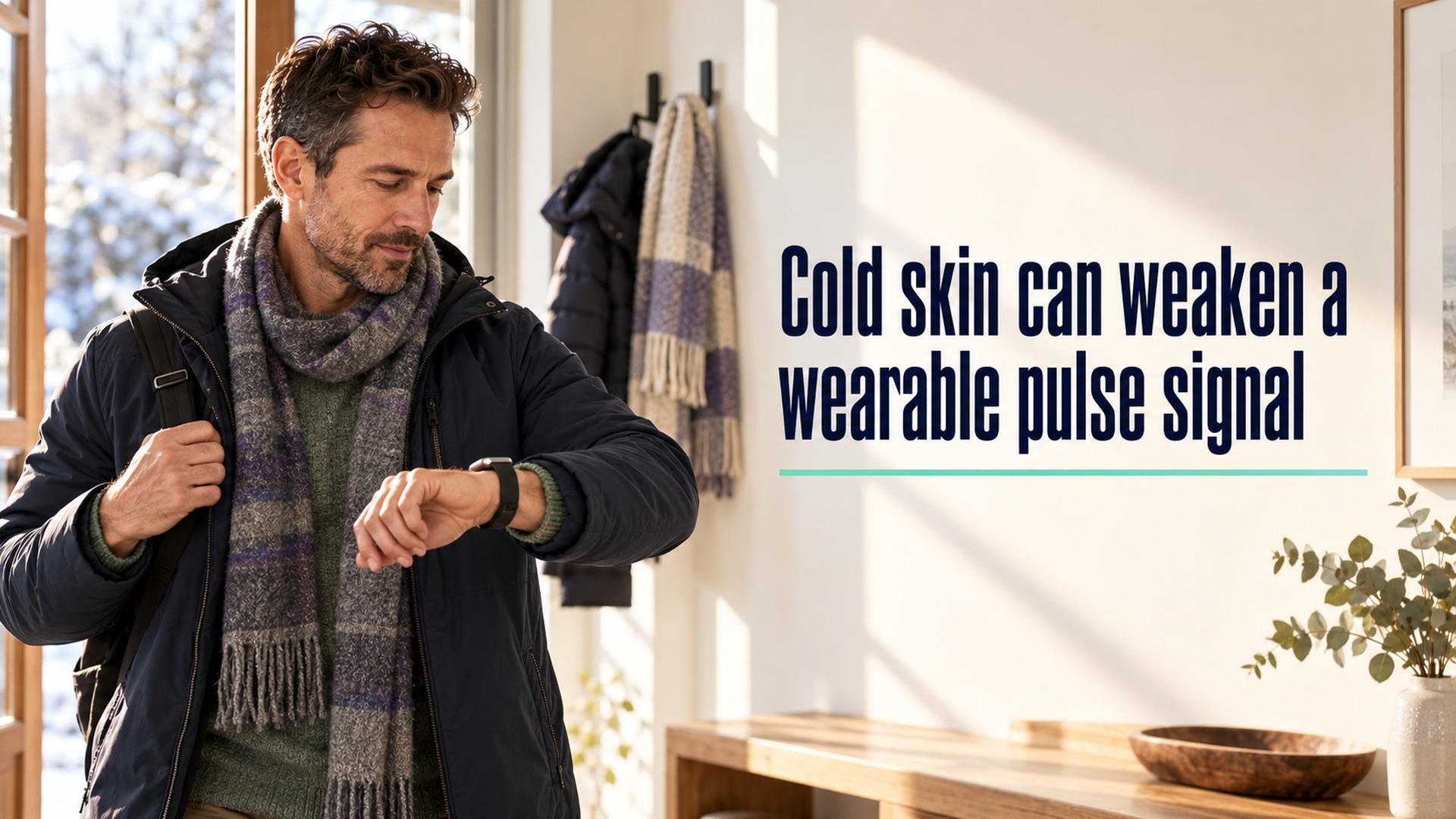
Cold skin can weaken a wearable pulse signal
Cold exposure can reduce blood flow near the skin and make an optical wrist signal harder to read. Learn how to check a device-specific trace without mistaking missing data for a cardiovascular finding.
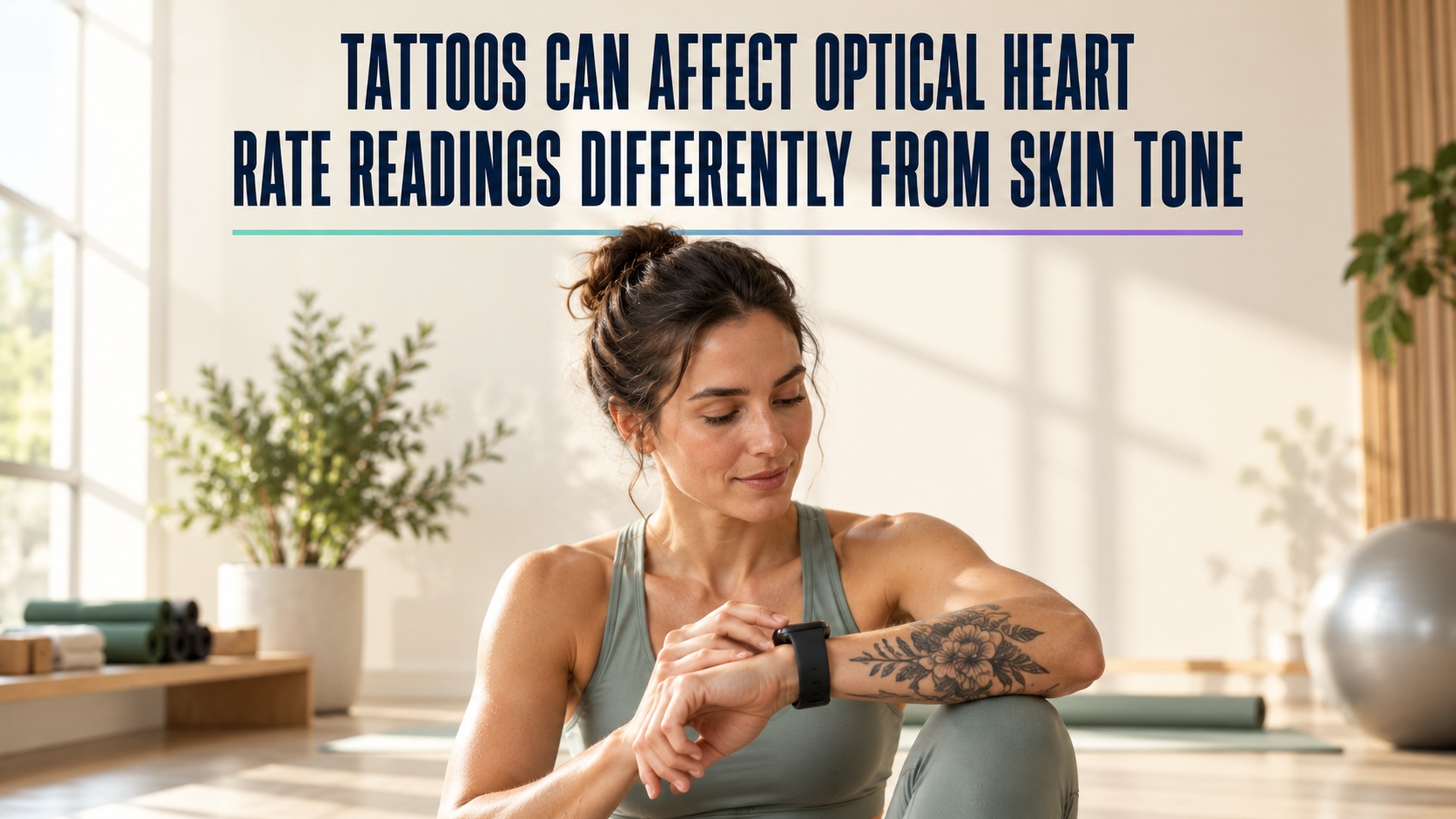
Tattoos can affect optical heart rate readings differently from skin tone
Tattoo ink and natural skin pigmentation are distinct factors for optical heart-rate sensors. Learn how to check a device-specific trace without generalizing from one wearable study or treating a gap as a health finding.
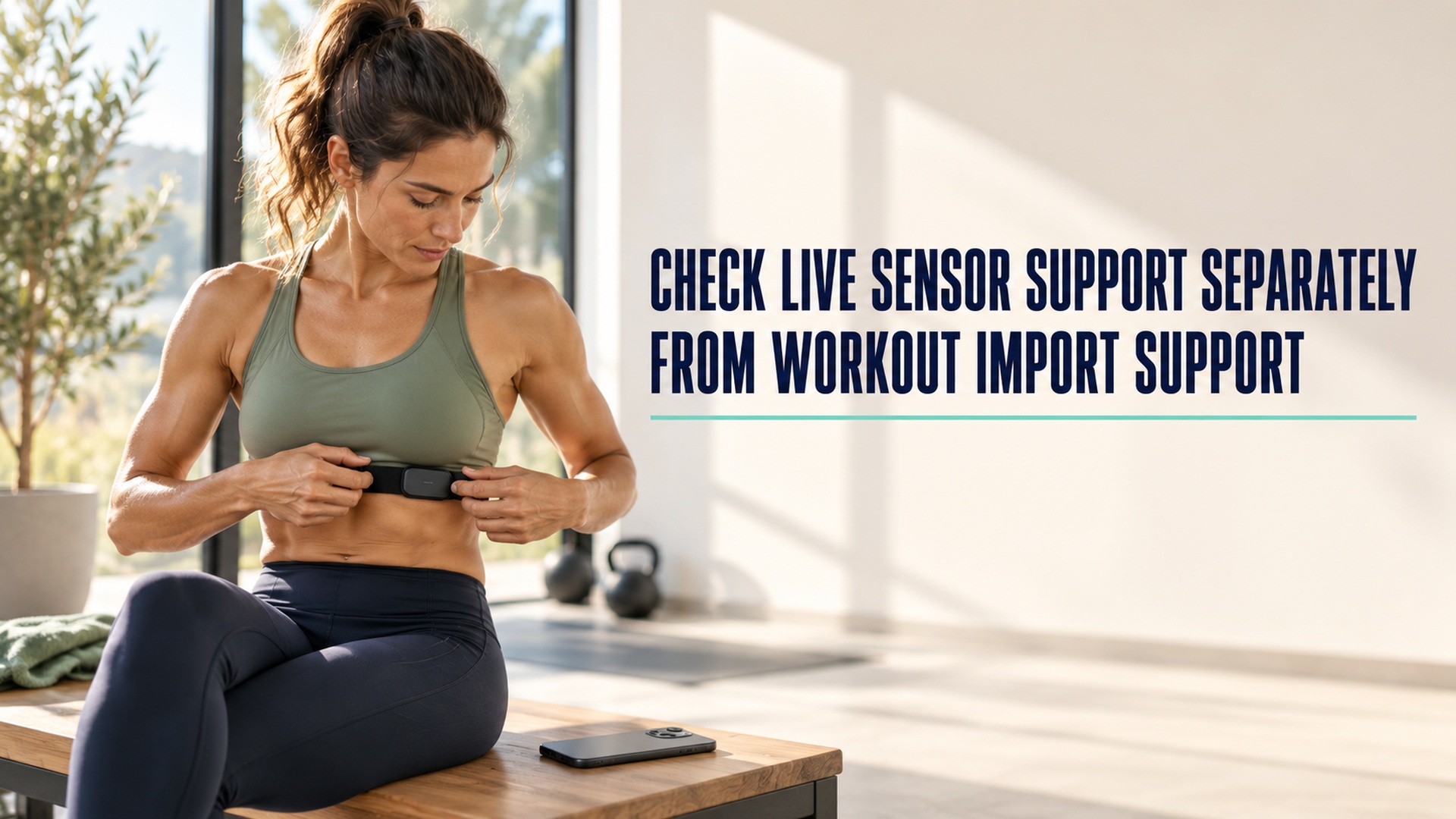
Check live sensor support separately from workout import support
A heart-rate graph arriving after a workout does not show whether an external sensor streamed data live. Check sensor pairing, app compatibility, active recording, and later import as separate steps.

A heart rate export may not contain beat interval data
A heart-rate export can contain many beats-per-minute samples without preserving the interval between each beat. Learn which fields to check before treating a file as suitable for HRV analysis.

Checking pool length before trusting a swimming distance record
Pool distance depends on both the configured pool length and the number of lengths detected. Learn how to check those inputs before accepting a swimming distance record.