Check servings per container before logging a whole package
By Mr.Apps · Oct 22, 2026
Category:Wearable
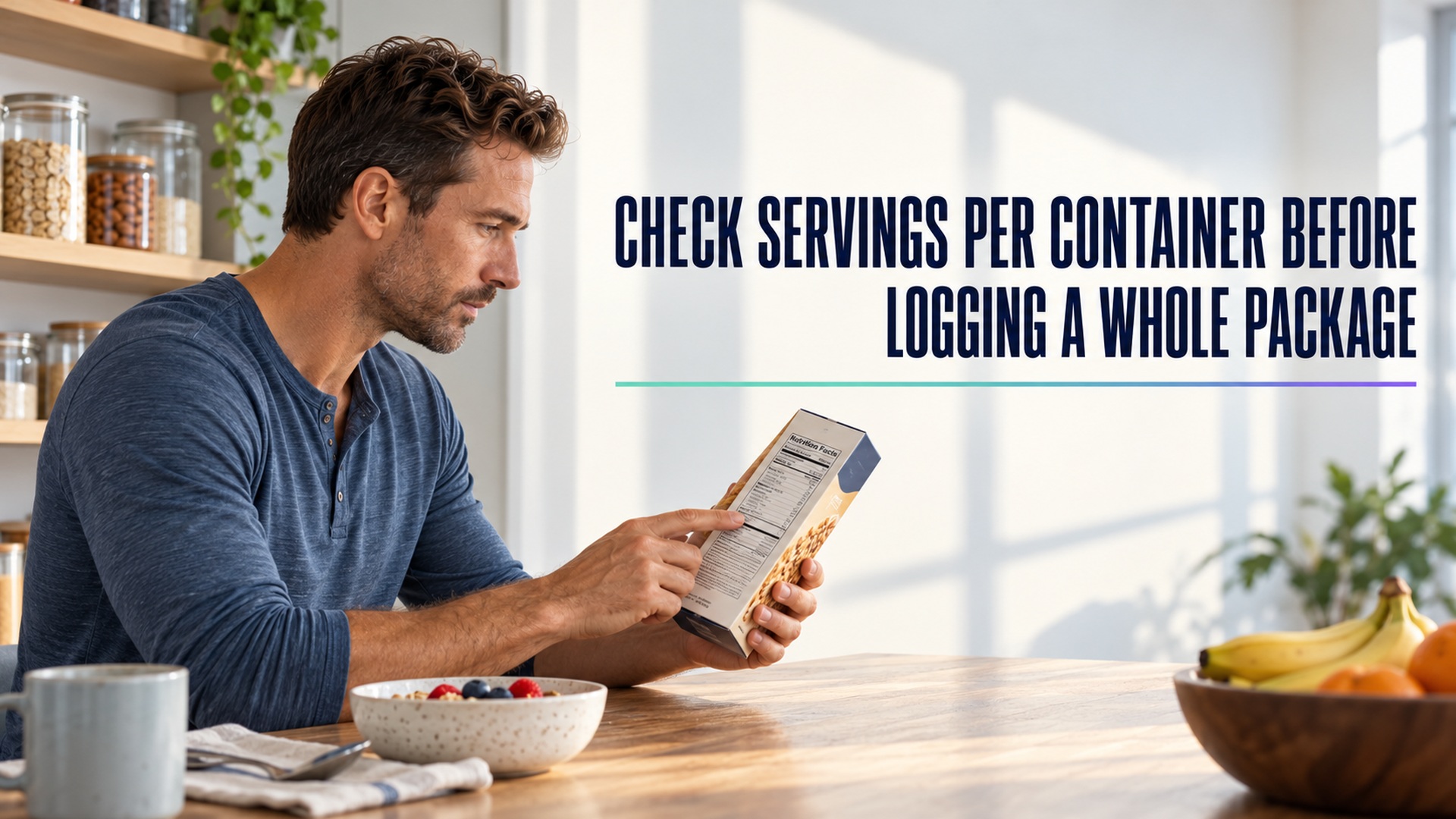
A food package can look like one item while the nutrition label describes several servings. If someone enters the label’s per-serving values as the total for the whole package, the log will undercount what was consumed. The reverse mistake is also possible: taking a whole-package total and entering it as one serving when only part was eaten. I start with two questions: how many servings does the label say are in the container, and how much of the package was actually consumed?
This is arithmetic, not a judgment about whether a portion is “right.” A label’s serving size is a reference amount used to present nutrition information; it is not automatically advice about how much a person should eat. Keep the package’s listed serving, the number of servings consumed, and the logged total distinguishable.
Read the top of the label first
The serving size and servings per container appear near the top of a Nutrition Facts label. Nutrient amounts are generally shown for one listed serving unless the package uses a dual-column label that also shows the whole-package amounts. A serving-size guide explains how the listed amount relates to the packaged food and why one container may include more than one serving.
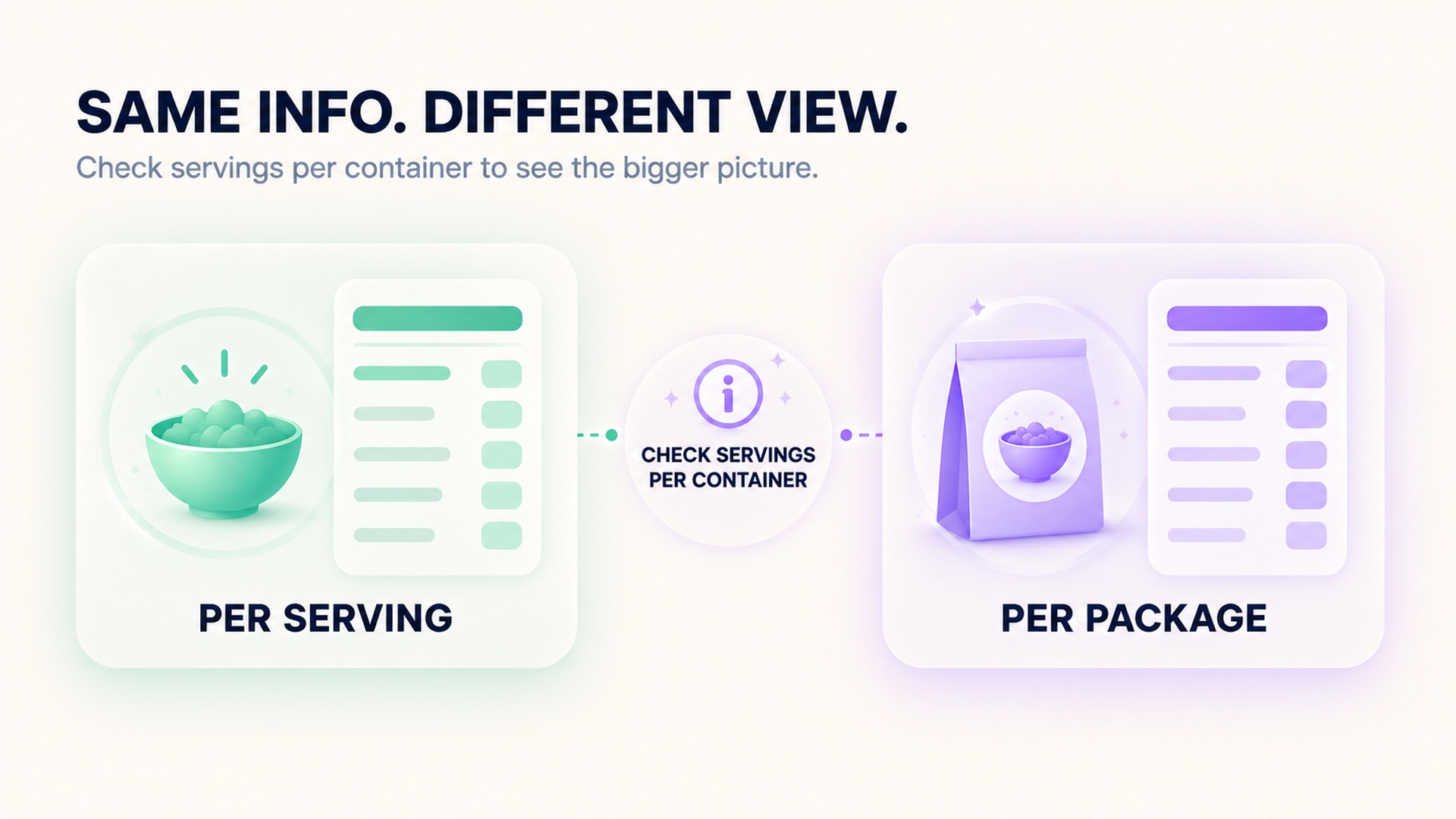
The serving-size statement may use a household measure and a weight or volume in metric units. Use the metric amount when weighing or measuring if it matches the food’s state. A dry product’s weight is not interchangeable with its prepared weight, and a volume measure can vary by how a food is packed. If the label gives both the number of pieces and a gram amount, the gram amount can help clarify what the stated serving represents.
A label serving reflects an amount people typically consume, not an instruction that everyone should consume that amount. A guide to using the Nutrition Facts label describes how serving size, calories, and nutrients relate. The distinction matters because a person may eat more or less than the label serving and should log the amount actually consumed.
Scale the numbers to the amount eaten
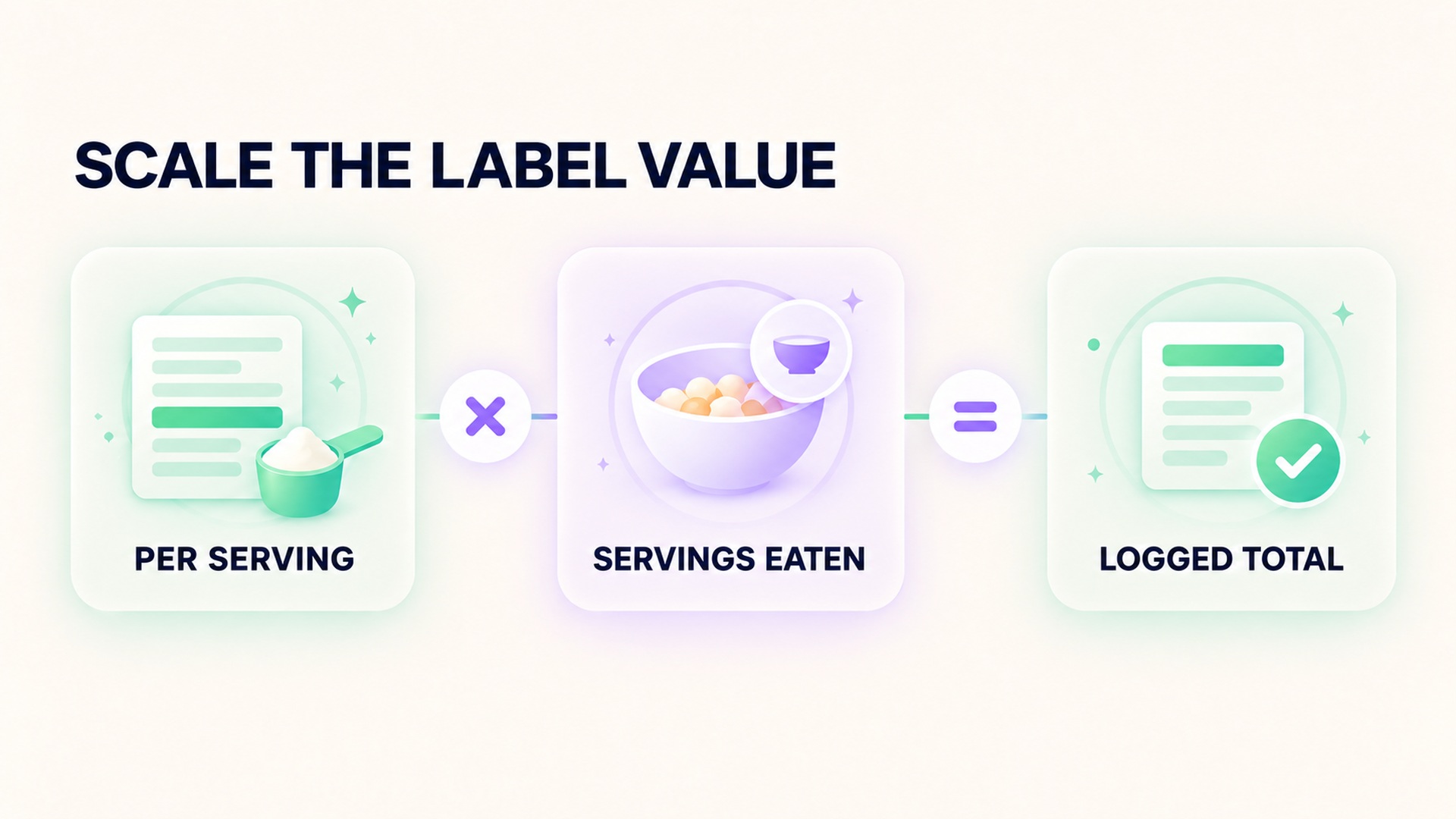
If the package lists three servings and a person eats the entire package, the whole-package total is the per-serving nutrients multiplied by three. If someone eats half the package, the total is half of the whole-package amount, assuming the contents are evenly distributed and the label basis applies to the product as eaten. When that assumption does not hold—for example, a mixed package with unequal components—use a more precise product or ingredient breakdown if available, or mark the estimate as rough.
For a practical example, imagine that one listed serving is half of a package. Eating the entire package means two listed servings, so each per-serving nutrient amount is counted twice. The calculation is the same for calories, sodium, carbohydrate, fat, protein, or another listed nutrient. The number of servings eaten is the multiplier; the “servings per container” line is a clue about the package, not the portion someone necessarily consumed.
A food-label overview describes why the serving count matters when the whole container is eaten. Keep the multiplication visible in the log rather than replacing the original per-serving value. That lets a later reader see how the total was derived and correct it if the amount consumed was different from what was first recorded.
Before logging, identify whether the package is one unit, a multipack, or a container with several portions. A multipack may show information per individual package, while a larger outer box may contain multiple smaller packages. Decide which unit was actually consumed, and do not multiply by both the inner and outer counts unless both are relevant to the amount eaten. Keep package count and serving count in separate notes.
If the package shows a dual-column label, check which column the app field expects. Some labels present nutrients both per serving and per package. Entering the package column and then multiplying by servings again would double-count. Conversely, entering the per-serving column without scaling could undercount. The field name in the app should specify the basis; if it does not, preserve the label basis in a note.
Use the right food and preparation state
Nutrition databases can have several entries for foods that look similar: raw versus cooked, drained versus undrained, plain versus seasoned, or one package size versus another. Pick the closest item and compare the serving unit. A database help page describes how food records can include nutrient values, serving information, and source details. A food-composition database FAQ notes that different data types may define portions and nutrient information differently. That makes the entry details important when comparing a database result with a package label.
For a branded package, its current label is usually the most relevant source for that exact item and package. For a meal made from several ingredients, the calculation depends on the ingredients and the recipe yield. A photo alone does not reveal the serving count, ingredient weights, or how much of the prepared dish was eaten. If a product changes its formulation or package, an old saved entry may not match the current label; check the date and package details.
A label-reading reference also stresses checking the serving basis before using the nutrition values. If the person weighs a portion, use a matching gram amount rather than assuming a cup or piece has a universal weight. If the portion is only estimated, label it as an estimate instead of presenting it with false precision. If several people share a package, the remaining quantity can be hard to estimate; note the uncertainty instead of assuming that the package was divided evenly. An unfinished container is not a precise record of how much an individual ate.
Keep uncertainty visible in the food log
A short check can prevent common mistakes: read the serving size, read the number of servings, choose the correct per-serving or per-package column, estimate or measure the amount eaten, then calculate once. If the app automatically adjusts a recipe or serving, verify that it did not also apply a package multiplier. The display should make clear whether the resulting total describes one labeled serving, the amount entered, or the entire package. If those field meanings are unclear, ask before relying on the displayed sum.
A useful entry can store the product, serving size, servings per package, number of servings eaten, and source. If someone eats the whole container, record that fact; the app can calculate a total from the serving-based label. If someone eats part of it, record the estimated fraction or measured amount. Preserve the label value so the arithmetic can be checked later.
A saved entry can become stale if a manufacturer changes the package, serving count, or formulation. Keep a note of which package the entry came from, and compare it again when buying a different size. An app’s matching food name is not enough by itself; check the serving unit, brand-specific item when available, and the date or version if shown. When the product cannot be matched confidently, choose an approximate generic entry only if the log clearly marks it as an estimate.
Do not interpret a larger logged amount as a diagnosis or a reason to change a medical plan. Nutrition tracking describes intake imperfectly. It may help someone notice patterns or prepare questions, but it does not independently determine what a person should eat. If food tracking is part of a clinician-directed plan, follow the clinician’s definitions and ask how to handle restaurant meals, mixed packages, or missing labels.
A related guide to keeping wearable and nutrition observations in context explains why logged values should remain separate from conclusions about health. The same discipline applies here: use the package serving information to calculate what was eaten, and keep the limits of the estimate attached to it.
The aim is a transparent calculation, not perfect measurement. A clearly labeled estimate is easier to interpret than a precise-looking total with hidden assumptions. If a clinician or dietitian asks for a record, include the package basis and any uncertainty so they can decide which details matter. Keep the original label when practical, especially when product details matter.
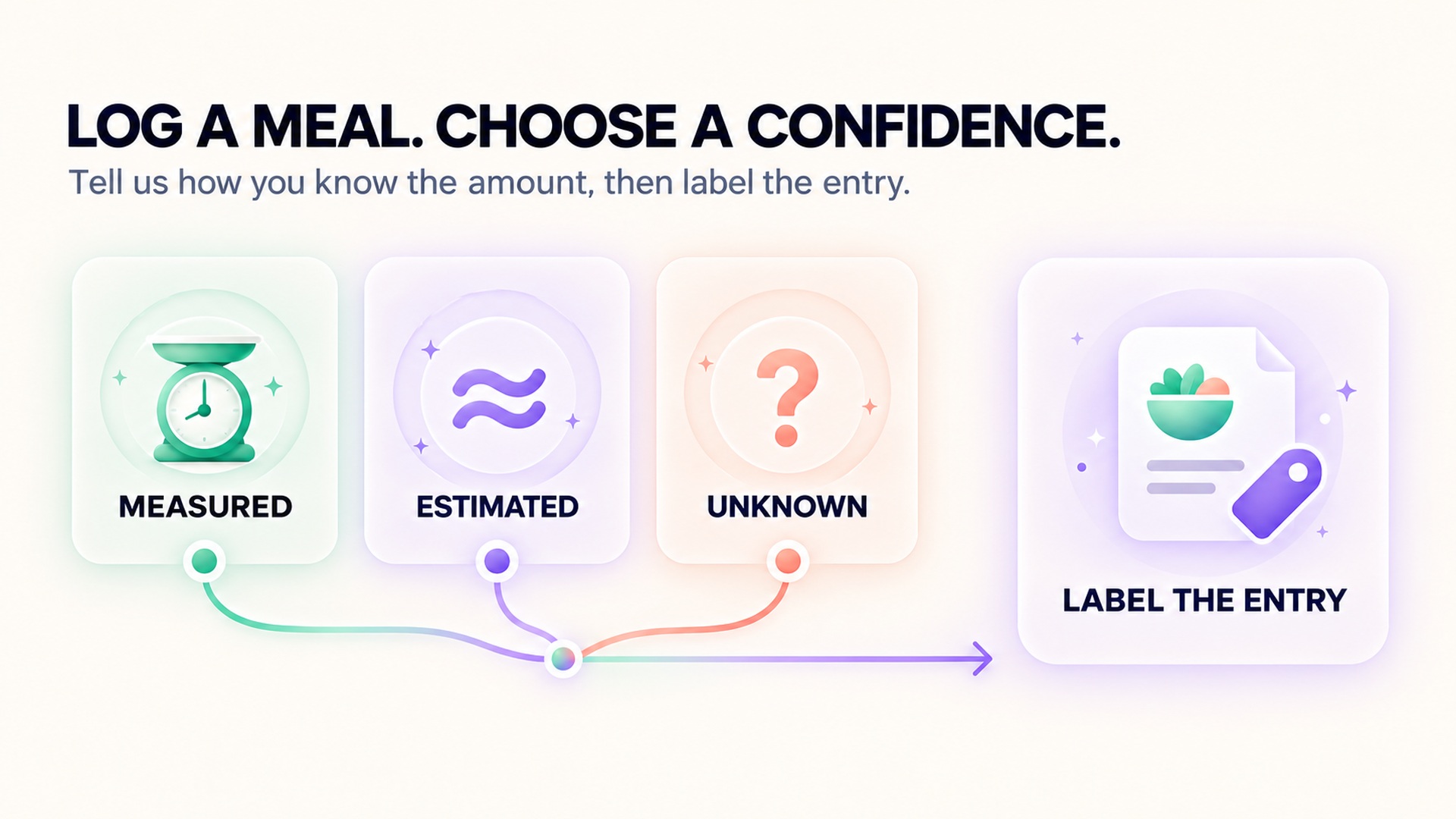
If the package basis is uncertain, preserve the label text and mark the log entry approximate until the amount can be checked.
FAQ
Is the label serving size the amount I should eat?
No. It is the reference amount used for the label, generally based on what people typically consume. It is not automatically a recommendation for an individual portion.
If I eat the whole package, should I enter the label values once or multiply them?
Check whether the label values are per serving or per package. If they are per serving, multiply by the number of servings actually eaten. If the label already provides a whole-package column, use that total once.
What if the servings per container are approximate?
Use the listed serving size and the actual amount consumed when it can be measured. If the portion is uncertain, mark the entry as an estimate and keep the original label information so the calculation can be reviewed.
*This article is for informational purposes only and is not a substitute for professional medical advice, diagnosis or treatment.*
Sources:
U.S. Food and Drug Administration·U.S. Food and Drug Administration·MedlinePlus·MedlinePlus·USDA FoodData Central·USDA FoodData Central
Related articles
Sodium and salt amounts should not be entered as the same number
Salt and sodium are related but they are not the same quantity. Keep the label’s nutrient value and the food’s salt description separate so a nutrition log does not silently change units.

Add caffeine milligrams across drinks, foods and supplements
A caffeine journal is more accurate when it counts milligrams from drinks, foods, and supplements together. Keep product serving sizes and unknown amounts visible instead of treating each item as one equal dose.

Sleep changes after reducing alcohol need more than a score comparison
Sleep may change after someone reduces alcohol, but a score comparison cannot explain the cause or the course. A useful review includes symptoms, timing, routine, device limits, and medical support when needed.

Alcohol tolerance does not establish that recovery is unaffected
Feeling less affected by alcohol does not show that the body or sleep is unaffected. Keep subjective tolerance, drinking records, wearable estimates, and clinical recovery as separate questions.

Count alcohol content rather than glasses in a recovery journal
A glass count can hide differences in serving size and alcohol strength. Record the beverage amount and its alcohol content so a journal preserves the inputs behind each estimate.

Recording beyond phone range requires sensor memory support
Live sensor broadcasting and local workout storage are different capabilities. Learn what to verify before leaving a phone behind and how to confirm that the saved session transferred afterward.

Repeated vibration can add steps without walking
Wrist step counters infer walking from motion patterns, so repeated vibration can sometimes add step-like movement to a total. Learn how to identify a suspicious time block without inventing a walk or discarding the rest of the day's data.

Instant pace can fluctuate while lap pace stays stable
Current pace and lap pace summarize different time windows, so one can jump while the other stays steady. Learn which field fits a live pacing decision and which is better for reviewing a sustained segment.

When a recorded route cuts corners, distance can be understated
A GPS route can connect recorded positions with a line that clips tight bends, leaving out part of the path. Learn why sampling, signal conditions, and route rendering can affect distance without implying a change in fitness or pace.

Why a floor counter can change when air pressure changes
Some wearable floor counters estimate elevation from air pressure and movement signals. Learn why weather, doorways, and calibration can affect the estimate, and how to review a surprising count.